The HTML <svg> tag
The <svg> element embeds Scalable Vector Graphics directly in HTML: resolution-independent icons, logos and illustrations defined by shapes like <path>, <circle> and <rect>. Set a viewBox for scaling, and add a <title> (or aria-label) for accessibility.
Overview
The <svg> element introduces a Scalable Vector Graphics fragment inline in your HTML. Because the graphic is described by vectors (points, paths and shapes) rather than pixels, it stays perfectly crisp at any size and on any screen density, which is why SVG is the modern choice for icons, logos and illustrations.
The key attribute is viewBox, which defines the internal coordinate system, usually paired with a width/height or CSS sizing. Inside it you draw with shape elements like <path>, <circle>, <rect>, <line> and <text>, and control their appearance with fill and stroke. A neat trick: setting fill="currentColor" makes an inline icon inherit the surrounding text color, so it recolors with the text automatically.
Inline SVG can be styled with CSS and animated or manipulated with JavaScript, which is its big advantage over a referenced image. For accessibility, hide a purely decorative SVG with aria-hidden="true"; for a meaningful one, give it a name with a child <title> element plus role="img", or an aria-label.
Syntax
<svg viewBox="0 0 24 24" width="24" height="24" aria-hidden="true">
  <path fill="currentColor" d="M9 16.2 4.8 12l-1.4 1.4L9 19 21 7l-1.4-1.4z"/>
</svg>
Example
<svg viewBox="0 0 100 100" width="90" height="90" role="img" aria-label="A blue circle and green square">
  <circle cx="35" cy="50" r="25" fill="#1c7ce9"/>
  <rect x="55" y="30" width="40" height="40" fill="#16a34a"/>
</svg>
More Examples

Animated Success Checkmark SVG CSS
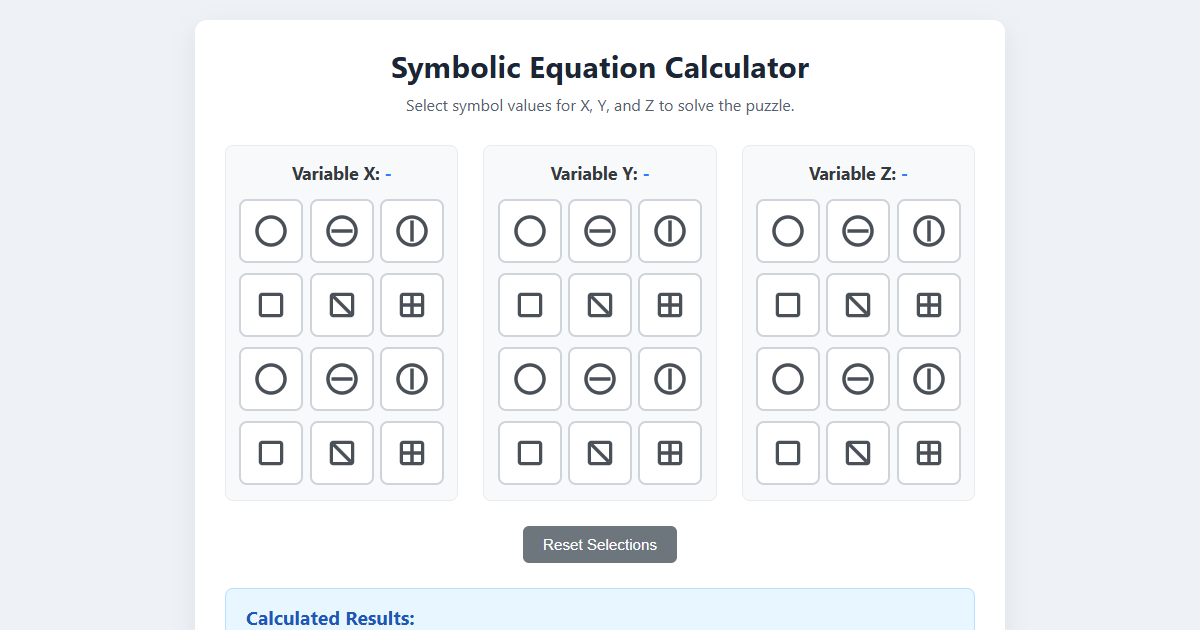
Symbolic Equation Puzzle Calculator (HTML, CSS, JS)

Sleek Expandable Search Bar CSS

Animated Download Button JS
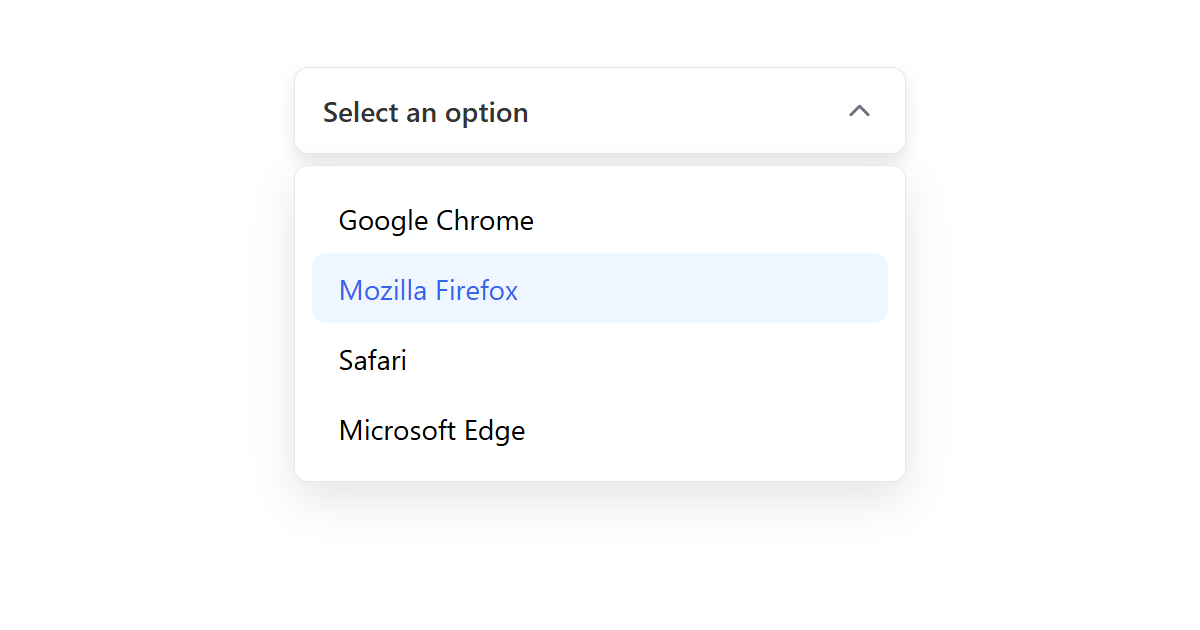
Custom Select Dropdown JS

Mobile App Bottom Navigation CSS

Interactive SVG Cinema Seat Selector JS

Circular Progress Chart CSS
Best practices
- Set a
viewBoxso the graphic scales cleanly, and size it withwidth/heightor CSS. - Use
fill="currentColor"on icons so they inherit the surrounding text color. - Hide decorative SVGs with
aria-hidden="true"; give meaningful ones a<title>+role="img"or anaria-label. - Prefer inline SVG for icons and logos; it is crisp at any size and styleable with CSS.
Accessibility
An inline SVG is not automatically accessible. If it is decorative, add aria-hidden="true" so screen readers skip it. If it conveys meaning, give it an accessible name: a child <title> element together with role="img", or an aria-label on the <svg>.
Frequently asked questions
What is the svg element for?
What is the difference between inline SVG and an img?
<svg> can be styled with CSS and scripted with JavaScript; an <img> referencing an SVG file is simpler but not directly styleable.How do I change the color of an SVG icon?
fill="currentColor" on the SVG, then control its color with the CSS color property on the element or a parent.How do I make an SVG accessible?
aria-hidden="true" if it is decorative; if it is meaningful, give it a <title> with role="img", or an aria-label.






















