Comments in Python
A comment starts with # and runs to the end of the line, and Python ignores it. Comments explain why the code does what it does, turn a line off while you test, and leave a note for whoever reads the file next, including you in a month.
Key facts
- Outside a string, Python treats everything from
#to the end of the line as a comment and ignores it, whether the#starts the line or follows code. - Python has no multi-line comment syntax. Put
#on each line, or select the lines and press Ctrl+/ (Cmd+/ on a Mac) in VS Code. - A triple-quoted string on its own line is a string, not a comment. Nothing uses it, so Python drops it.
- A docstring is a string written as the first line of code inside a function, class or module, and Python keeps it as
__doc__.
How do I write a comment in Python?
Type # and then the note. It can take a whole line or sit after code on the same line, and Python skips everything after the #. Commenting out a line is how you switch it off without deleting it.
# This program greets the reader
print("Hello, World!")  # print runs, the comment does not
# print("This line never runs")Hello, World!
PEP 8, the Python style guide, asks for at least two spaces between code and a # that follows it, and one space after the #. Linters flag the wrong spacing, and code formatters such as Black, which tidy your code's layout, fix it for you.
How do I comment multiple lines in Python?
Start each line with #. Python has no multi-line comment syntax like the /* */ of C and JavaScript, so a multi-line comment is several single-line comments in a row. Code editors such as VS Code and PyCharm do the work for you. Select the lines and press Ctrl+/ on Windows and Linux or Cmd+/ on a Mac, and the same shortcut removes the # marks again.
# Convert the price to cents
# so the amount is an exact integer
price = 19.99
cents = round(price * 100)
print(cents)1999
Are triple quotes a comment in Python?
No. A triple-quoted string on its own is still a string. Nothing uses it, so Python drops it before the program runs, which is why it seems to work as a comment.
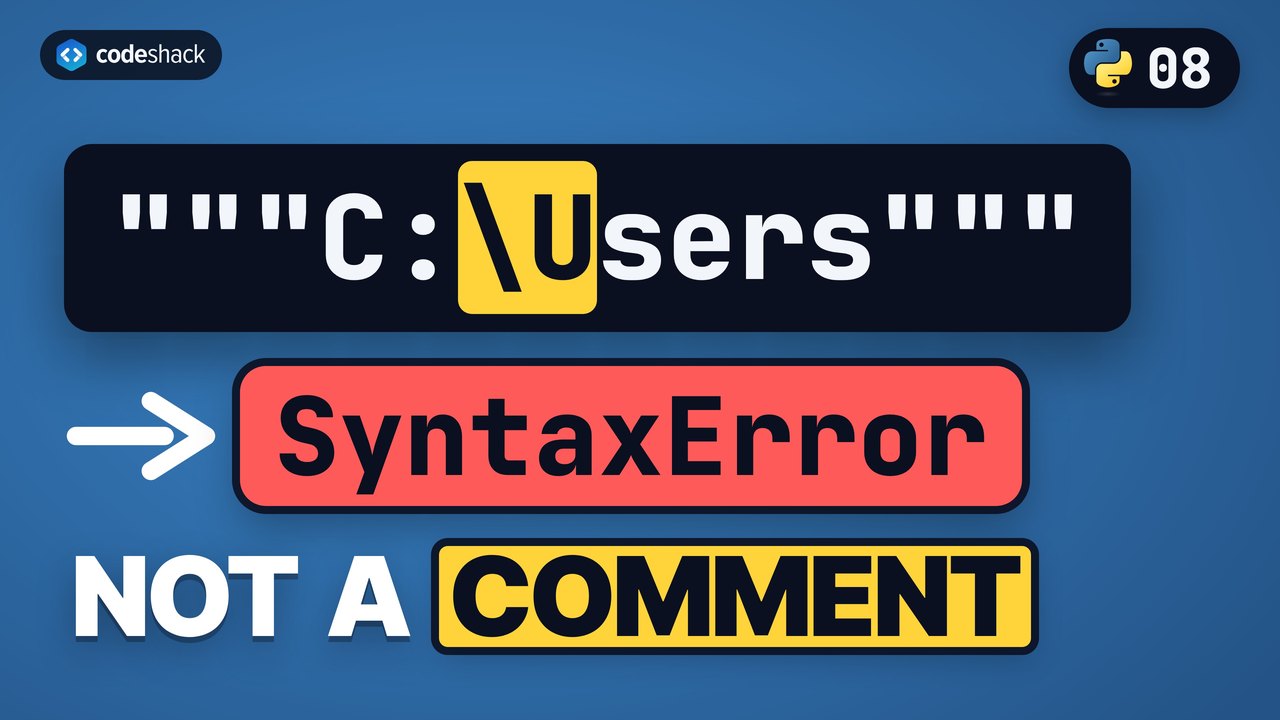
Dropping it costs nothing, but using a string as a comment has catches. The string must line up with the code around it like any other line of code, a Windows path such as C:\Users inside it is a SyntaxError, and a string placed first in a function, class or module becomes the docstring.
note = """This is a string,
not a comment."""
print(note)
"""A string on its own line does nothing."""
print("Still runs")This is a string, not a comment. Still runs
Use # for comments and keep triple quotes for text that is meant to be text. Your editor's shortcut makes the multi-line case a non-issue.
What is a docstring in Python?
A docstring is the string written as the first line of code inside a function, class or module. It describes what that code does. Unlike a comment, it stays in the program as the __doc__ attribute, so editors and the built-in help() function can show it as documentation.
def area(width, height):
    """Return the area of a rectangle."""
    return width * height

print(area(3, 4))
print(area.__doc__)12 Return the area of a rectangle.
The def line and the lines indented under it define a function, which the functions lesson covers later in the course. The rule to remember now is that the docstring is the one place a triple-quoted string is the right tool for a note.
What should a comment say?
Why, not what. The code already says what it does, so a comment that repeats it adds noise, while a comment that explains a decision, a workaround or a unit saves the next reader time.
x = 5  # Set x to 5
total = x * 24 * 60  # Minutes in x days
print(total)7200
The first comment restates the code. The second explains the unit behind the math, which the code alone doesn't say, and that is the kind you want. Better still, names such as days and minutes would make both comments unnecessary.
Common mistakes with comments in Python
Comments in Python rarely break a program, but they can mislead the person reading it.
- A
#inside a string."No # comment here"is all text. Comments only start outside quotes. - Triple quotes at the wrong indentation. Inside indented code, the "comment" string has to line up with the code around it, or Python reports an
IndentationErroror aSyntaxError. A#comment can sit at any indentation. - Commenting out code and leaving it for months. Dead code in comments confuses the next reader. Delete it once you are sure, and let version control such as Git keep the old version.
- Comments that lie. The code changes and the comment doesn't. Update or remove a comment every time you touch the line it describes.
print("No # comment here") # But this one isNo # comment here
Exercise
Comment out the middle line so the program prints only Start and Done. Don't delete it, because the point is to practice commenting a line out.
print("Start")
print("Middle")
print("Done")
Start
Done
Show the solution
print("Start")
# print("Middle")
print("Done")
Quiz
This quiz has 4 questions. Pick an answer to see why it is right or wrong.
-
1What does this program print?
print("a") # print("b") # print("c")Both print("b") and print("c") sit after a #, so only the first print runs.
-
2How do you comment out several lines in Python?
Python has no multi-line comment syntax. Each line gets its own #, which editors such as VS Code add with one shortcut, Ctrl+/ or Cmd+/. Indenting lines for no reason raises an IndentationError.
-
3What is a triple-quoted string on its own line between two print() calls?
It is a real string that nothing uses, so Python drops it. Python has no multi-line comment syntax, and a string only becomes a docstring when it is the first line of code inside a function, class or module.
-
4What does this program print?
print("# not a comment")A # inside quotes is part of the string. Comments only start outside strings.























