The HTML <li> tag
The HTML <li> element represents a single list item. It must be a child of a <ul>, <ol> or <menu>, and can hold any content. Inside an ordered list, the value attribute can override its number.
Overview
The <li> (list item) element is a single entry in a list. It only makes sense as a direct child of a <ul>, an <ol> or a <menu>, but the item itself can contain almost anything: text, links, images, even nested lists.
In an ordered list, each item is numbered automatically. The value attribute sets a specific number for an item, and the items after it continue counting from there. In an unordered list, value has no effect.
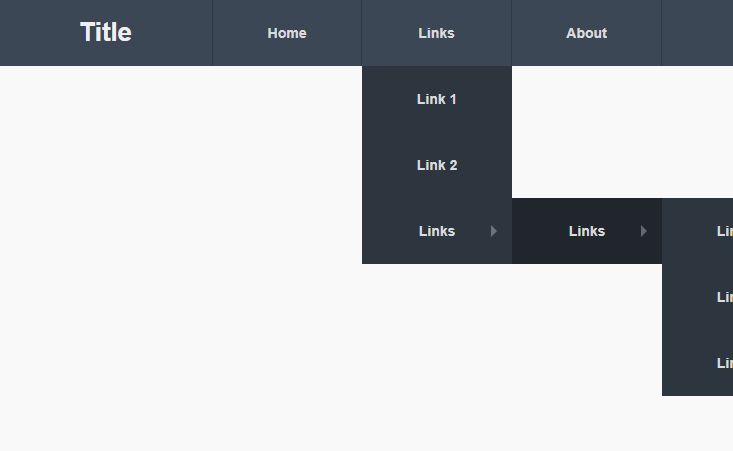
Build hierarchy by nesting a complete <ul> or <ol> inside an <li>. That is how multi-level menus and outlines are structured.
Syntax
<ul>
  <li>A list item</li>
</ul>
Attributes
The <li> element supports the following attributes, in addition to the global attributes available to every HTML element.
| Attribute | Value | Description |
|---|---|---|
value |
A string or number, depending on the element and input type. | Sets a control's value. |
Example
<ol>
  <li>First</li>
  <li value="10">Jumps to ten</li>
  <li>Then eleven</li>
</ol>
More Examples
Best practices
Frequently asked questions
What can go inside an li?
How do I set a specific number on a list item?
value attribute in an ordered list; subsequent items continue from that number.






















