The HTML <menu> tag
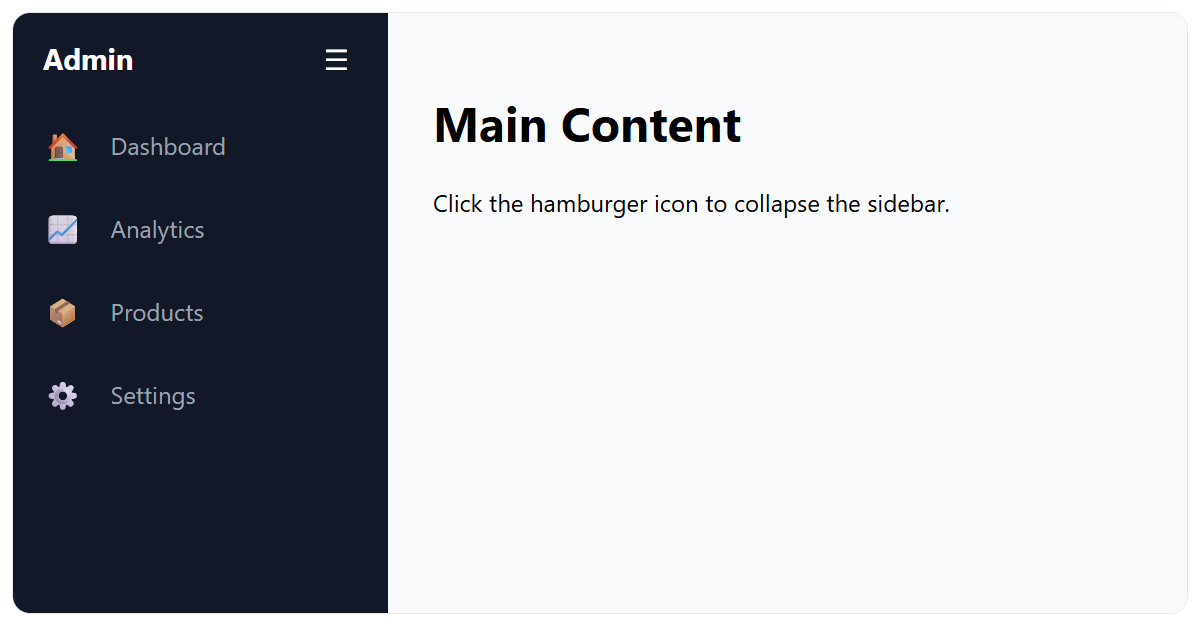
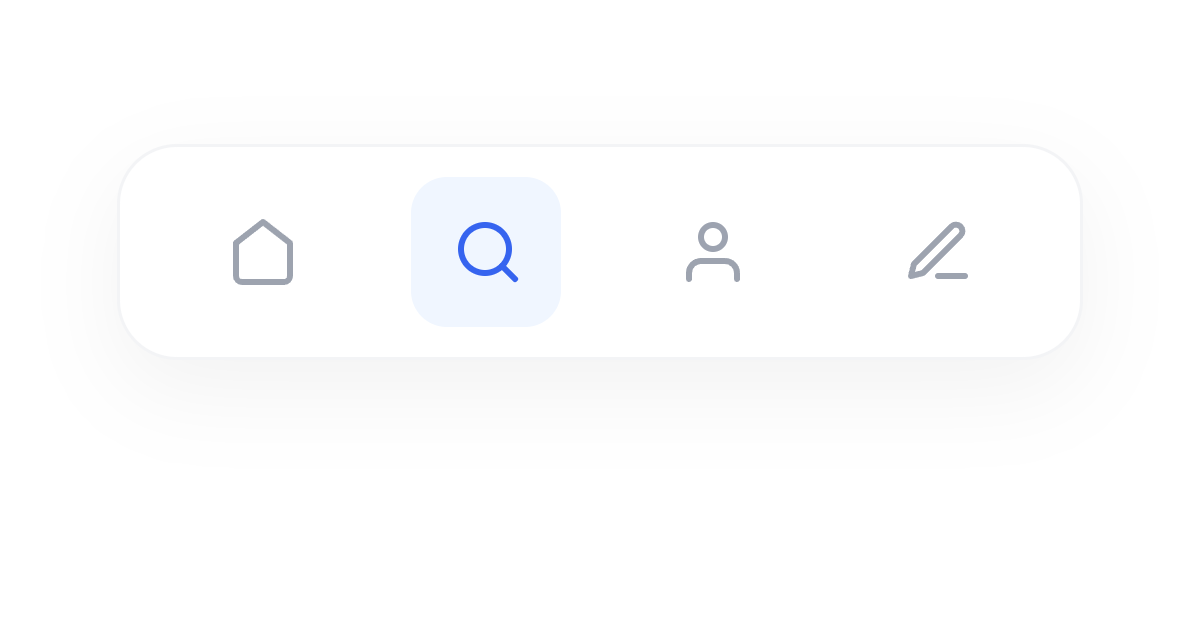
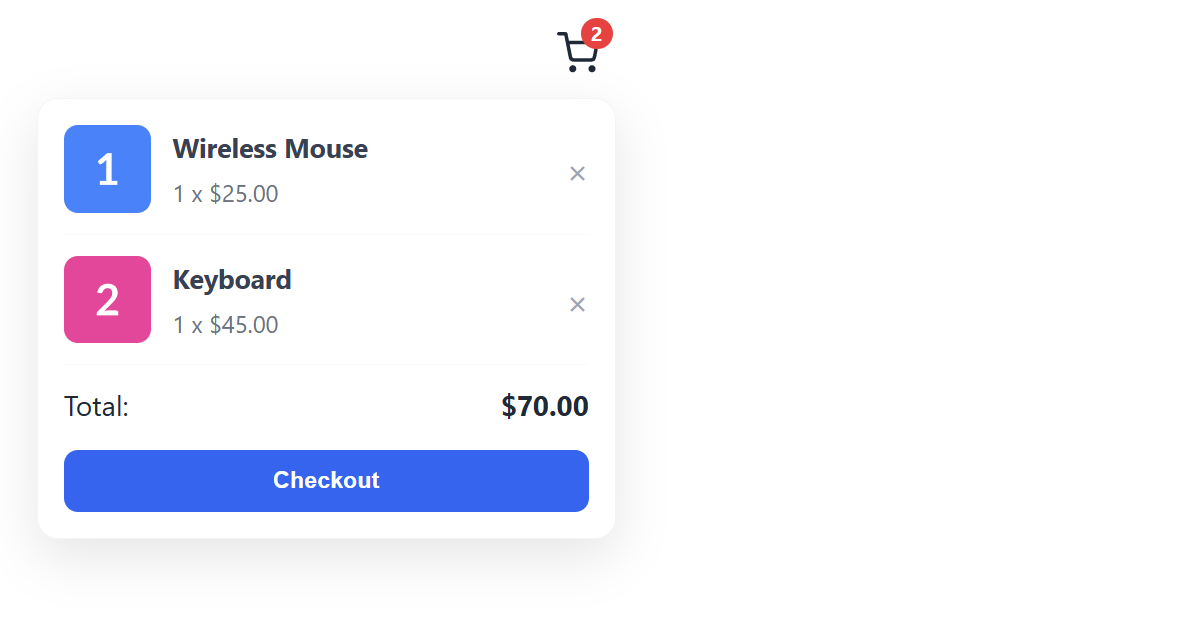
The HTML <menu> element is a semantic list of commands or interactive items: a toolbar or a set of actions. It is functionally equivalent to <ul> (its children are <li>) but signals that the items are interactive.
Overview
The <menu> element represents a semantic list of commands or interactive items, for example a toolbar of buttons. Structurally it works exactly like a <ul>: its direct children are <li> items, and browsers render it the same way.
The only real difference is semantic intent: a <menu> signals "a list of interactive commands," whereas a <ul> is a general unordered list. Earlier drafts gave <menu> context-menu and toolbar behaviors, but those were never widely implemented and have since been dropped.
So today it is simply an alternative to <ul> for lists of interactive items. When in doubt, a plain <ul> is perfectly fine and more widely understood.
Syntax
<menu>
  <li><button>Copy</button></li>
  <li><button>Paste</button></li>
</menu>
Example
<menu style="display:flex;gap:8px;list-style:none;padding:0;">
  <li><button>New</button></li>
  <li><button>Open</button></li>
  <li><button>Save</button></li>
</menu>
More Examples



Best practices
Frequently asked questions
What is the menu element?
What is the difference between menu and ul?
<menu> conveys "a list of interactive commands" while a <ul> is a general unordered list.






















