The HTML popover attribute
The HTML popover attribute turns any element into a popover: a layer shown on top of everything else in the top layer. Use popover (auto, with light-dismiss) or popover="manual", and open it with a <button popovertarget="id">. It is a global attribute from the Popover API, with no JavaScript required.
Overview
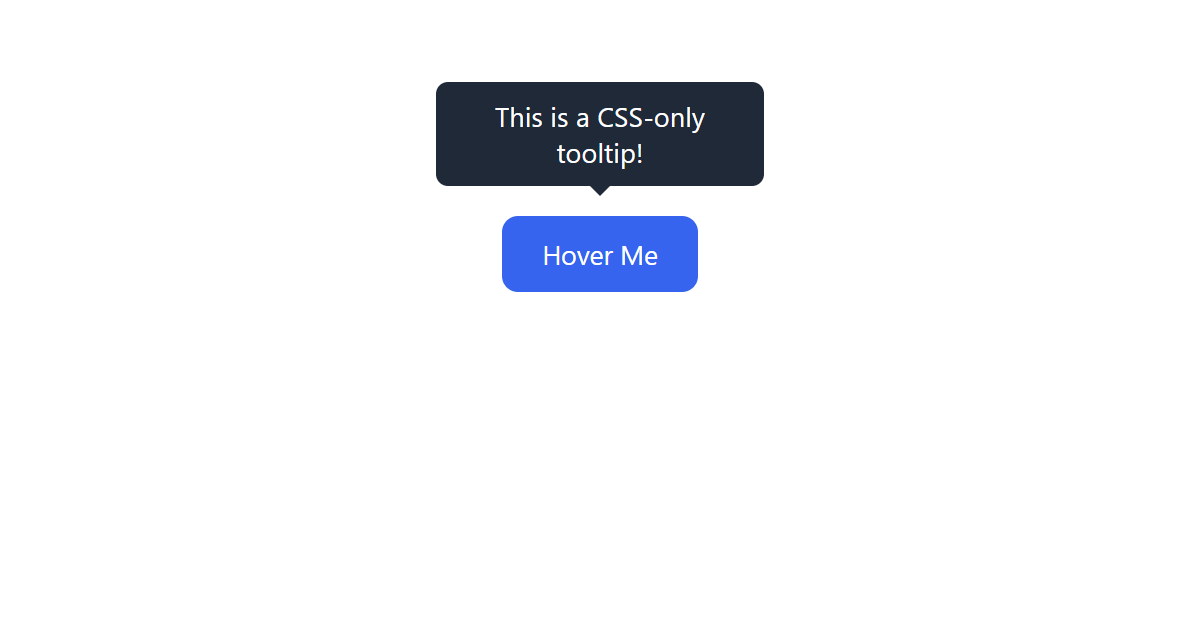
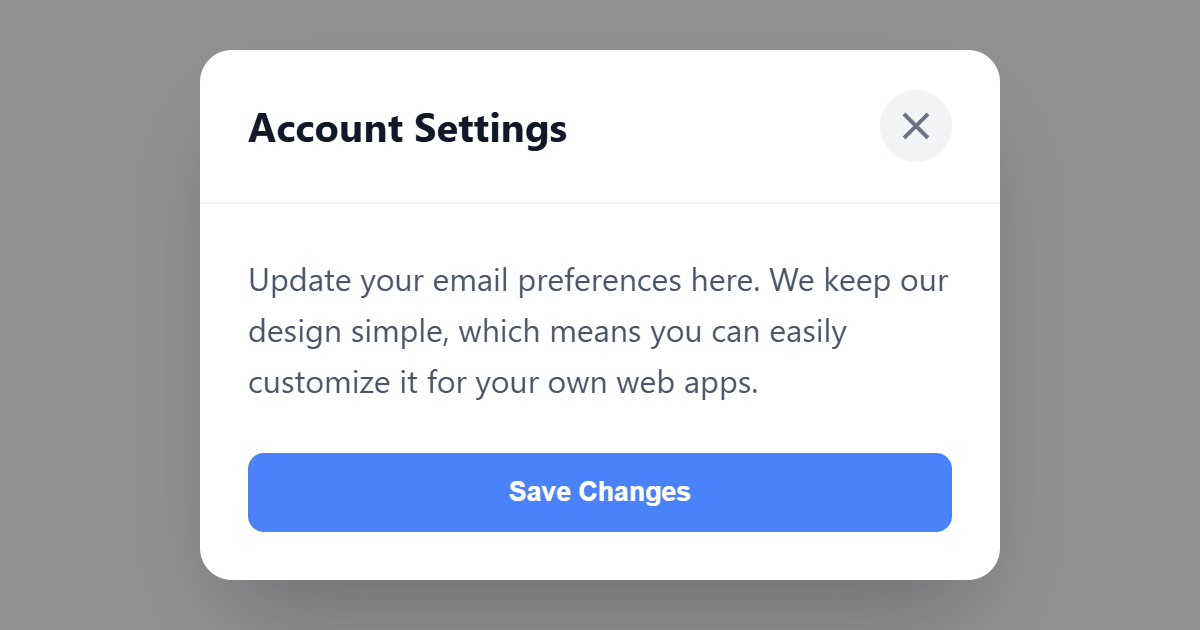
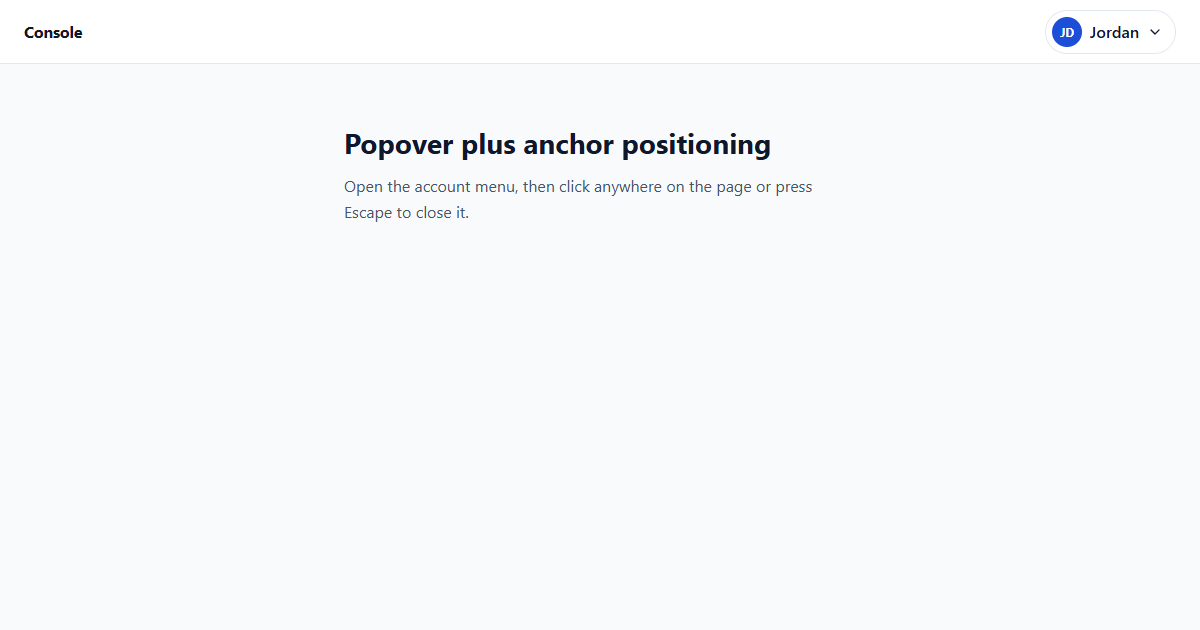
The Popover API (Baseline 2024) makes overlays (menus, tooltips, dialogs, disclosure widgets) without custom JavaScript. Add popover to an element and it starts hidden, and is promoted to the top layer only when shown; a control with popovertarget="theId" toggles it.
An auto popover supports light dismiss (clicking outside or pressing Escape closes it) and only one auto popover is open at a time. A manual popover stays open until you explicitly close it. The browser also handles focus and accessibility wiring for you, making popovers a far simpler and more robust choice than hand-rolled dropdowns.
Values
| Value |
|---|
| auto (default) | manual | hint |
Example
<button popovertarget="demo" style="padding:6px 12px;">Open popover</button>
<div id="demo" popover style="padding:12px; border:1px solid #cbd5e1; border-radius:8px;">Hello from a native popover! Press Esc or click outside to close.</div>
More Examples
Best practices
- Prefer the Popover API over custom JavaScript dropdowns; the browser handles the top layer, dismissal and focus.
- Use
autofor menus and tooltips that should close on outside click; usemanualfor persistent panels. - Connect controls with
popovertargetrather than wiring click handlers yourself. - Label the popover content appropriately so its purpose is clear to assistive tech.
Accessibility
The Popover API does a lot of accessibility work automatically: popovers open in the top layer, Escape closes auto popovers, and focus is managed sensibly. Your job is to give the popover meaningful content and, where relevant, the right role and an accessible name so screen-reader users understand what it is.
Frequently asked questions
What does the popover attribute do?
popovertarget, no JavaScript needed.What is the difference between popover="auto" and "manual"?
auto popovers light-dismiss (click outside or Escape) and only one is open at a time; manual popovers stay open until you close them in code or with another control.How do I open a popover?
popovertarget="thatId"; the button toggles it automatically.






















