The HTML <details> tag
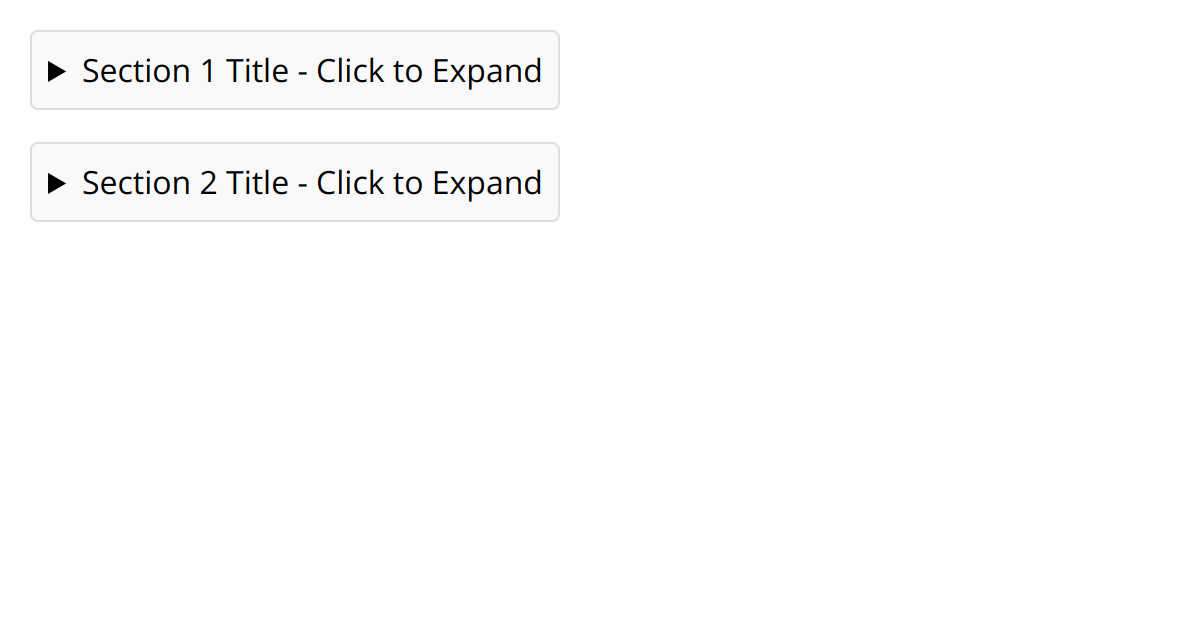
The HTML <details> element creates a native disclosure widget: a show/hide section that needs no JavaScript. Its first child <summary> is the always-visible label; add the open attribute to start it expanded.
Overview
The <details> element provides a built-in, accessible expand/collapse widget, ideal for FAQs, "show more" sections and accordions, with no JavaScript required. The first child must be a <summary>, which is the clickable label; everything else inside is the content revealed when it opens.
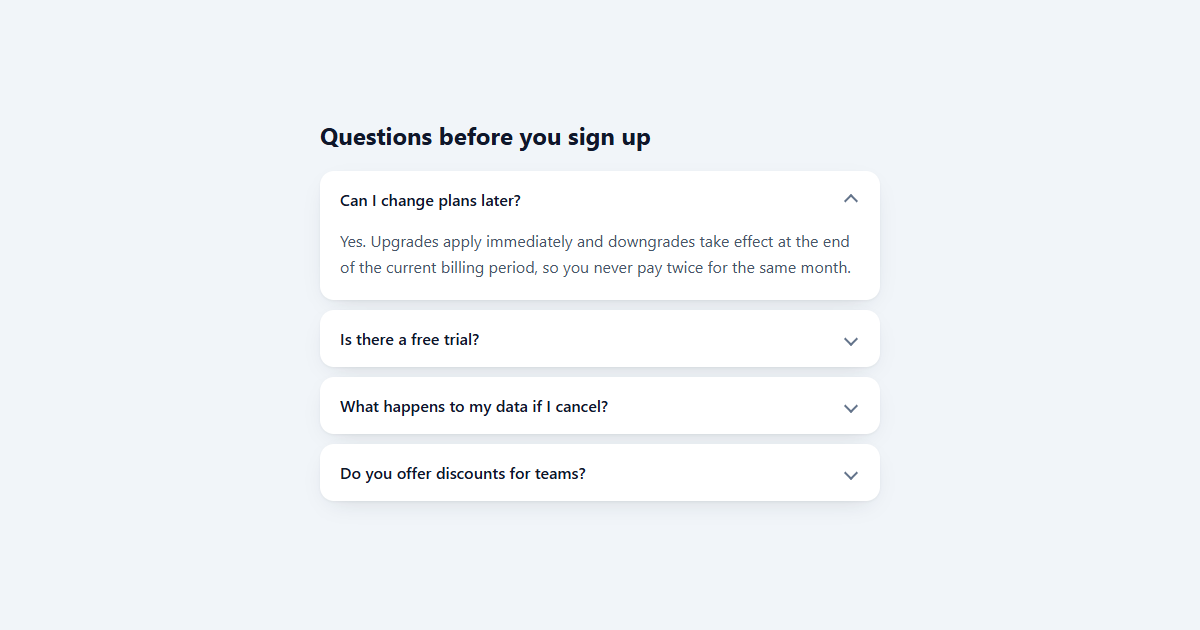
Add the boolean open attribute to render it expanded initially, and it fires a toggle event whenever it opens or closes, so scripts can react. Give several <details> the same name attribute and they behave as an exclusive accordion (opening one closes the others), again with no script.
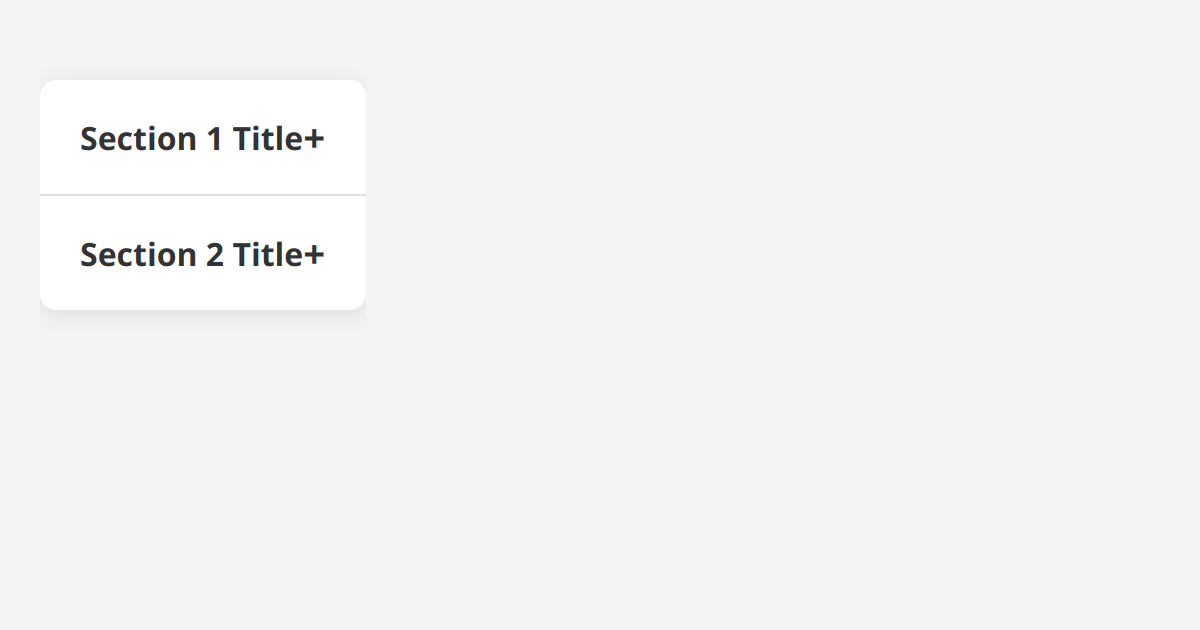
Because it is native, you get keyboard support and the right semantics for free, and modern browsers can even find and reveal collapsed content during in-page search. Style the disclosure marker with CSS when the default triangle does not fit your design.
Syntax
<details>
  <summary>Show details</summary>
  <p>Hidden content revealed on click.</p>
</details>
Attributes
The <details> element supports the following attributes, in addition to the global attributes available to every HTML element.
| Attribute | Value | Description |
|---|---|---|
open |
A boolean attribute: present or absent. | Shows a details/dialog in its open state. |
Example
<details>
  <summary>What is HTML?</summary>
  <p>HyperText Markup Language: the structure of the web.</p>
</details>
More Examples
Best practices
- Make a <summary> the first child as the clickable label.
- Add the
openattribute to start a section expanded. - Give related
<details>the samenameto make an exclusive accordion. - Restyle the disclosure marker with CSS rather than rebuilding the widget in JavaScript.
Frequently asked questions
How do I make a collapsible section in HTML?
<details> with a <summary> label and the content inside. It expands and collapses with no JavaScript.How do I make an accordion with details?
<details> elements the same name attribute; opening one then closes the others.How do I make a details element open by default?
open attribute: <details open>.How do I style the disclosure triangle?
::-webkit-details-marker / ::marker pseudo-elements.






















