Hello World in Python
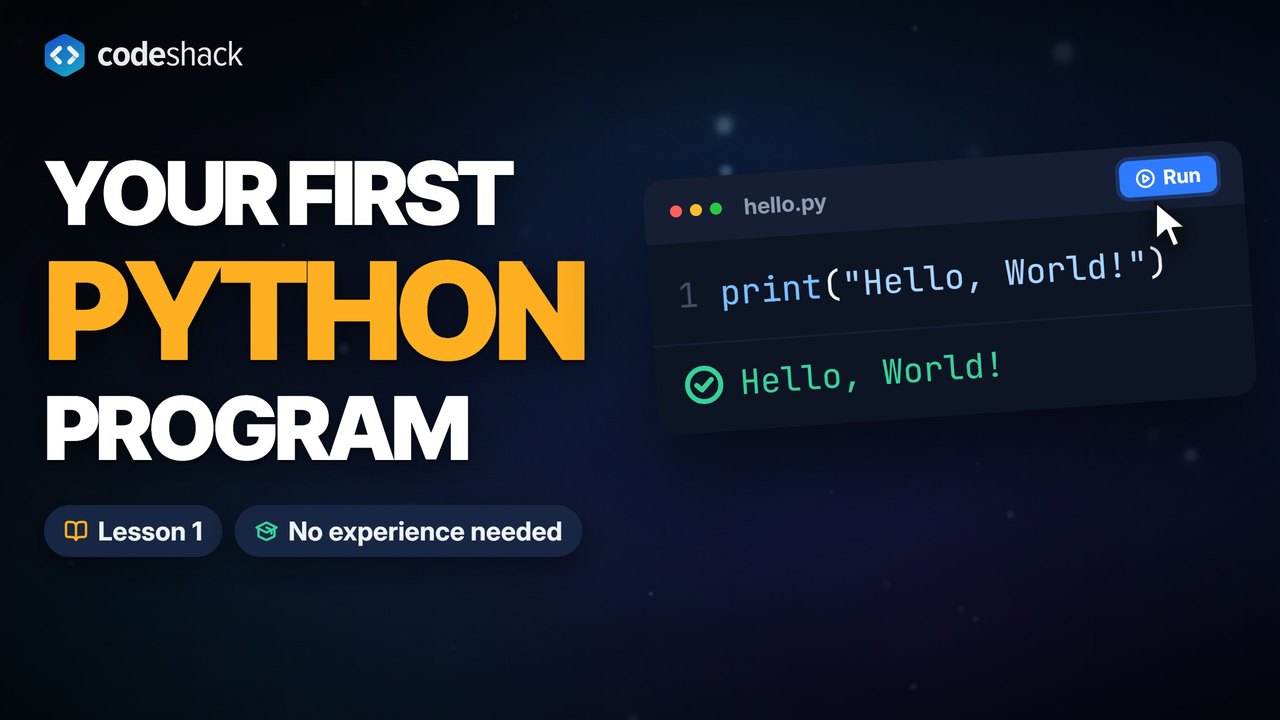
print("Hello, World!") is the one-line program that prints the words Hello, World! to the screen. It is the first thing most people write in a new language, because it proves everything works and shows you how output looks.
Key facts
print()is a built-in function. It works without importing anything.- The text between the quotes is a string. The quotes themselves are not printed.
- Every
print()call ends with a new line unless you tell it otherwise. - Python is case sensitive.
Printis notprint.
How do you write Hello World in Python?
Type print("Hello, World!") and run it. Python calls the built-in print() function with one argument, the text inside the quotes, and shows that text on the screen followed by a new line.
print("Hello, World!")Hello, World!
Press Run. The code executes in your browser, and the output panel shows exactly what Python printed. Change the text between the quotes and run it again. Nothing you type here leaves your computer.
What does each part of print("Hello, World!") do?
Three pieces do all the work, and each has one job.
- print is the name of a function, a named piece of code you can run. Python ships with it, so there is nothing to import or set up.
- The parentheses call the function, which means they run it. Whatever sits between them is handed to
print()as an argument. - The quotes mark a string, which is Python's word for text. Double or single quotes both work, as long as the pair matches.
print('Hello, World!')Hello, World!
Leave the quotes off a single word, as in print(Hello), and Python looks for a variable named Hello (a name for a stored value, covered in the next lesson), finds none, and stops with NameError: name 'Hello' is not defined.
How do I print more than one line?
Call print() once per line. Each call ends with a new line, so the outputs stack up in order.
print("Hello, World!")
print("Hello, Python!")
print("Three lines, three calls.")Hello, World! Hello, Python! Three lines, three calls.
print() also accepts more than one argument. It prints them in order with a single space between them.
print("Hello,", "World!")Hello, World!
Numbers don't need quotes. Without quotes Python does the math first and prints the result. With quotes it prints the characters exactly as you typed them.
print(2 + 2)
print("2 + 2")4 2 + 2
How do I run a Python program?
You have three options, and the first one needs nothing installed.
- In this lesson. Every example has a Run button. The first click downloads Python 3.14 as WebAssembly (about 6 MB, cached after that), and from then on your code runs inside the page.
- On your computer. Install Python (the Installing Python lesson covers each system), save
print("Hello, World!")in a file calledhello.py, open a terminal in the folder that holds it and runpython hello.py, orpython3 hello.pyon macOS and Linux. - In an editor. Once Python is installed, Visual Studio Code with the Python extension shows a run button at the top right of any
.pyfile. The output appears in the integrated terminal.
Common mistakes with Hello World in Python
Each of these four Hello World mistakes produces an error message you'll see again. Read the last line first. It names the problem.
- NameError: name 'Hello' is not defined. The quotes are missing, so Python reads
Helloas a variable name. Wrap the text in quotes. - SyntaxError: Missing parentheses in call to 'print'. Did you mean print(...)? The parentheses are missing, as in
print "Hello", the Python 2 form. Python 3 needs them. - SyntaxError: unterminated string literal (detected at line 1). A closing quote is missing or the pair doesn't match, like
"Hello'. Use the same quote on both ends. - NameError: name 'Print' is not defined. Did you mean: 'print'? The P is capitalized. Python is case sensitive, and the function is
printin lowercase.
Run this broken line to see the first one for yourself, then add the quotes and run it again.
print(Hello)Traceback (most recent call last):
File "main.py", line 1, in <module>
print(Hello)
^^^^^
NameError: name 'Hello' is not definedExercise
Change the program so it prints Hello, World! exactly, with the comma and the exclamation mark.
print("Goodbye, World!")
Hello, World!
Show the solution
print("Hello, World!")
Quiz
This quiz has 4 questions. Pick an answer to see why it is right or wrong.
-
1What does this program print?
print("2 + 2")The quotes make it a string, so Python prints the characters as written. Without the quotes it would print 4.
-
2Which line prints Hello, World! in Python 3?
Python 3 needs the parentheses and the quotes. print "Hello, World!" without parentheses is Python 2, print(Hello, World!) is missing the quotes, and echo is a terminal command, not Python.
-
3What does this program print?
print("Hello,", "World!")print() puts one space between arguments, so the two strings come out as Hello, World! on one line.
-
4What happens when you run Print("Hi")?
Python is case sensitive. Print with a capital P is a name that was never defined, so Python raises a NameError and suggests print. The line is valid syntax, so it is not a SyntaxError.























