The HTML <kbd> tag
The HTML <kbd> element represents user input (keystrokes, key combinations, or voice commands), typically shown in a monospace font. Use it for keys and shortcuts like Ctrl+S.
Overview
The <kbd> element marks text that the user types or the keys they press: an input instruction like "type yes" or a keyboard shortcut. Browsers render it in a monospace font.
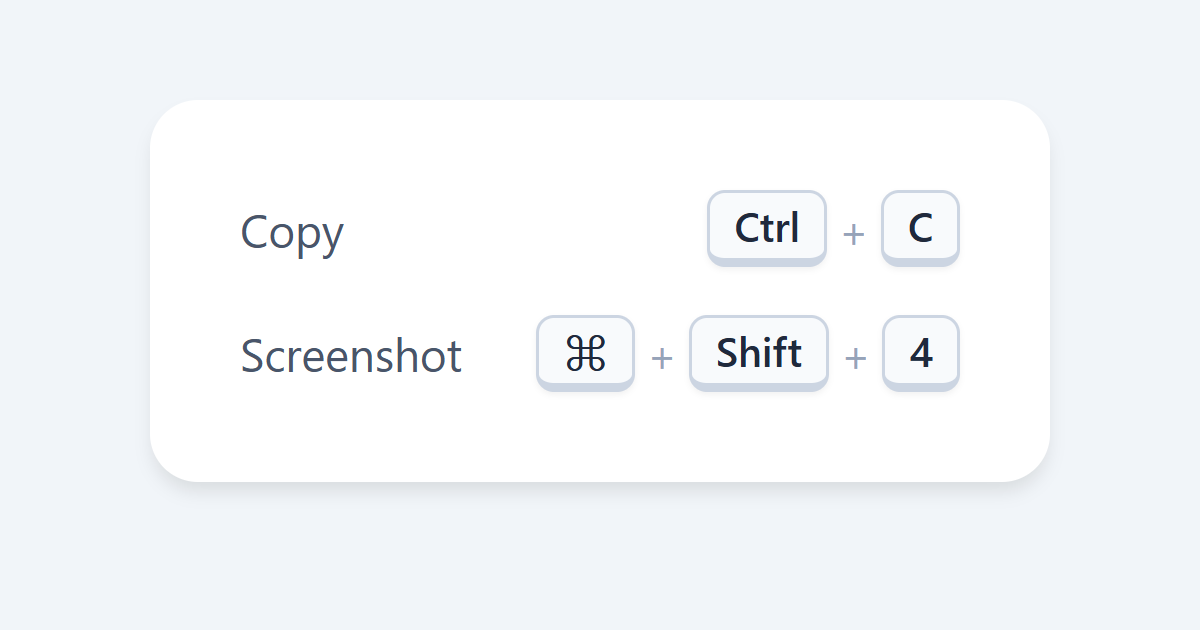
You can nest it to represent key combinations: wrapping each key in its own <kbd> inside an outer one, as in a shortcut built from <kbd>Ctrl</kbd>+<kbd>S</kbd>. Many sites style it with CSS to look like physical keycaps.
It belongs to a trio of input/output elements: <kbd> for what the user types, <samp> for what the program outputs, and <code> for source code. Choosing the right one keeps the meaning of technical text clear.
Syntax
<p>Press <kbd>Ctrl</kbd> + <kbd>S</kbd> to save.</p>Example
<p>Copy with <kbd>Ctrl</kbd>+<kbd>C</kbd> and paste with <kbd>Ctrl</kbd>+<kbd>V</kbd>.</p>More Examples
Best practices
Frequently asked questions
What is the kbd element for?
How do I show a keyboard shortcut like Ctrl+S?
<kbd>, e.g. <kbd>Ctrl</kbd>+<kbd>S</kbd>, optionally inside an outer <kbd>.






















