The HTML <header> tag
The HTML <header> element holds introductory content for the page or its nearest sectioning element: typically a logo, site title, search and navigation. At page level it is the banner landmark.
Overview
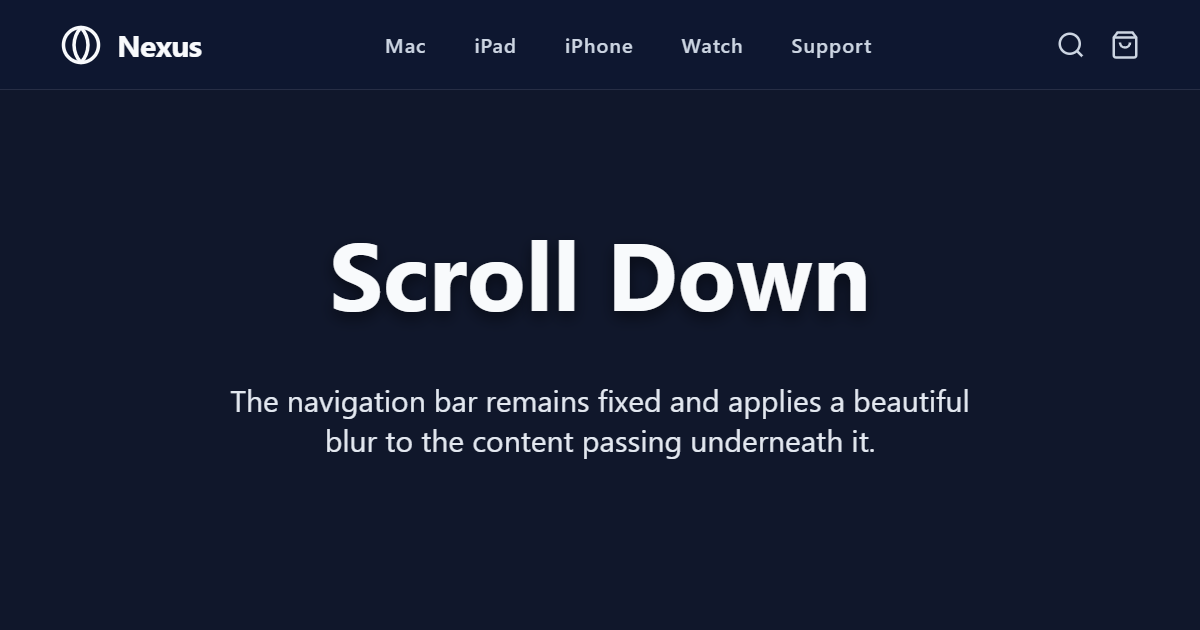
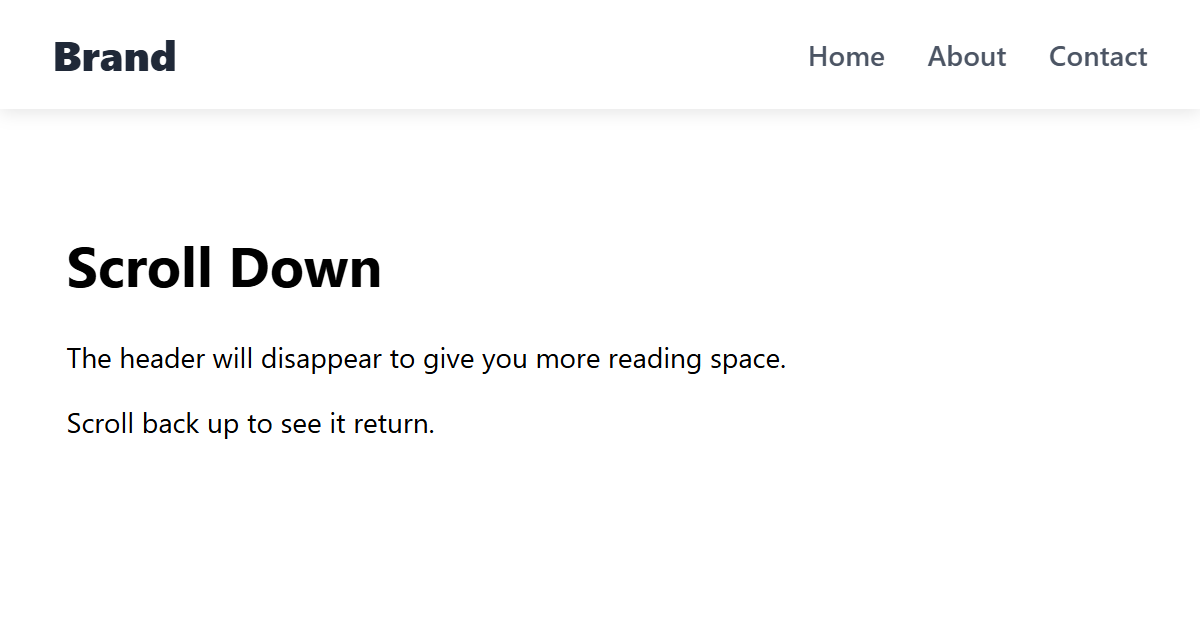
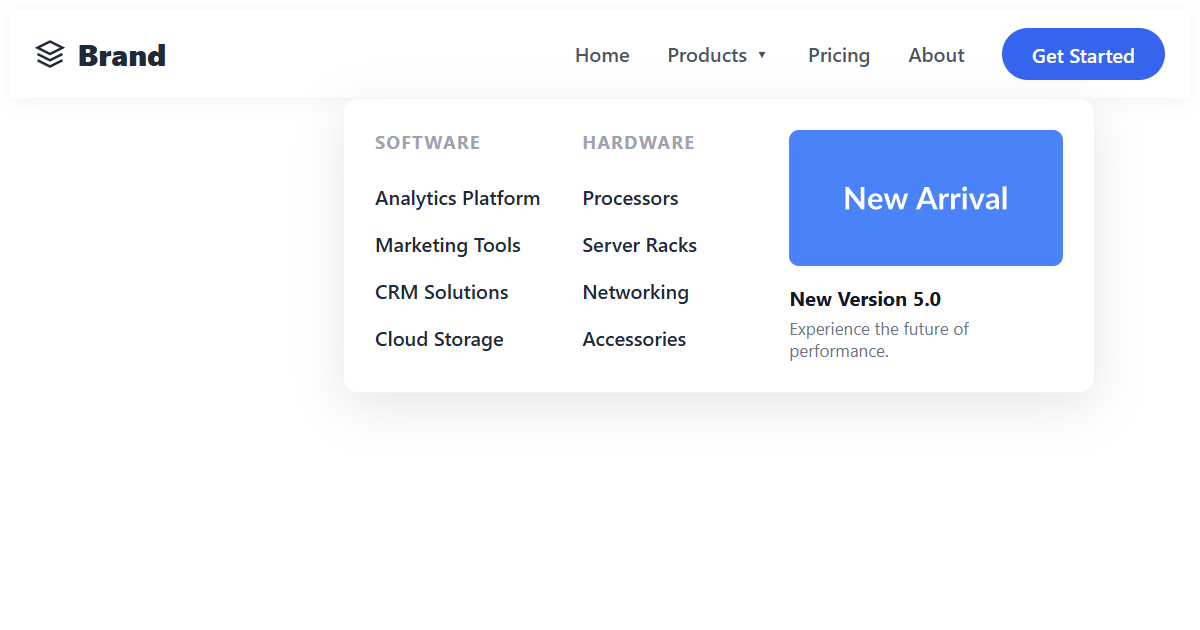
The <header> element groups the introductory content for whatever contains it. At the top of the page it typically holds the logo, site title, primary <nav> and a search box, and in that top-level position it becomes the banner landmark, the masthead screen-reader users can jump to.
It is not limited to the page top, though. Placed inside an <article> or <section>, a <header> introduces just that piece (its heading, byline, publication date or metadata) and is not treated as a banner. So a single page can have several headers: one per article or section, plus the page's own.
A couple of placement rules keep it valid: a <header> cannot be nested inside another <header>, a <footer>, or an <address>. And it is a grouping element, not a heading itself; it usually contains an <h1>–<h6> rather than replacing one.
Syntax
<header>
  <img src="logo.svg" alt="Site name">
  <nav aria-label="Primary">…</nav>
</header>
Example
<header style="border-bottom:1px solid #e2e8f0;padding-bottom:8px;">
  <strong>CodeShack</strong>
  <nav aria-label="Primary" style="float:right;"><a href="#">Docs</a></nav>
</header>
More Examples
Best practices
- Use a page-level
<header>for the masthead (logo, title, primary nav); it becomes the banner landmark. - Use a nested
<header>inside an article or section for that item's heading and metadata. - Remember it only groups content; it still needs a real <h1>–
<h6>heading inside. - Do not nest a header inside a footer, another header, or an address.
Frequently asked questions
What goes in an HTML header?
Can a page have multiple header elements?
Is the header element the same as a heading?
<header> is a grouping container; a heading is an <h1>–<h6> element. A header usually contains a heading.What is the banner landmark?
<header>, marking the site masthead so assistive technology can navigate to it. A nested header is not a banner.






















