String Formatting in Python with f-strings
An f-string is a string with an f before the opening quote and expressions inside curly braces, such as f"Hello, {name}". An expression is any piece of code that produces a value. Python evaluates each expression and puts the result into the text, and a format specifier after a colon controls decimals, padding and alignment.
Key facts
- Almost any expression works inside the braces of an f-string, not only a variable name, so
{a * b}and{name.upper()}are fine. {price:.2f}gives two decimal places and{price:,}adds thousands separators. Combine them as{price:,.2f}.- A literal brace is written twice, so
{{prints{. - f-strings arrived in Python 3.6. The older
%andformat()forms still run and still appear in old code.
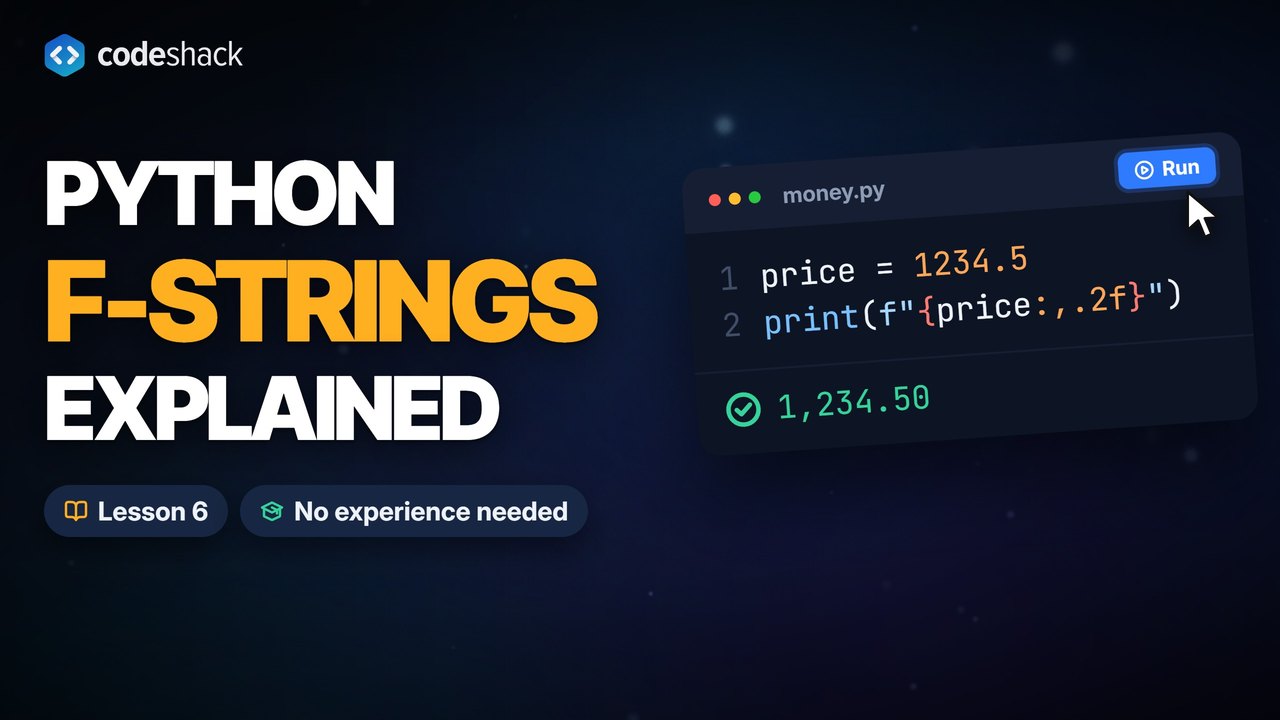
How do I format a string in Python?
Put an f before the opening quote and the variable in curly braces. Python replaces the braces with the value when the line runs. The older format() method does the same job with more typing.
name = "Ada"
age = 36
print(f"{name} is {age} years old.")
print("{} is {} years old.".format(name, age))Ada is 36 years old. Ada is 36 years old.
Notice that age is a number and the f-string still works. No str(), no +. That avoids the TypeError you get from joining text and a number with +.
How do I format a number to 2 decimal places?
Add a format specifier after a colon inside the braces. .2f means a fixed-point number with two decimals, a comma adds thousands separators, % multiplies by 100 and adds a percent sign, and 03d pads a whole number with zeros to a width of three characters.
price = 1234.5
print(f"{price:.2f}")
print(f"{price:,}")
print(f"{price:,.2f}")
share = 0.256
print(f"{share:.1%}")
print(f"{7:03d}")1234.50 1,234.5 1,234.50 25.6% 007
| Specifier | Meaning | Example | Result |
|---|---|---|---|
.2f | Two decimal places | f"{3.14159:.2f}" | 3.14 |
, | Thousands separator | f"{1234567:,}" | 1,234,567 |
.1% | Percentage, one decimal | f"{0.256:.1%}" | 25.6% |
03d | Whole number padded with zeros | f"{7:03d}" | 007 |
e | Scientific notation | f"{1234.5:e}" | 1.234500e+03 |
How do I align and pad text in an f-string?
Put a width after the colon. A <, > or ^ in front of the width aligns the value left, right or center, which is how you line up the columns of a table.
for item, cost in [("Tea", 2.5), ("Sandwich", 6.25), ("Cake", 3)]:
    print(f"{item:<10}{cost:>8.2f}")
print(f"[{'hi':^10}]")Tea 2.50 Sandwich 6.25 Cake 3.00 [ hi ]
{cost:>8.2f} combines right alignment, a width of 8 and two decimals, in that order. The for line runs the print once per row.
Can I put expressions in an f-string?
Yes. Almost anything that produces a value can sit between the braces, including math, method calls and function calls. Adding = after the expression prints the expression itself alongside its value, which is a quick way to debug. With =, a string value shows in quotes, so f"{name=}" prints name='ada'.
a = 6
b = 7
name = "ada"
print(f"{a} times {b} is {a * b}")
print(f"Hello, {name.upper()}!")
print(f"{a=}, {b=}")6 times 7 is 42 Hello, ADA! a=6, b=7
What are %s, %d and format() in Python?
They come from two older ways to format strings in Python. In the % form, %s turns any value into text and %d shows a number as a whole number. The format() method fills empty, numbered or named braces. You will see them in older code and online answers; write f-strings in new code.
name = "Ada"
print("Hello, %s. You are %d." % (name, 36))
print("Hello, {0}. You are {1}.".format(name, 36))
print(f"Hello, {name}. You are {36}.")Hello, Ada. You are 36. Hello, Ada. You are 36. Hello, Ada. You are 36.
Common mistakes with f-strings in Python
Each of these f-string mistakes is a small fix once you know what to look for.
- Forgetting the
f."Hello, {name}"prints the braces and the word name, exactly as typed. - Typing one brace to print a brace. Double it, so
f"{{"prints{. - ValueError: Precision not allowed in integer format specifier.
.2dasks for decimals on a whole number. Use.2f, or drop the precision. - Reusing the outer quote inside the braces on Python 3.11 or older. It is a
SyntaxErrorthere, so use the other kind of quote. Python 3.12 and later accept it.
name = "Ada"
print("Hello, {name}!")
print(f"Hello, {name}!")
print(f"Braces: {{literal}} and {name}")Hello, {name}!
Hello, Ada!
Braces: {literal} and Adaprice = 5
print(f"{price:.2d}")Traceback (most recent call last):
File "main.py", line 2, in <module>
print(f"{price:.2d}")
^^^^^^^^^^^
ValueError: Precision not allowed in integer format specifierExercise
Complete the print line so the program prints Total: $1,234.50. Use one f-string that adds the dollar sign, the thousands separator and exactly two decimal places.
price = 1234.5

print()
Total: $1,234.50
Show the solution
price = 1234.5

print(f"Total: ${price:,.2f}")
Quiz
This quiz has 5 questions. Pick an answer to see why it is right or wrong.
-
1What does this program print?
x = 3.14159 print(f"{x:.2f}").2f rounds to two decimal places and always shows both of them.
-
2What does this program print?
name = "Ada" print("Hi, {name}")Without the f prefix the braces are ordinary characters, so the string prints as typed.
-
3Which f-string produces 1,000,000?
The comma specifier inserts thousands separators. .2f would add decimals, d prints the plain number, and a comma after the closing brace is ordinary text.
-
4What does this program print?
n = 5 print(f"{n=}")The = after an expression prints the expression text and its value, which is handy while debugging.
-
5How do you put a literal { inside an f-string?
Doubling the brace tells Python it is text, not the start of an expression. A backslash does not escape a brace, so the { still starts an expression, and { { with a space is a SyntaxError.























