The HTML <footer> tag
The HTML <footer> element holds footer content for the page or its nearest sectioning element: copyright, related links, author info and contact details. At page level it is the contentinfo landmark.
Overview
The <footer> element holds the closing content for its nearest section or the page: copyright and legal links, secondary navigation, contact details (often wrapped in an <address>), and pointers to related documents. At the page level it is the contentinfo landmark, the "page information" region assistive technology can navigate to.
Like <header>, it works at smaller scopes too. Inside an <article> or <section>, a <footer> belongs to just that item (a post's author line, tags or publication date sit naturally there), and it is not treated as a page-level landmark.
A footer can contain navigation, headings and most flow content, but it cannot contain another <footer> or a <header>. Despite the name, it does not have to come last in its container; it simply represents footer-type content for that section.
Syntax
<footer>
<p>© 2026 CodeShack</p>
</footer>Example
<footer style="border-top:1px solid #e2e8f0;padding-top:8px;color:#64748b;">
<p style="margin:0;">© 2026 CodeShack. All rights reserved.</p>
</footer>More Examples
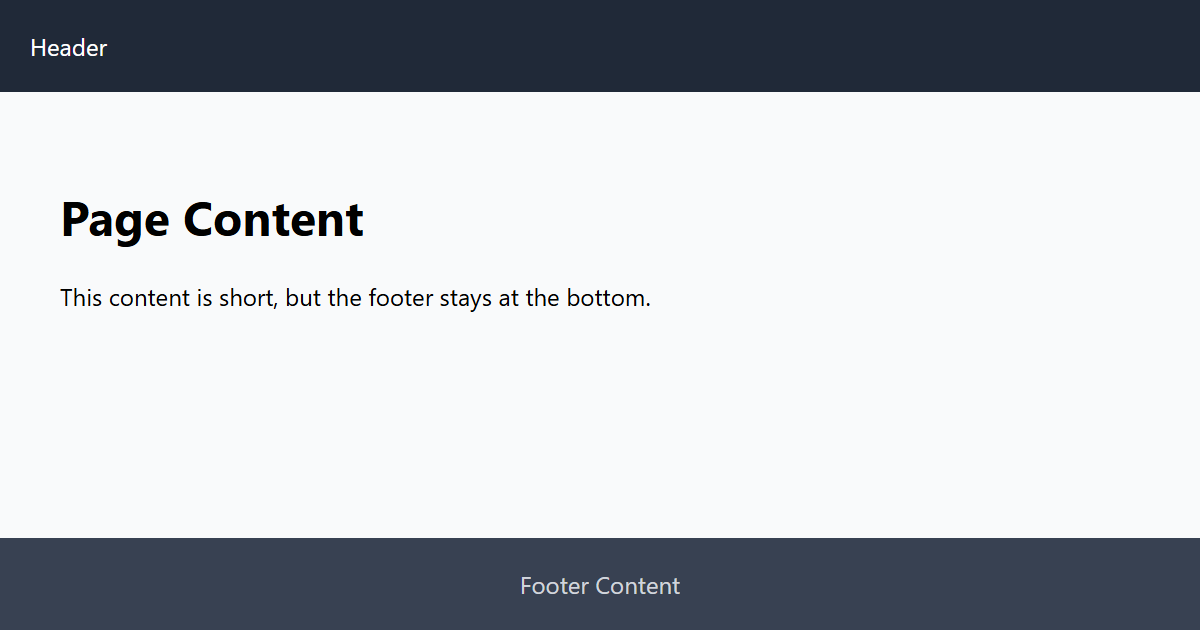
Best practices
- Use a page-level footer for copyright, legal and secondary links; it becomes the contentinfo landmark.
- Wrap contact details inside it in an <address>.
- Use a nested footer inside an article for that post's metadata: author, tags, publication date.
- Do not nest a footer inside a <header> or another footer.
Frequently asked questions
What goes in an HTML footer?
Can a page have multiple footers?
Does the footer have to be at the bottom of the page?
What is the contentinfo landmark?
<footer>, marking the page's information region for assistive technology. A footer nested in an article is not contentinfo.






















