The HTML <mark> tag
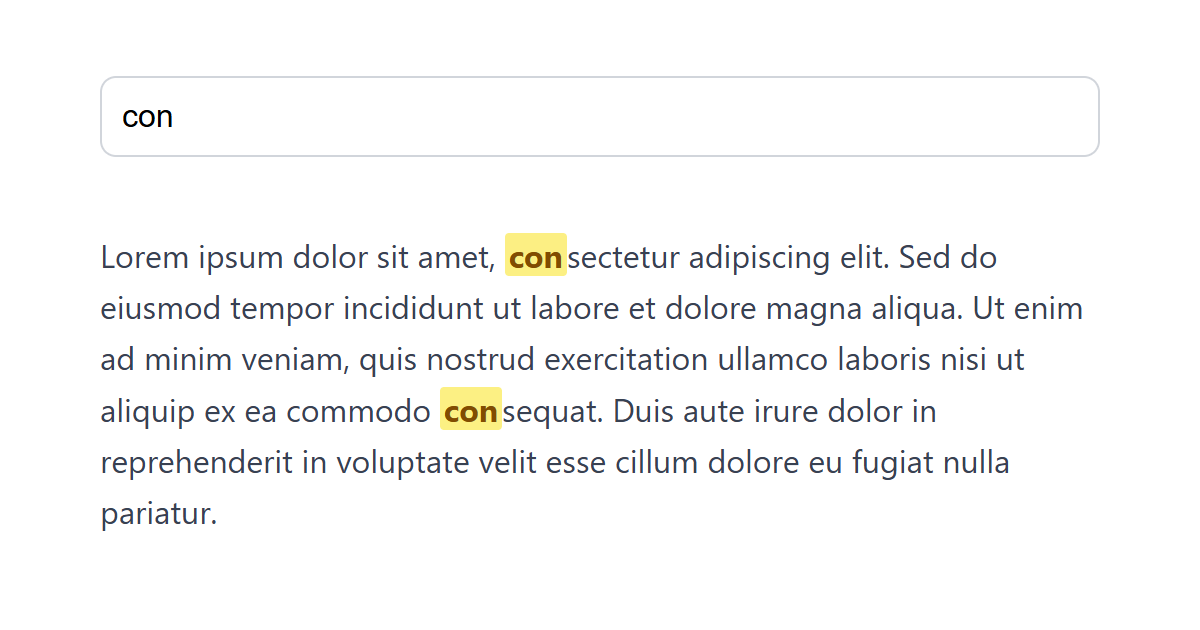
The HTML <mark> element marks text as highlighted for relevance in the current context, most commonly search-result matches. It renders with a yellow highlight by default and signals relevance, not importance or emphasis.
Overview
The <mark> element highlights a run of text because it is relevant right now. The textbook case is highlighting the matched search term within a set of results, where the highlight reflects the user's current query rather than any inherent importance.
That "relevance in context" is what separates it from its neighbors: <strong> means the text is important in its own right, and <em> means it is stressed. <mark> means "called out here, for this reader, for this reason."
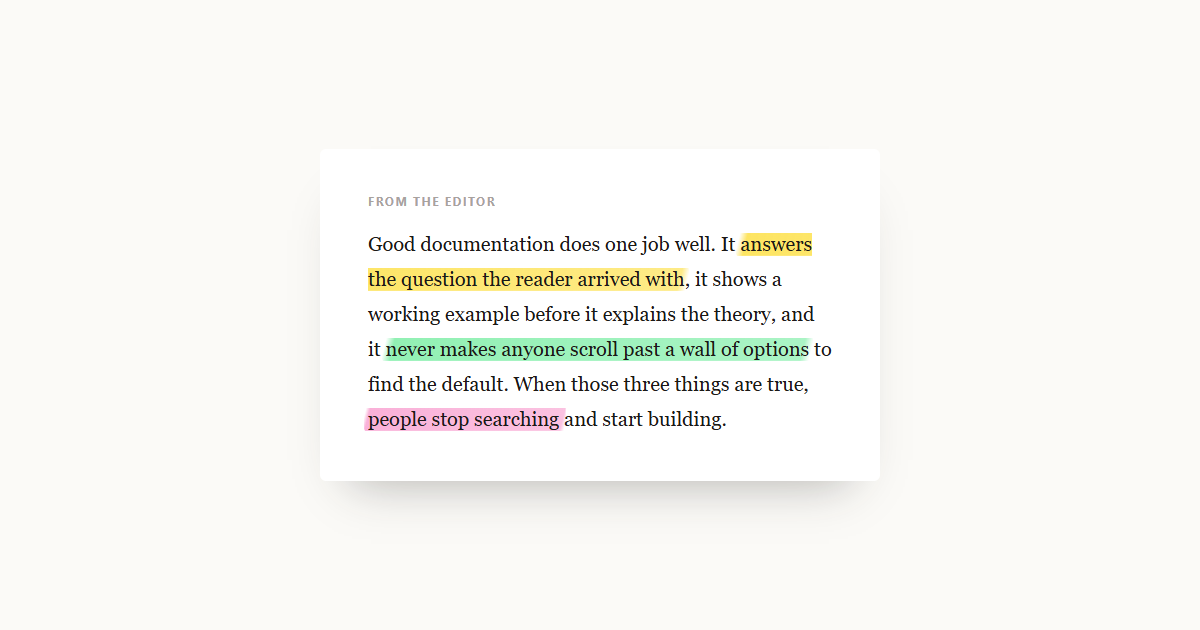
Browsers render it with a yellow background by default, which you can restyle with the CSS background-color and color properties. Reserve it for genuine relevance. Do not use it as a generic highlighter for decorative emphasis where nothing is actually being singled out.
Syntax
<p>Results for <mark>HTML</mark> reference.</p>Example
<p>The word <mark style="background:#fde68a;">reference</mark> is highlighted.</p>More Examples
Best practices
- Use
<mark>when text is relevant to the current context; search-term matches are the classic example. - Do not use it for general importance (that is <strong>) or emphasis (that is <em>).
- Restyle the default yellow with the CSS background-color to fit your design, keeping enough contrast.
- Avoid using it purely for decorative highlighting where nothing is genuinely being singled out.
Frequently asked questions
What is the mark element for?
What is the difference between mark and strong?
<mark> means relevant right now (e.g. a search match); <strong> means inherently important regardless of context.






















