The HTML <embed> tag
The HTML <embed> element embeds external content at the given src with its type. It is a void element with no fallback content. For images, media and web pages, prefer <img>, <video> or <iframe>.
Overview
The <embed> element drops external content into the page at a specified point. Unlike <object>, it is a void element: it has no closing tag and therefore offers no fallback content.
Historically it was tied to browser plugins (Flash and similar), which no longer exist in any modern browser. As a result there is almost never a reason to choose it today: use an <img>, <video>, <audio> or <iframe> instead, each of which is better suited to its content and offers fallback or accessibility features that <embed> lacks.
Syntax
<embed src="file.pdf" type="application/pdf" width="600" height="400">Attributes
The <embed> element supports the following attributes, in addition to the global attributes available to every HTML element.
| Attribute | Value | Description |
|---|---|---|
height |
A non-negative integer (pixels). | Sets the height of the element in pixels. |
src |
A URL pointing to the resource. | Specifies the URL of an embedded resource. |
type |
A MIME type such as text/css or image/webp, or module on a <script>. |
Specifies the MIME type of a resource. |
width |
A non-negative integer (pixels). | Sets the width of the element in pixels. |
Example
<embed src="https://codeshack.io/web/img/icon.png" type="image/png" width="64" height="64">More Examples
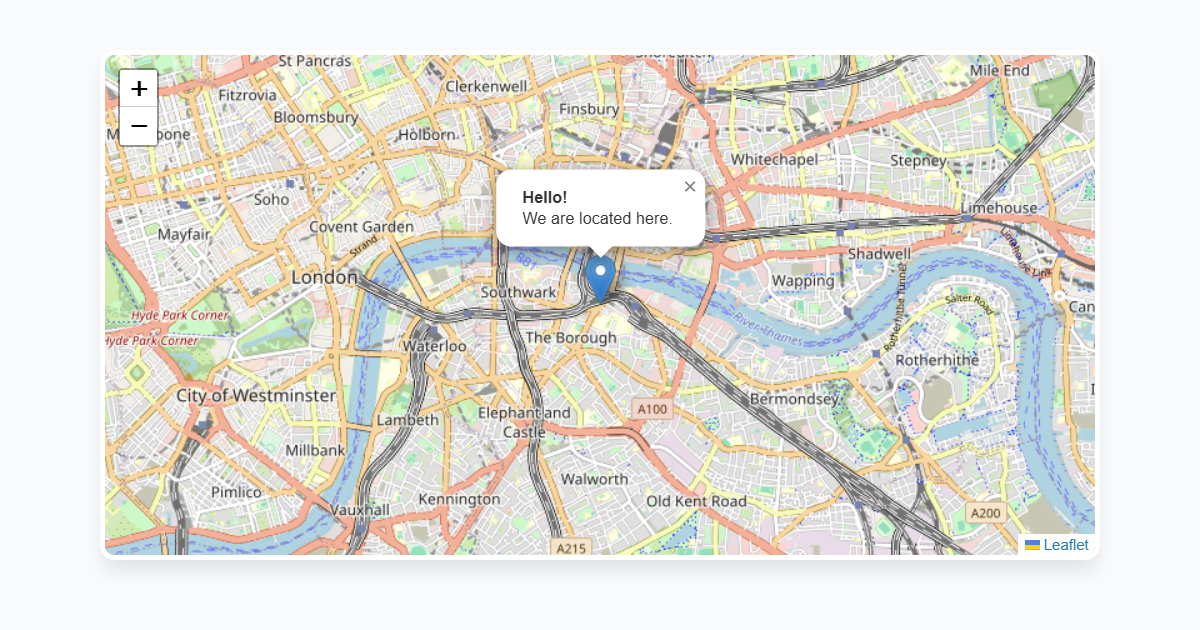
Best practices
Frequently asked questions
What is the embed element for?
What is the difference between embed and object?
<embed> is a void element and cannot.






















