Variables in Python
A variable is a name that refers to a value stored in memory. You create one by writing the name, an equals sign and the value, and from then on the name stands in for that value until you assign something else to it.
Key facts
- Assignment creates the variable. There is no separate declaration step.
- The value has the type, not the variable.
type(x)reports it. - Assigning again replaces the value, and the new value can be a different type.
- Names are case sensitive, can't start with a digit, and can't be one of Python's 35 keywords.
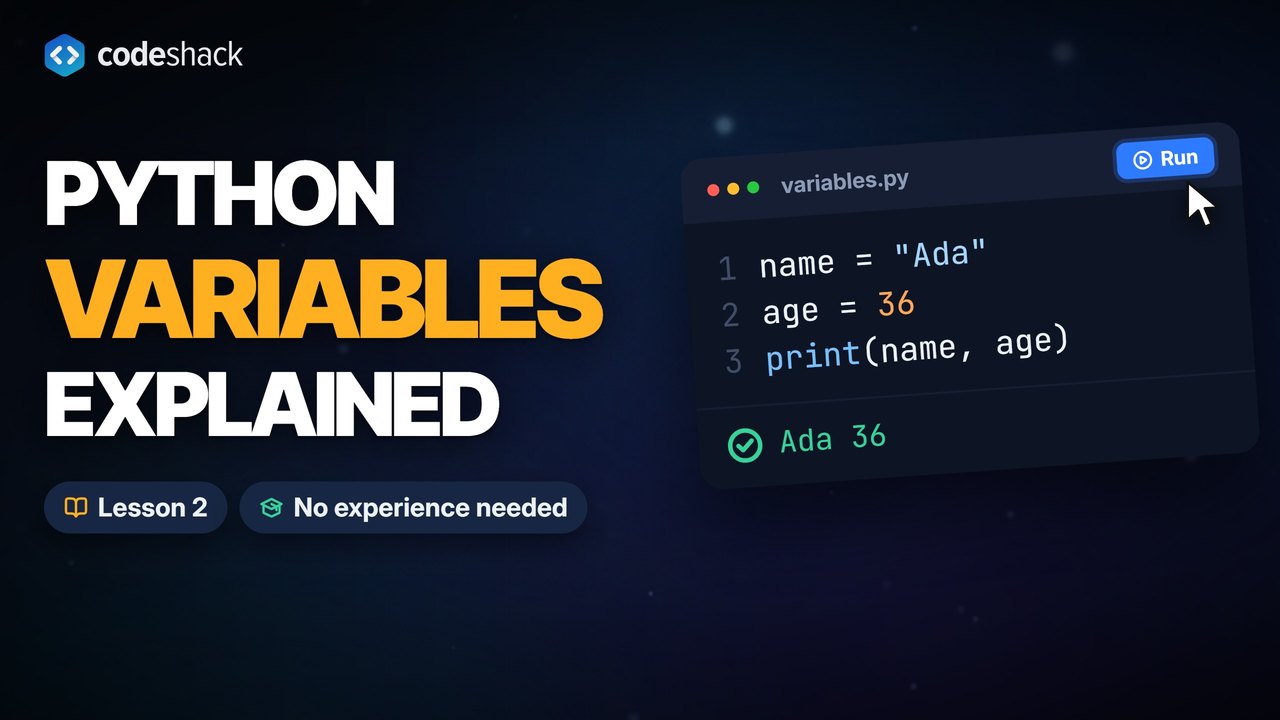
What is a variable in Python?
A variable in Python is a name that refers to a value. It comes into existence the moment you assign a value to the name, so you don't declare it first or say what type it will hold.
name = "Ada"
age = 36
print(name)
print(age)Ada 36
The equals sign assigns. It means "make this name refer to this value", not "these two things are equal". Comparing values takes two equals signs, which the booleans and comparisons lesson covers.
Once a name exists you can use it wherever the value would go. Here the variable is dropped into a sentence with an f-string, a string with an f before the opening quote and the variable name inside curly braces.
name = "Ada"
print(f"Hello, {name}!")Hello, Ada!
What types of values can a Python variable hold?
A Python variable can hold a value of any type. The four basic types for single values are str, int, float and bool. The type belongs to the value, not the variable, and type() reports the type of the value a variable refers to right now. Lists and dictionaries, which hold several values, are in the data types lesson.
| Type | Example value | Used for |
|---|---|---|
str | "Ada" | Text of any length, including a single character or nothing at all |
int | 36 | Whole numbers, positive or negative, with no fixed size limit |
float | 1.75 | Numbers with a decimal point |
bool | True | Yes-or-no answers, with only two values, True and False |
name = "Ada"
age = 36
height = 1.75
is_student = True
print(type(name))
print(type(age))
print(type(height))
print(type(is_student))<class 'str'> <class 'int'> <class 'float'> <class 'bool'>
Quotes make a string, and a decimal point makes a float. "36" in quotes is a string that happens to contain digits, while 36 is a number you can do math with. The data types lesson goes into converting between them.
Can a variable change its value or type?
Yes to both. Assigning again replaces the old value, and the new value can be a different type. Python won't complain, which is convenient and occasionally surprising.
x = 10
print(x)
x = x + 5
print(x)
x = "ten"
print(x)10 15 ten
x = x + 5 reads the current value of x, adds 5, and stores the result under the same name. Python always works out the right side first, then does the assignment.
How do you assign several variables at once?
Put the names on the left and the values on the right, separated by commas. Python pairs them up in order.
city, country = "Lisbon", "Portugal"
print(city)
print(country)
a = b = 0
print(a, b)Lisbon Portugal 0 0
The chained form a = b = 0 makes every name refer to the same value. With a number, that never causes trouble. With a list, which the data types lesson introduces, a change made through one name also shows up through the other. The comma form can also swap two variables in one line, as in a, b = b, a.
What are the rules for variable names in Python?
A name can contain letters, digits and underscores, and it can't start with a digit. Names are case sensitive, so score and Score are two different variables. Python's 35 keywords, words like if, for and class, can't be used as names.
Those are the rules. The convention on top of them, from the PEP 8 style guide, is lowercase words joined by underscores, like first_name or total_price. Pick names that say what the value is. Nobody remembers what x2 meant a week later.
score = 10
Score = 99
print(score)
print(Score)10 99
score and Score are separate variables, so each keeps its own value.
| Name | Allowed? | Why |
|---|---|---|
user_name | Yes | Letters and an underscore, the PEP 8 style |
user2 | Yes | A digit is fine after the first character |
_cache | Yes | A leading underscore is allowed and, by convention, marks a name for internal use only |
2user | No | Starts with a digit |
user-name | No | Python reads the hyphen as subtraction |
class | No | A keyword |
UserName | Yes, but avoid it | Valid, but PEP 8 keeps this style for class names, which come later |
Common mistakes with variables in Python
These four mistakes with Python variables each stop the program with an error.
- NameError: name 'total' is not defined. The variable was used before a value was assigned to it, or it's spelled differently from where it was created. Assign first, and check the spelling and capital letters.
- SyntaxError: cannot assign to literal here. Maybe you meant '==' instead of '='? The two sides are swapped, like
10 = x. The name goes on the left, the value on the right. - TypeError: can only concatenate str (not "int") to str. Text and a number were joined with
+, like"Age: " + agewhenageis 36. Use an f-string,f"Age: {age}", or convert withstr(age). - SyntaxError: invalid decimal literal. The name starts with a digit, like
2nd_place. Start with a letter or an underscore.
The first one is an error you'll meet often. Run it, then add total = 0 before the print and run it again.
print(total)Traceback (most recent call last):
File "main.py", line 1, in <module>
print(total)
^^^^^
NameError: name 'total' is not definedExercise
Create three variables before the print calls. language holds the text Python, creator holds the text Guido van Rossum, and year holds the number 1991.
print(language)
print(creator)
print(year)
Python
Guido van Rossum
1991
Show the solution
language = "Python"
creator = "Guido van Rossum"
year = 1991

print(language)
print(creator)
print(year)
Quiz
This quiz has 5 questions. Pick an answer to see why it is right or wrong.
-
1What does this program print?
x = 5 x = "five" print(x)The second assignment replaces the value. A variable can hold a different type after reassignment.
-
2Which of these is a valid variable name?
Names can't start with a digit, a hyphen reads as subtraction, and class is a keyword. second_place follows the rules and the PEP 8 style.
-
3What does this program print?
a, b = 1, 2 a, b = b, a print(a, b)The right side is worked out first as the pair (2, 1), then assigned to a and b. That is the Python way to swap two values.
-
4What does print(type(3.5)) show?
A number with a decimal point is a float. There is no built-in type called number.
-
5What does the line age = 36 do?
A single equals sign assigns. Checking equality uses ==, and nothing about the assignment fixes the type for later.























