The HTML <dialog> tag
The HTML <dialog> element creates a native dialog box (modal or non-modal). Open a modal with the showModal() JavaScript method. It traps focus, makes the rest of the page inert and adds a backdrop automatically. The open attribute shows a non-modal dialog.
Overview
The <dialog> element provides a built-in, accessible dialog box (modal or non-modal) without the heavy lifting that hand-rolled modals used to require.
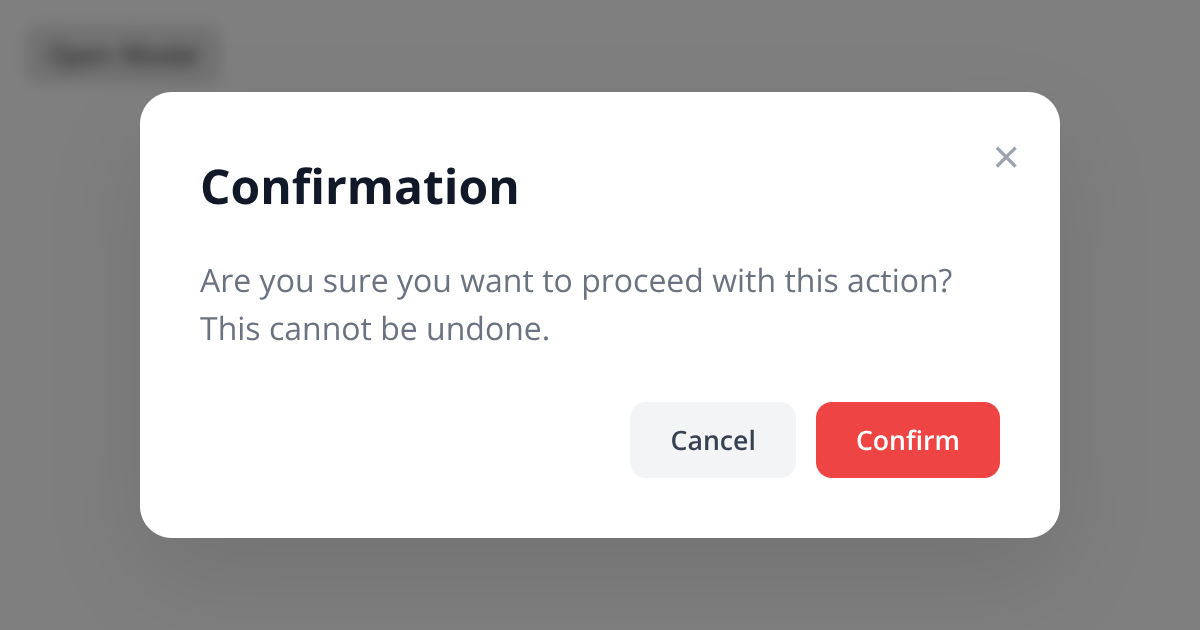
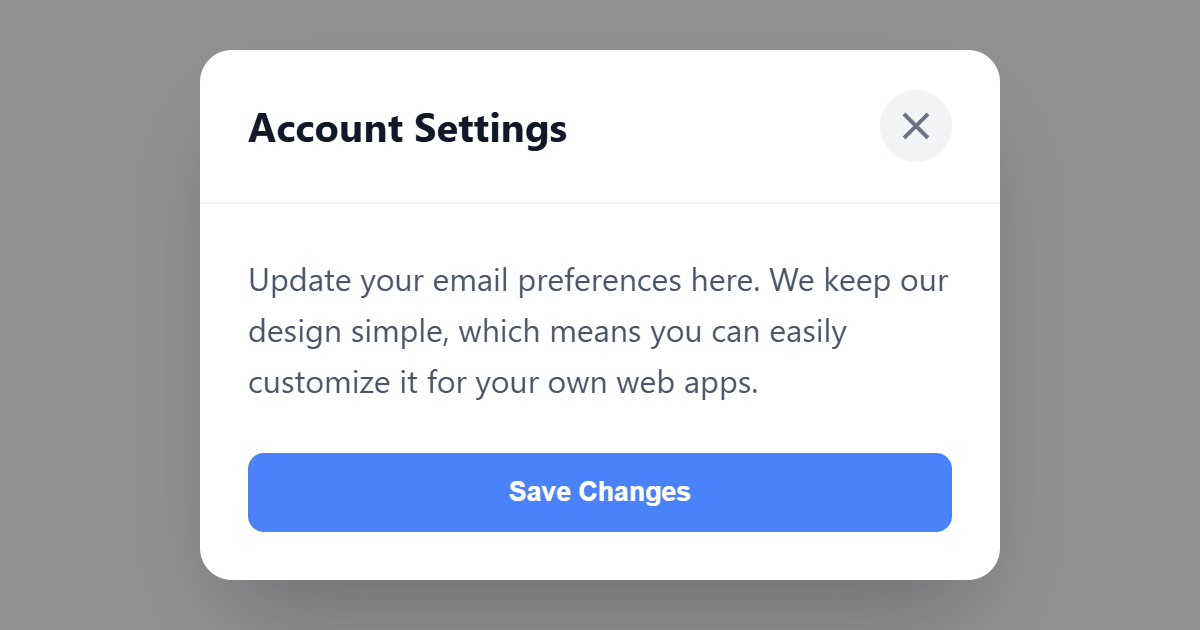
Call dialog.showModal() for a modal and you get a great deal for free: it traps keyboard focus inside the dialog, makes the rest of the page inert, closes on the Esc key, and exposes a styleable ::backdrop behind it. Use dialog.show() (or the open attribute) for a non-modal dialog. A <form> with method="dialog" inside closes the dialog on submit and reports its return value, and the dialog fires a close event.
Two things you still own: give the dialog an accessible name (for example with aria-labelledby pointing at its heading), and move focus to a sensible element when it opens so keyboard and screen-reader users land in the right place.
Syntax
<dialog id="dlg">
  <form method="dialog">
    <p>Are you sure?</p>
    <button>OK</button>
  </form>
</dialog>
<script>dlg.showModal();</script>
Attributes
The <dialog> element supports the following attributes, in addition to the global attributes available to every HTML element.
| Attribute | Value | Description |
|---|---|---|
open |
A boolean attribute: present or absent. | Shows a details/dialog in its open state. |
Example
<dialog open style="border:1px solid #cbd5e1;border-radius:8px;padding:16px;">
  <p style="margin-top:0;">This is a non-modal dialog.</p>
  <form method="dialog"><button>Close</button></form>
</dialog>
More Examples
Best practices
- Use
showModal()for modals. You get focus trapping, an inert background, Esc-to-close and a::backdropfor free. - Put a <form> with
method="dialog"inside so submitting closes the dialog and returns a value. - Give the dialog an accessible name with aria-labelledby.
- Move focus into the dialog when it opens, and return it to the trigger when it closes.
Accessibility
The native <dialog> with showModal() handles much of dialog accessibility for you: focus trapping, an inert background and Esc-to-close. Still give it an accessible name (aria-labelledby to its heading), set initial focus sensibly, and return focus to the trigger when it closes.
Frequently asked questions
How do I make a modal in HTML?
<dialog> and open it with dialog.showModal(), which traps focus, makes the page inert and closes on Esc.What is the difference between showModal() and show()?
showModal() opens a modal that blocks the rest of the page; show() opens a non-modal dialog that leaves the page interactive.How do I close a dialog?
How do I style the dialog backdrop?
::backdrop pseudo-element of the dialog with CSS, for example a semi-transparent background.






















