The HTML <summary> tag
The HTML <summary> element is the always-visible, clickable label of a <details> disclosure widget. It must be the first child of the <details>, and clicking it toggles the content.
Overview
The <summary> element provides the visible label for a <details> disclosure widget, and it doubles as the control that toggles it open and closed. It must be the first child of the <details>.
Browsers render a disclosure triangle marker beside it by default, which you can restyle or remove with CSS (the list-style property, the ::marker pseudo-element, or ::-webkit-details-marker). It is focusable and keyboard-operable automatically, so the widget works without any extra work.
If you omit the <summary>, the browser supplies a default "Details" label, but a clear, descriptive summary of your own is always better for usability.
Syntax
<details>
  <summary>More information</summary>
  …
</details>
Example
<details open>
  <summary>Click to collapse</summary>
  <p>The summary is the toggle.</p>
</details>
More Examples
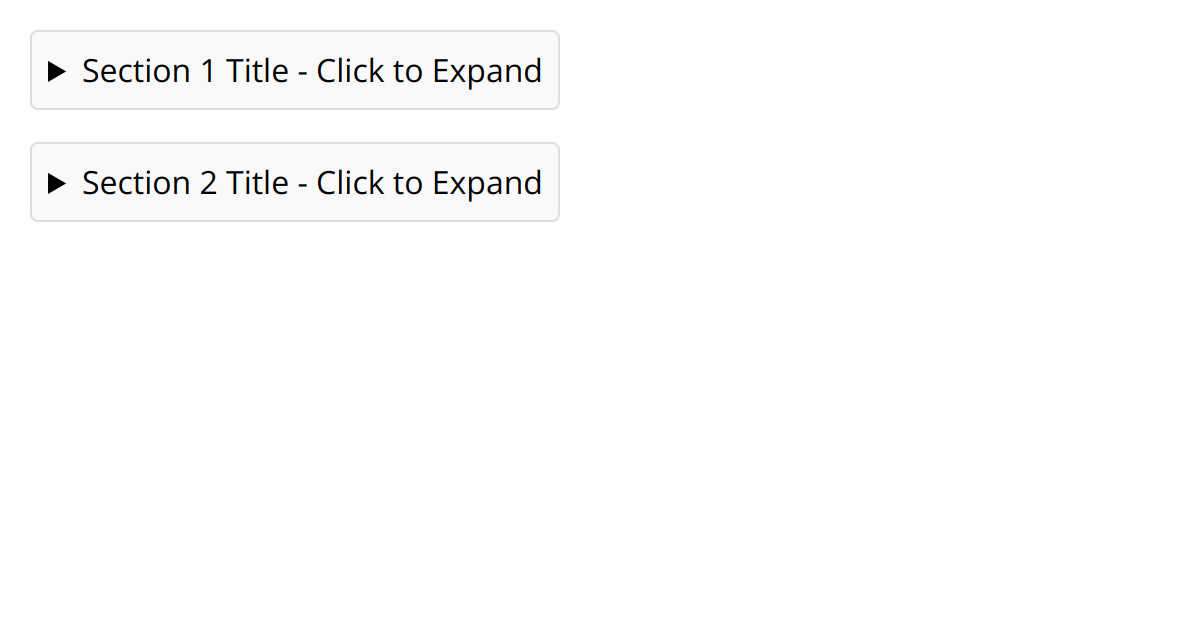
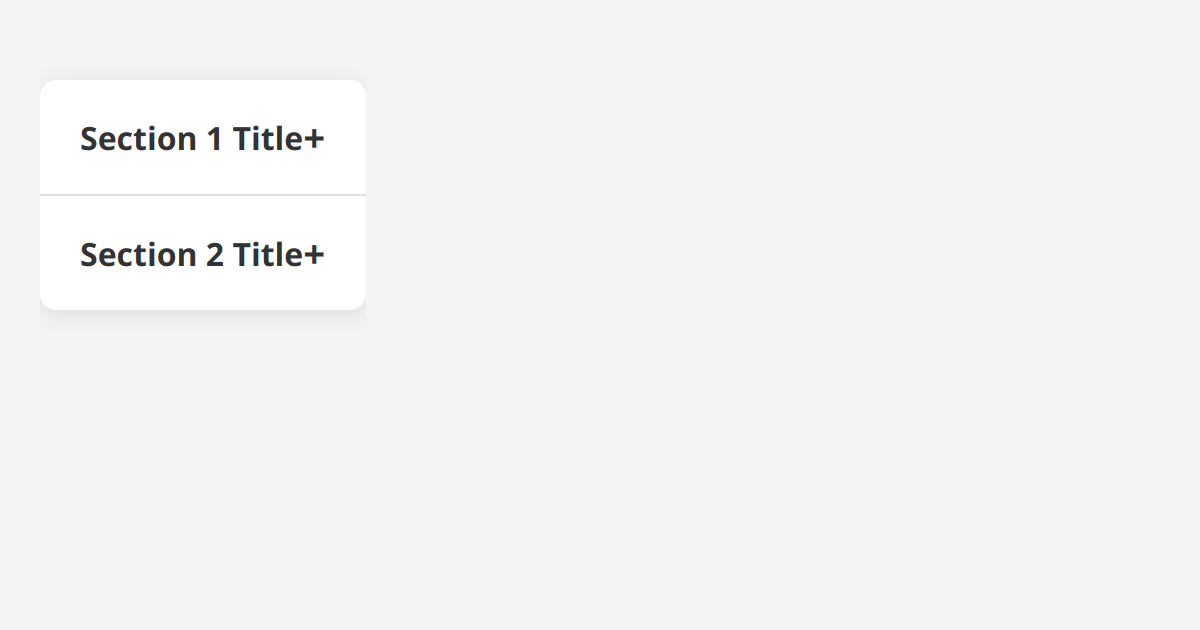
Best practices
- Make the
<summary>the first child of its <details>. - Write a clear, descriptive label rather than relying on the default "Details" text.
- Restyle or hide the disclosure marker with CSS (list-style or
::marker). - Use only one
<summary>per <details>.
Frequently asked questions
What is the summary element?
Where does the summary element go?
How do I remove the disclosure triangle?
list-style: none on the summary, or hide the ::-webkit-details-marker / ::marker pseudo-element.






















