The HTML <table> tag
The HTML <table> element displays tabular data in rows and columns. A proper table uses <caption>, <thead>/<tbody>, rows of <tr>, and header cells (<th>) with scope. Never use tables for page layout.
Overview
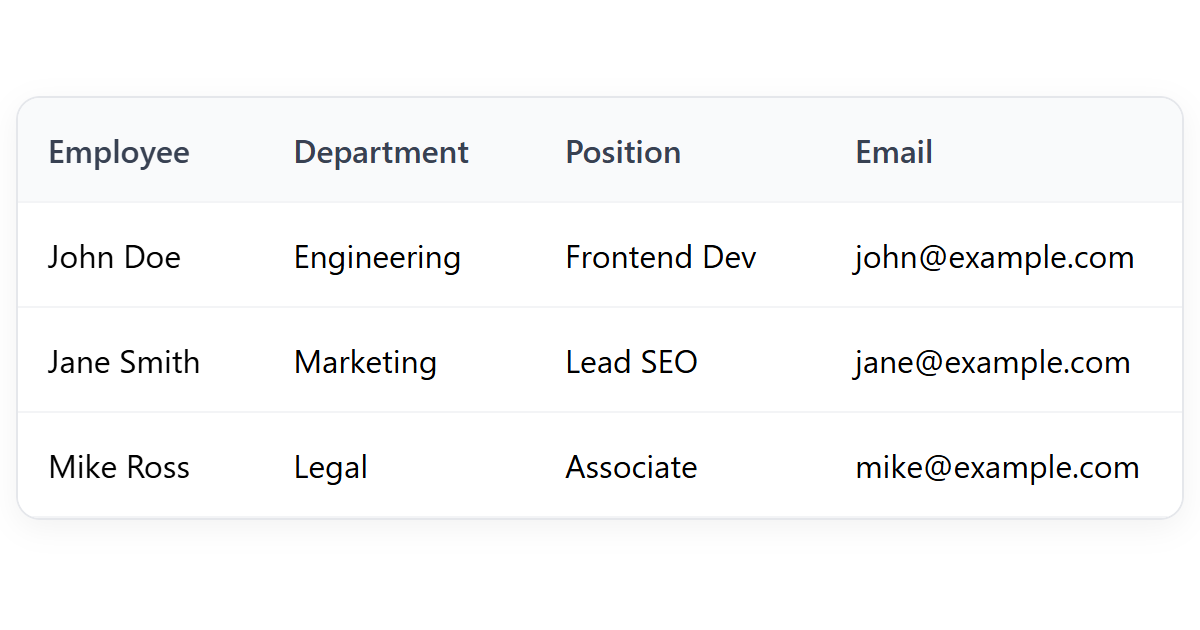
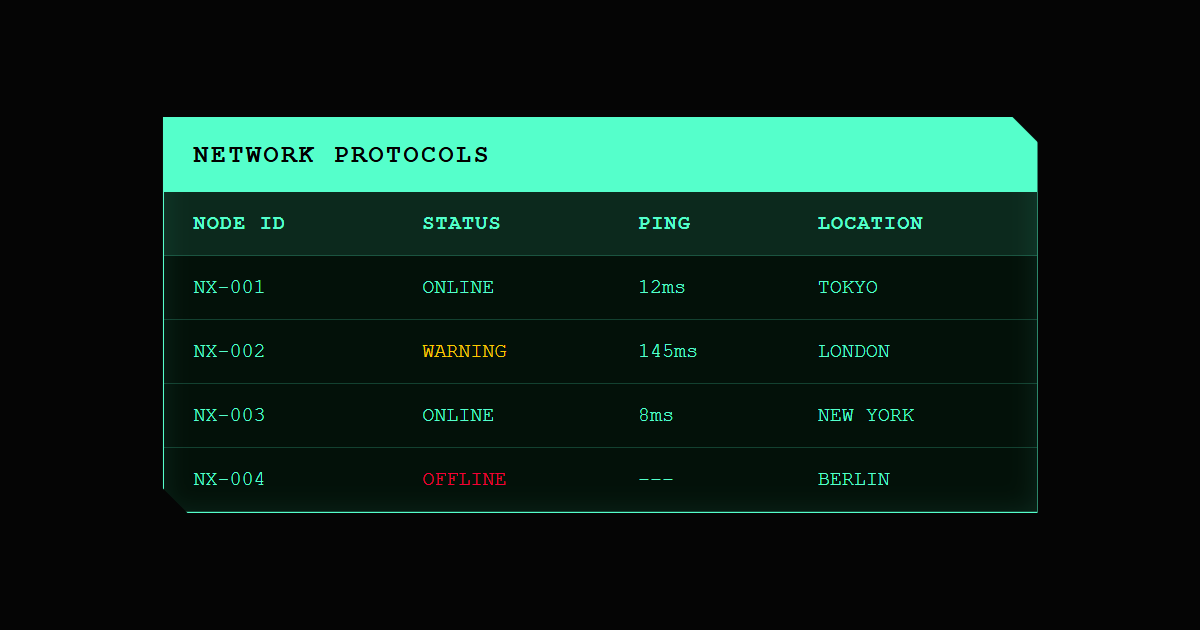
The <table> element is for genuine tabular data: information with a meaningful relationship between rows and columns. A well-formed table has a clear structure: an optional <caption> title, a <thead> of header cells, one or more <tbody> sections of data, and an optional <tfoot>.
All of its old presentational attributes (border, cellpadding, bgcolor, align…) are obsolete. Style tables entirely with CSS. And never use a table to lay out a page: use CSS flexbox or grid, and reserve <table> for data.
Syntax
<table>
  <caption>Prices</caption>
  <thead>
    <tr><th scope="col">Item</th><th scope="col">Price</th></tr>
  </thead>
  <tbody>
    <tr><td>Mug</td><td>$12</td></tr>
  </tbody>
</table>
Example
<table style="border-collapse:collapse;">
  <caption style="font-weight:700;padding-bottom:6px;">Q4 sales</caption>
  <thead>
    <tr><th scope="col" style="border:1px solid #cbd5e1;padding:6px 12px;">Product</th><th scope="col" style="border:1px solid #cbd5e1;padding:6px 12px;">Units</th></tr>
  </thead>
  <tbody>
    <tr><td style="border:1px solid #cbd5e1;padding:6px 12px;">Mugs</td><td style="border:1px solid #cbd5e1;padding:6px 12px;">320</td></tr>
    <tr><td style="border:1px solid #cbd5e1;padding:6px 12px;">Shirts</td><td style="border:1px solid #cbd5e1;padding:6px 12px;">210</td></tr>
  </tbody>
</table>
More Examples
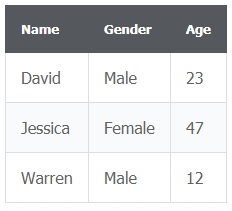
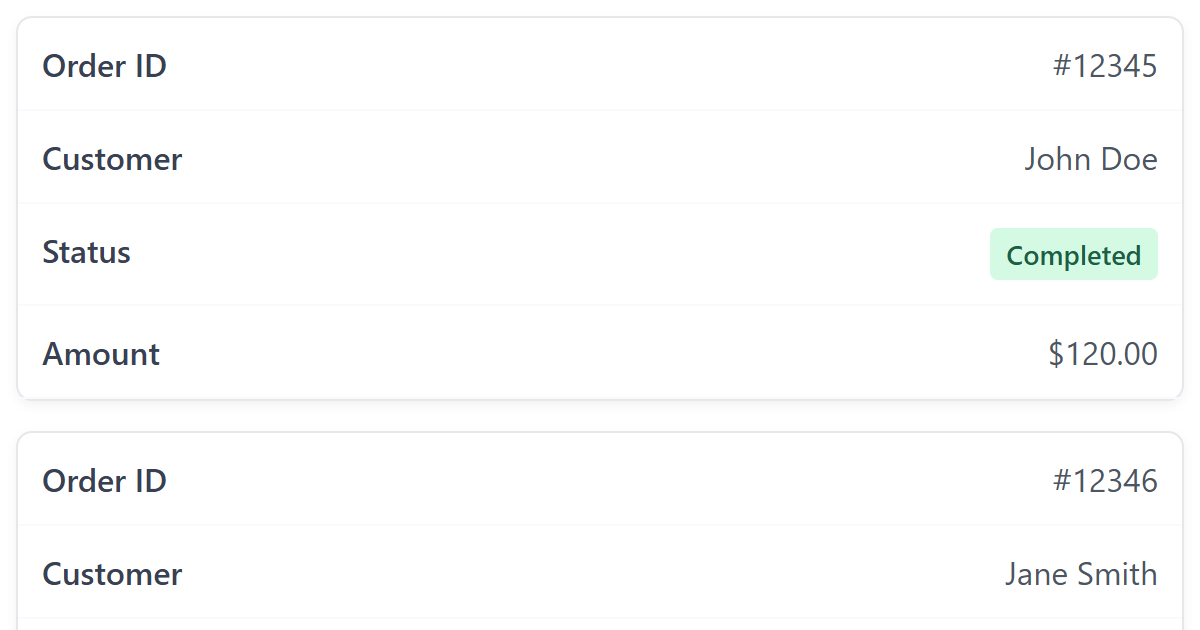
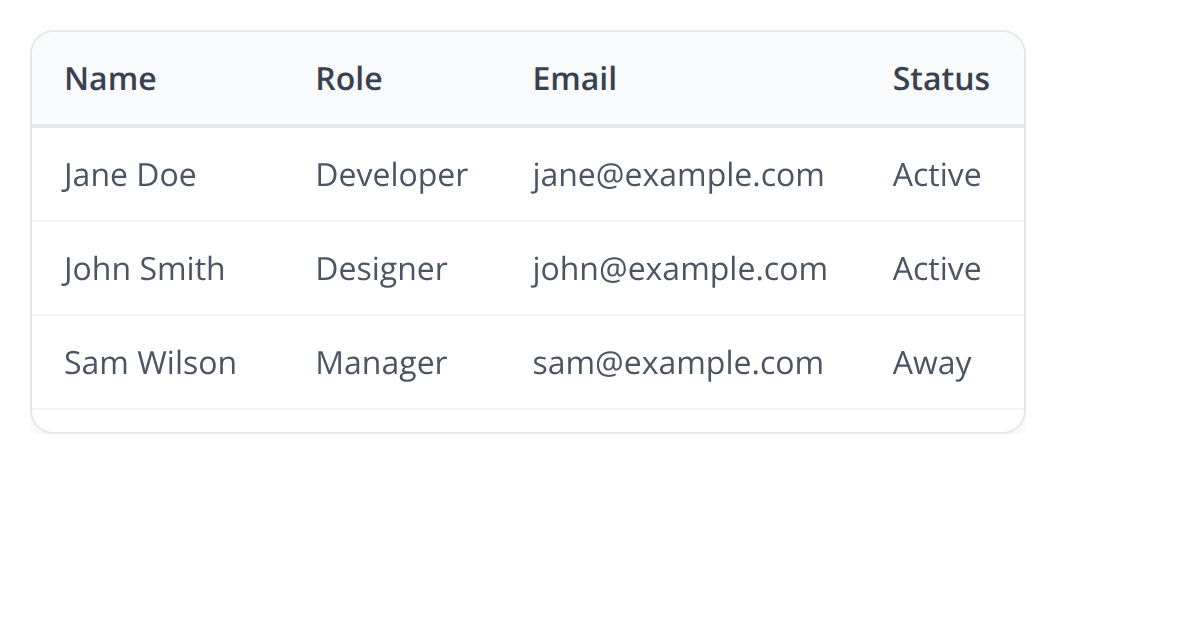

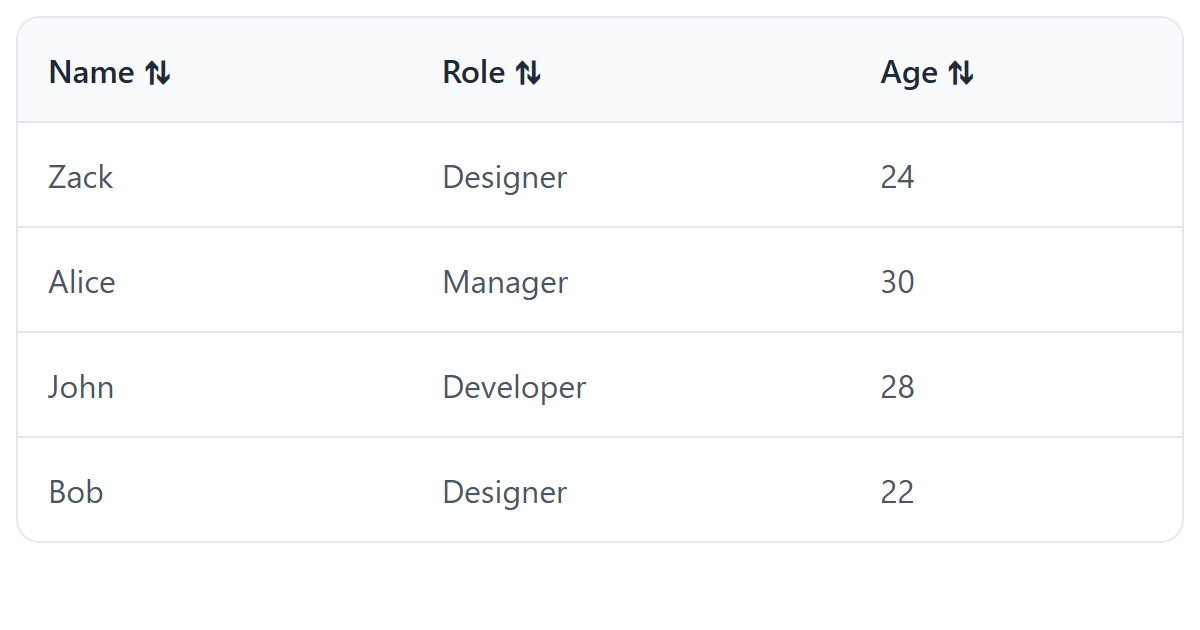

Best practices
- Use tables only for data, never for layout.
- Always include header cells (<th>) with a scope, and a <caption>.
- Structure with <thead>/<tbody>/<tfoot>.
- Style entirely with CSS; the presentational attributes are obsolete.
- For wide tables, allow horizontal scrolling with a wrapping container rather than shrinking text.
Accessibility
An accessible data table lets screen-reader users understand each cell in context:
- Use <th> for header cells and give each a scope (
colorrow) so the right header is announced with every data cell. - Add a <caption> as the table's title.
- For complex tables with split or multi-level headers, link cells to headers with headers and id.
- Do not use layout tables; they force screen readers to read content in a confusing cell order.
Frequently asked questions
When should I use a <table>?
What is the correct structure of a table?
How do I make a table accessible?
How do I add borders to an HTML table?
table { border-collapse: collapse; } th, td { border: 1px solid #ccc; }. The old border attribute is obsolete.How do I make an HTML table responsive?
overflow-x: auto; so it scrolls horizontally on small screens instead of breaking the page layout.






















