The HTML <code> tag
The HTML <code> element marks up a fragment of computer code (a function name, tag, or snippet), rendered in a monospace font. For multi-line code blocks, wrap a <code> inside a <pre> to preserve whitespace.
Overview
The <code> element identifies a fragment of computer code inline: an element name, a CSS property, a variable, a function name, or a short expression. Browsers style it in a monospace font, and it signals to assistive technology and search engines that the text is code rather than prose.
On its own it does not preserve line breaks or indentation, so it is meant for short, inline snippets within a sentence. For a multi-line code block, nest it inside a <pre>. The <pre><code>…</code></pre> pairing keeps the whitespace intact while still marking the content as code.
When the snippet contains literal HTML, remember to escape the special characters: write < for < and & for &, or the browser will try to render them as markup. It is distinct from its cousins <kbd> (user keyboard input) and <samp> (program output).
Syntax
<p>Use the <code>map()</code> method.</p>Example
<p>Install with <code>npm install</code>, then run <code>npm start</code>.</p>More Examples
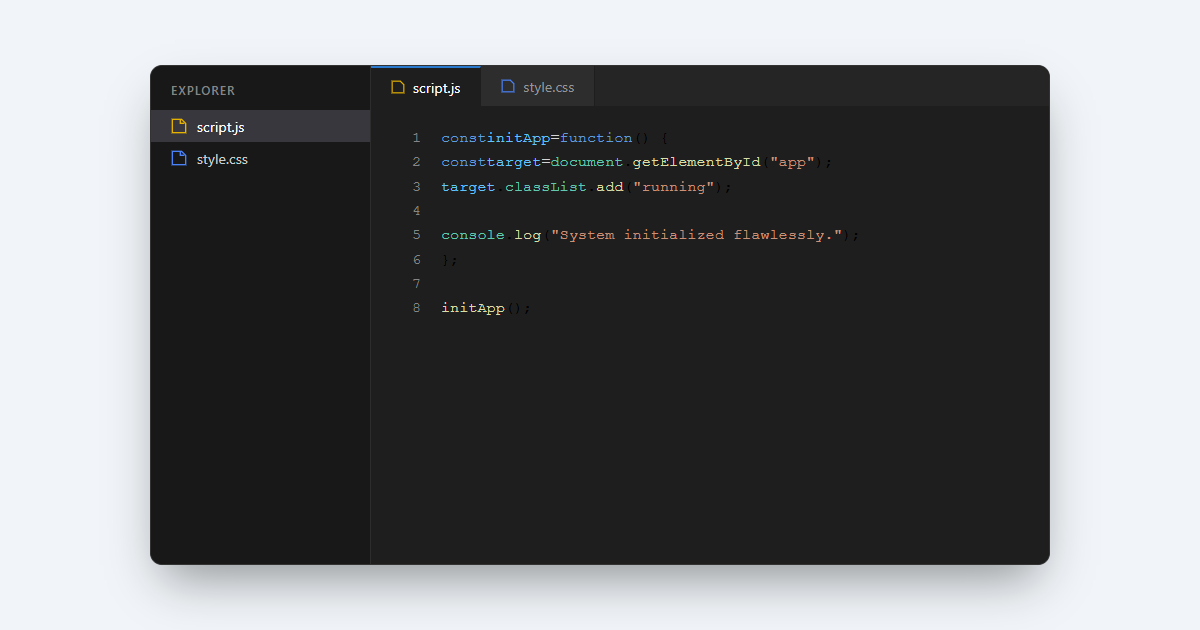
Best practices
- Use
<code>for short, inline code references: tags, properties, function names, values. - For a multi-line code block, wrap a
<code>in a <pre> to preserve whitespace. - Escape literal HTML inside it (
<,&) so it displays as text rather than rendering. - Style it with the CSS font-family and a subtle background if the browser default does not suit your design.
Frequently asked questions
What is the code element used for?
How do I create a multi-line code block?
<code> inside a <pre>. The <pre> preserves line breaks and indentation; the <code> adds the code semantics.How do I show literal HTML tags inside code?
< for < and & for &, so they display as text.






















