Strings in Python
A string is a sequence of characters written between quotes, and it is Python's type for text. You can read any character by position, cut out a slice, and call methods such as upper() or split(), but a string itself never changes, so every method that seems to change text gives you a new string.
Key facts
- Single and double quotes make the same string. Pick the one that lets you use the other kind inside without a backslash.
- Positions start at 0, and negative positions count from the end, so
word[-1]is the last character. - A slice
word[a:b]includes positionaand stops beforeb. - Strings are immutable.
upper(),replace()and friends return a new string and leave the original as it was.
What is a string in Python?
A string is text wrapped in quotes, from no characters at all to a whole document. Single and double quotes are interchangeable, so you can wrap the text in one kind and use the other kind inside it without a backslash.
greeting = "Hello"
single = 'Hello'
quote = 'She said "hi"'
apostrophe = "It's fine"
print(greeting == single)
print(quote)
print(apostrophe)True She said "hi" It's fine
Three quotes in a row make a string that can span lines. The line breaks you type are part of the text.
poem = """Roses are red,
violets are blue."""
print(poem)Roses are red, violets are blue.
How do I get one character from a string?
Put the position, called an index, in square brackets. Counting starts at 0, so the first character is word[0], and negative numbers count back from the end. len() gives the number of characters.
word = "Python"
print(word[0])
print(word[5])
print(word[-1])
print(len(word))P n n 6
How do I slice a string in Python?
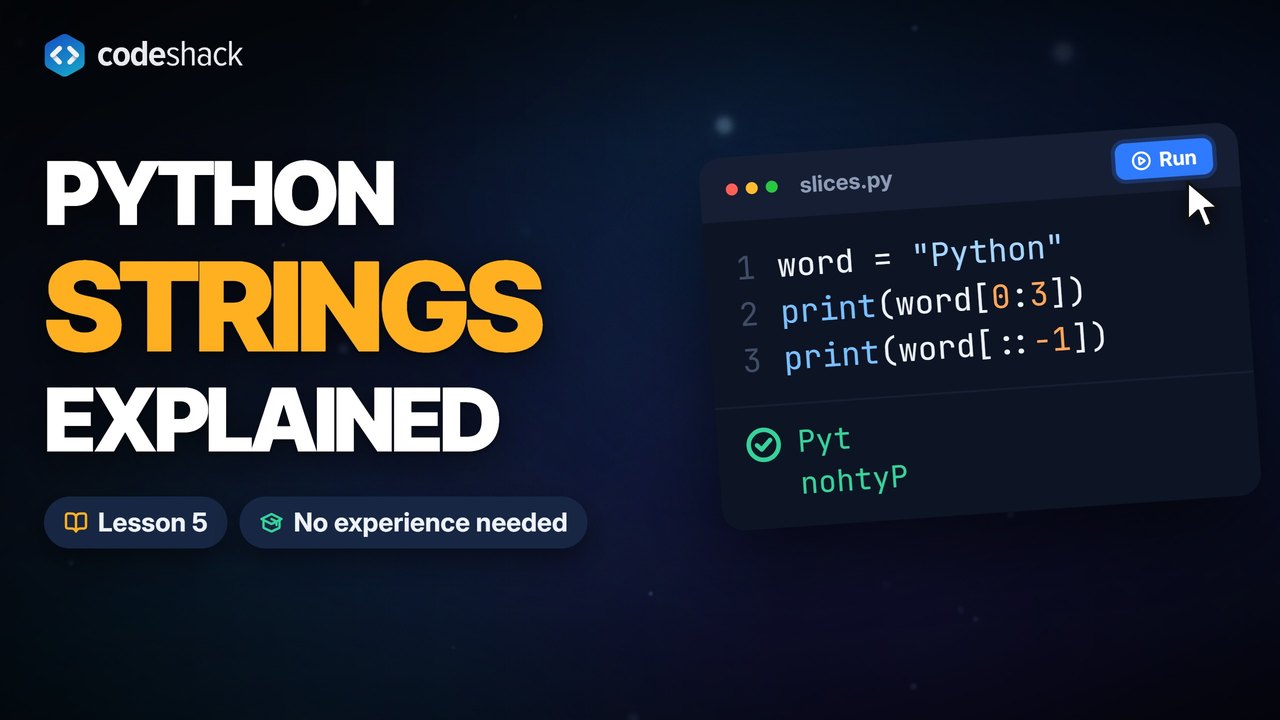
Write word[start:stop]. The slice includes start and stops just before stop. Either number can be left out, so word[:2] is the first two characters and word[3:] is everything from position 3 on. A third number sets the step, how far each move goes, so 2 takes every second character and -1 reverses the string.
word = "Python"
print(word[0:3])
print(word[3:])
print(word[:2])
print(word[::2])
print(word[::-1])Pyt hon Py Pto nohtyP
Because a slice stops just before its stop position, word[:3] and word[3:] split a string with nothing lost and nothing doubled.
What are the most useful string methods?
Eight methods cover most everyday text work. Each is called with a dot after the string, and each returns a new value rather than editing the string.
| Method | What it does |
|---|---|
strip() | Removes spaces, tabs and line breaks from both ends |
upper(), lower() | Returns a copy with every letter in uppercase, or in lowercase |
replace(old, new) | Swaps every occurrence of one piece of text for another |
split(sep) | Cuts the string into a list at each separator |
join(list) | Glues a list of strings together, putting the string you call it on between the items |
find(text) | Returns the position of the first match, or -1 when there is none |
count(text) | Counts how many times a piece of text appears, without counting overlapping matches |
text = "  Hello, World!"
print(text.strip())
print(text.upper())
print(text.lower())
print(text.replace("World", "Python"))
print(text.strip().split(", "))
print("-".join(["a", "b", "c"]))
print(text.find("World"))
print(text.count("l"))Hello, World! HELLO, WORLD! hello, world! Hello, Python! ['Hello', 'World!'] a-b-c 9 3
Methods chain. text.strip().split(", ") strips first, then splits what is left into a list.
Can I change a string in Python?
No. Strings are immutable, so a method such as capitalize(), which returns a copy with the first character in uppercase and the rest in lowercase, leaves the original alone. To get a changed version, build a new string from pieces of the old one and assign it to a name. Trying to assign into a position raises a TypeError.
word = "python"
print(word.capitalize())
print(word)
new_word = "J" + word[1:]
print(new_word)Python python Jython
word = "python"
word[0] = "J"Traceback (most recent call last):
File "main.py", line 2, in <module>
word[0] = "J"
~~~~^^^
TypeError: 'str' object does not support item assignmentHow do I join and repeat strings?
+ joins two strings, * repeats one, in checks whether one string contains another, and len() counts characters. To mix text with numbers, use an f-string, which the next lesson covers.
first = "Ada"
last = "Lovelace"
print(first + " " + last)
print("ha" * 3)
print("Love" in last)
print(len(first + last))Ada Lovelace hahaha True 11
What is an r-string in Python?
A raw string, written with an r before the quote, keeps backslashes as they are. In a normal string a backslash starts an escape, so \n is a line break, \t a tab and \" a quote that does not end the string, and a real backslash has to be doubled.
Raw strings save that doubling in file paths and in regular expressions, patterns for searching text, but a raw string still can't end with a single backslash, so r"C:\Users\" is a SyntaxError.
print("Line one\nLine two")
print("Tab\there")
print("C:\\Users\\Ada")
print(r"C:\Users\Ada")Line one Line two Tab here C:\Users\Ada C:\Users\Ada
Common mistakes with strings in Python
Each of these four mistakes with Python strings has a quick fix once you know the cause.
- IndexError: string index out of range. The last position is
len(word) - 1, so"Python"[6]fails. Useword[-1]for the last character. - TypeError: 'str' object does not support item assignment. You tried
word[0] = "J". Build a new string instead. - Calling a method and ignoring the result.
word.upper()on its own line changes nothing. Assign the result, as inword = word.upper(). - Adding a number to a string.
"5" + 5raises aTypeError. To join them, convert the number withstr()or use an f-string. To do math, convert the text withint().
word = "Python"
print(word[6])Traceback (most recent call last):
File "main.py", line 2, in <module>
print(word[6])
~~~~^^^
IndexError: string index out of rangeExercise
Complete the two print lines so the program prints the word with its first letter capitalized, Python, and then the original lowercase word reversed, nohtyp. A string method does the first line and a slice does the second. Leave the variable word as it is.
word = "python"

print()
print()
Python
nohtyp
Show the solution
word = "python"

print(word.capitalize())
print(word[::-1])
Quiz
This quiz has 5 questions. Pick an answer to see why it is right or wrong.
-
1What does this program print?
word = "Python"
print(word[1:4])
A slice starts at its first number and stops before its second, so word[1:4] gives positions 1, 2 and 3, which is yth.
-
2What does this program print?
word = "hello" word.upper() print(word)upper() returns a new string. Nothing stored the result, so word is unchanged.
-
3Which expression gives the last character of a string s?
Negative positions count from the end, and s[len(s)] is one past the end, which raises an IndexError. last and end are not defined names, so s[last] and s[end] raise a NameError.
-
4What does this program print?
print(r"a\nb")The r prefix makes a raw string, so the backslash and the n are two ordinary characters.
-
5What does "-".join(["1", "2", "3"]) return?
join() puts the string it is called on between each item of the list.























