The HTML <search> tag
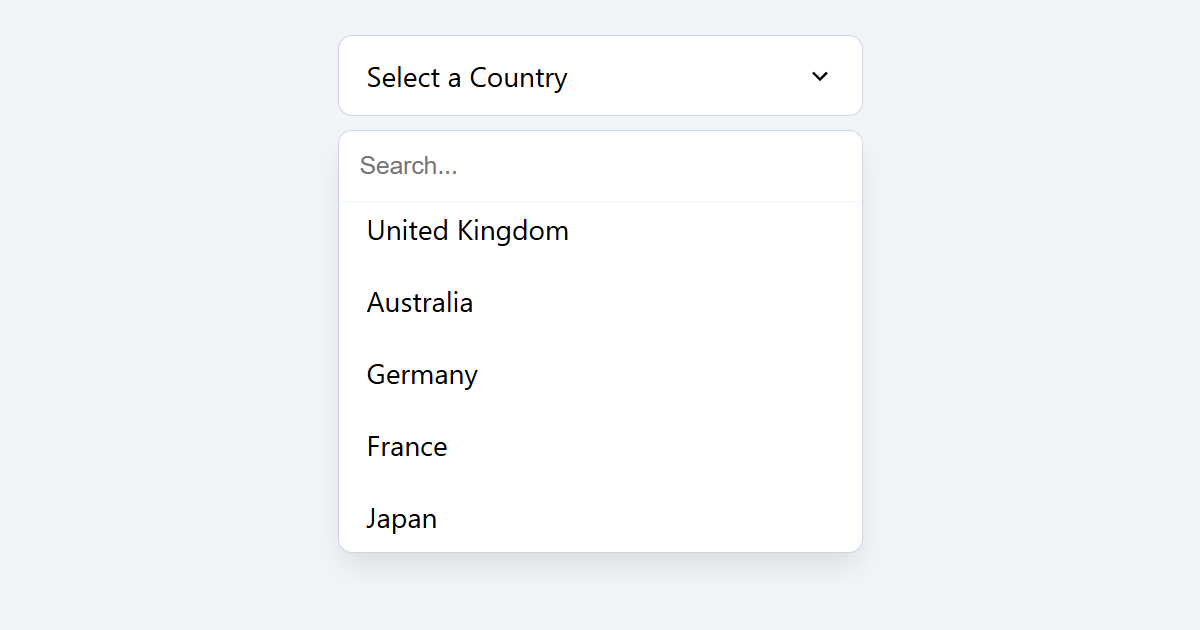
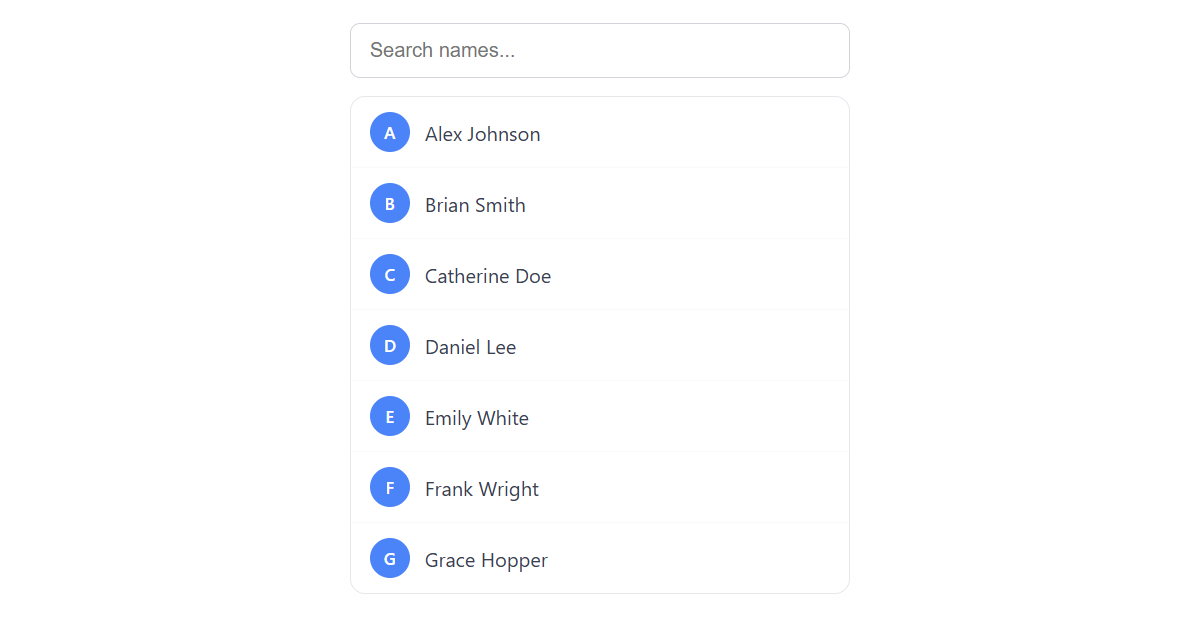
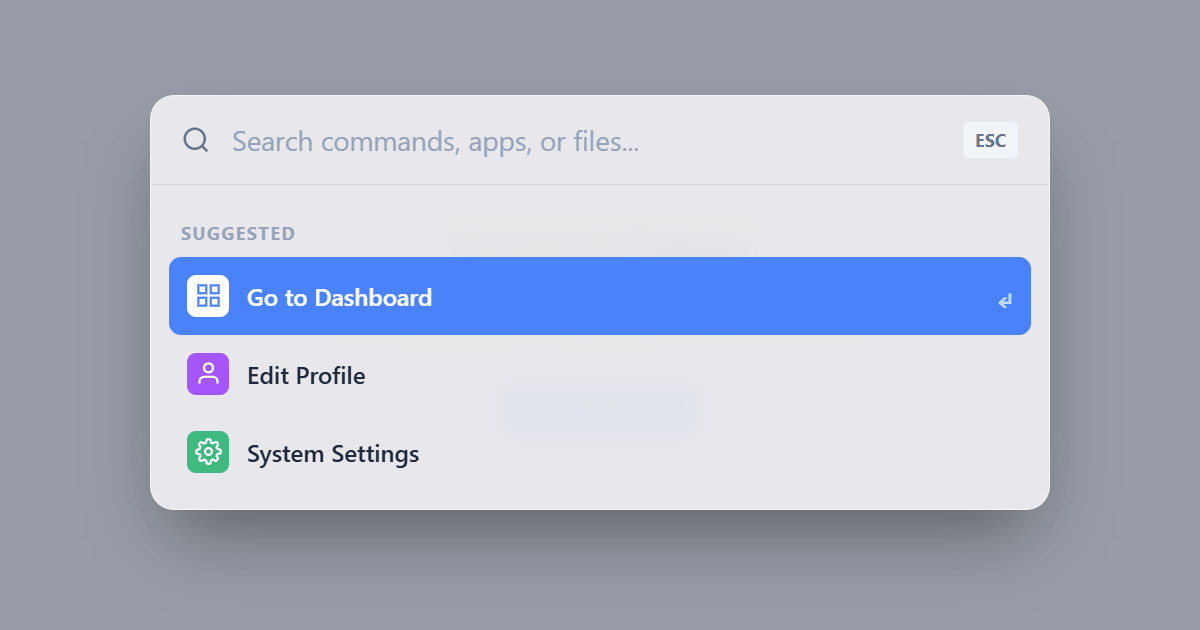
The HTML <search> element represents a part of the page containing search or filtering controls. Added in 2023, it provides the native search landmark, the semantic replacement for role="search" on a <form> or <div>.
Overview
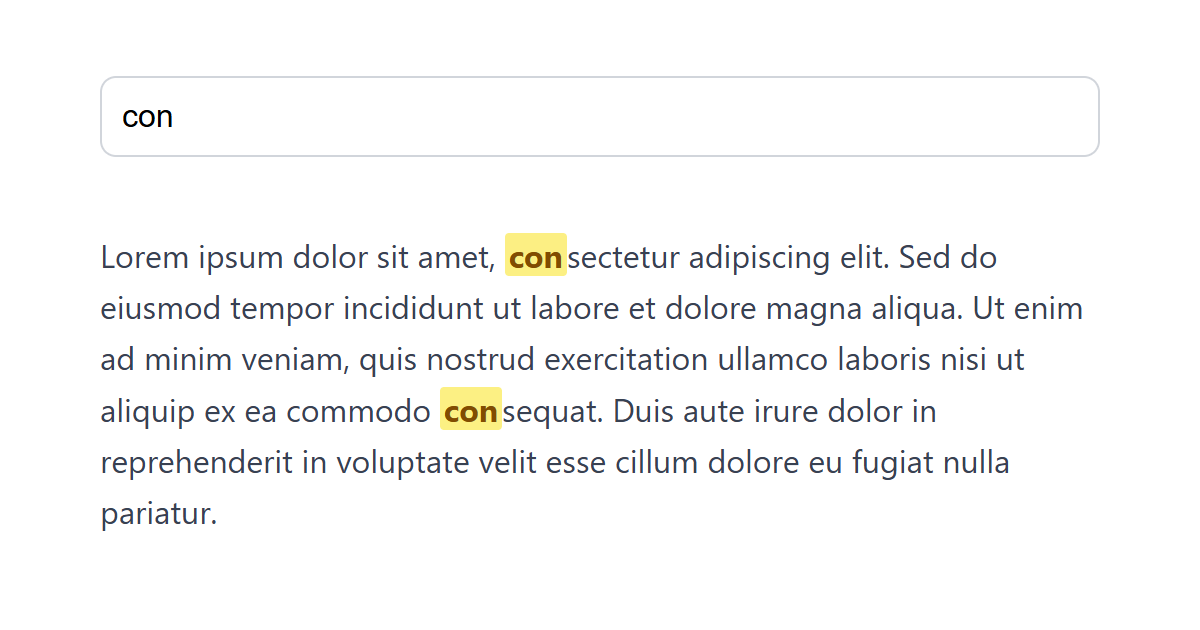
The <search> element wraps the controls used to search or filter content: a site search box, an in-page filter, or a "find on page" form. Introduced as a Baseline 2023 feature, it maps to the ARIA search landmark, so screen-reader users can jump straight to the search controls.
It represents the search controls, not the results: put the input, buttons and filters inside it, and render the results elsewhere on the page. It does not have to contain a <form>, though it often does. A live client-side filter with no form submission is just as valid inside <search>.
Before this element existed, the accepted technique was adding role="search" to a wrapping <form>. The native <search> now conveys that meaning directly, so you no longer need the ARIA role. Reach for the element instead.
Syntax
<search>
  <form action="/search">
    <label>Search <input type="search" name="q"></label>
    <button>Go</button>
  </form>
</search>
Example
<search>
  <form onsubmit="event.preventDefault();this.lastElementChild.textContent='Searching\u2026'">
    <label>Search <input type="search" name="q" placeholder="Type a query" style="padding:6px;"></label>
    <button>Go</button>
    <span style="margin-left:8px;color:#64748b;"></span>
  </form>
</search>
More Examples




Best practices
- Wrap your search or filter controls in
<search>to expose the search landmark natively. - Put only the controls inside it; render the results in a separate region of the page.
- Drop the old
role="search"workaround; the element conveys that role on its own. - It does not require a <form>; a client-side filter is perfectly valid inside it.
Accessibility
The <search> element provides the search landmark, letting screen-reader users navigate directly to your search. Still give the input a real <label> and, if a page has more than one search region, distinguish them with aria-label.
Frequently asked questions
What is the HTML search element?
Does the search element replace role="search"?
role="search" workaround on a form is no longer needed.






















