Data Types in Python
A data type is the kind of value a variable holds, such as text, a whole number or a list. Python's built-in types are often grouped into eight categories, and every value knows its own type, which is what type() reports.
Key facts
- In Python, values have types and variables don't.
type(x)reports the type of whateverxholds right now. - The eight common categories are text, numeric, sequence, mapping, set, boolean, binary and None.
- Converting is done by calling the type's name as a function, as in
int("42"),str(7)andfloat("2.5"). - Lists, dictionaries and sets can be changed in place. Strings, numbers and tuples can't.
What are the data types in Python?
Python's built-in data types are often grouped into eight categories. Most beginners start with str, int, float, bool and list, and meet dict soon after. The table lists all eight categories, the types in each and an example value.
| Category | Types | Example value |
|---|---|---|
| Text | str | "Ada" |
| Numeric | int, float, complex | 36, 1.75, 2+3j |
| Sequence | list, tuple, range | ["red", "green"], (3, 4), range(10) |
| Mapping | dict | {"name": "Ada"} |
| Set | set, frozenset | {1, 2, 3} |
| Boolean | bool | True, False |
| Binary | bytes, bytearray, memoryview | b"data" |
| None | NoneType | None |
Empty curly braces, {}, make an empty dictionary, so an empty set is written set().
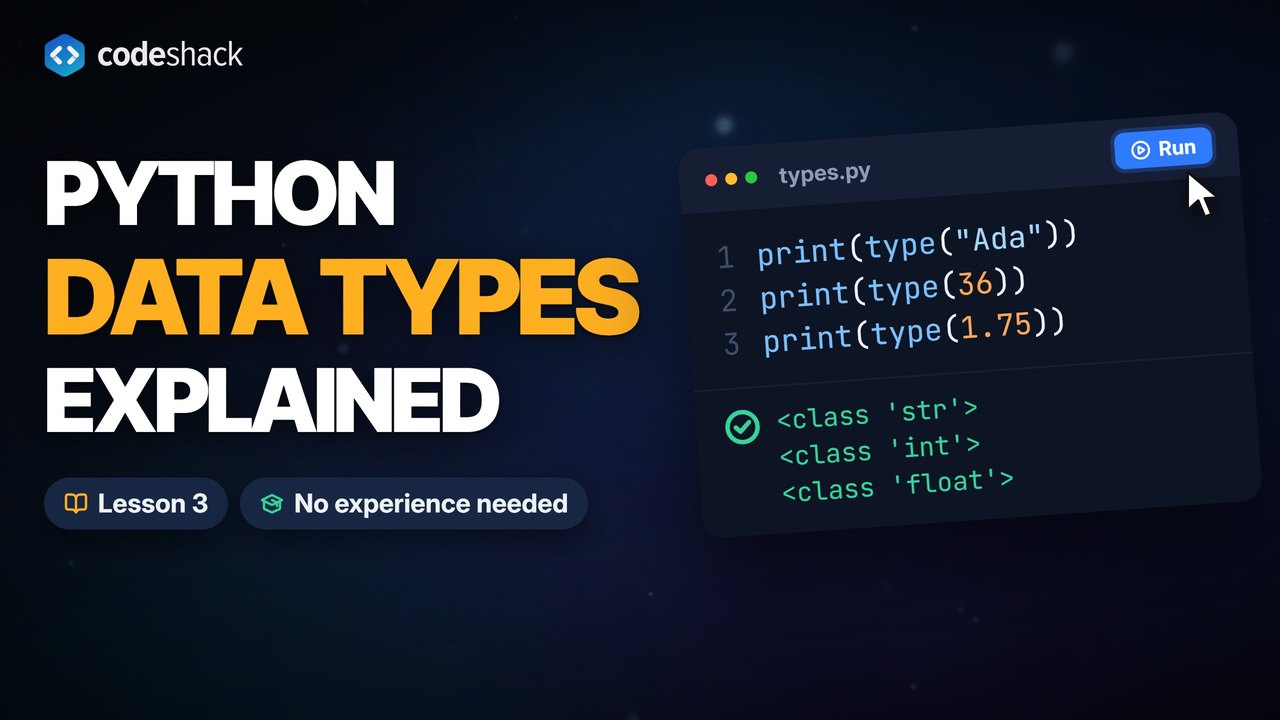
Every value carries its type with it. Ask with type() and Python gives back the type, which prints as <class 'str'> and so on.
name = "Ada"
age = 36
height = 1.75
likes_python = True
nothing = None
print(type(name))
print(type(age))
print(type(height))
print(type(likes_python))
print(type(nothing))<class 'str'> <class 'int'> <class 'float'> <class 'bool'> <class 'NoneType'>
The collection types hold other values. A list keeps order and can grow, a tuple keeps order and can't change, a dictionary maps keys to values, and a set keeps only unique items, in no fixed order. Each gets its own lesson later; for now, notice how each is written and what type() says.
colors = ["red", "green", "blue"]
point = (3, 4)
person = {"name": "Ada", "age": 36}
unique = {1, 2, 2, 3}
print(type(colors), colors)
print(type(point), point)
print(type(person), person)
print(type(unique), unique)<class 'list'> ['red', 'green', 'blue']
<class 'tuple'> (3, 4)
<class 'dict'> {'name': 'Ada', 'age': 36}
<class 'set'> {1, 2, 3}The set dropped the duplicate 2 on its own. That is what a set is for.
How do I check a value's type?
Use type() to look, and isinstance() to ask a yes-or-no question. isinstance() is usually the better test, because it also says yes for subtypes. For example, bool is a subtype of int, so isinstance(True, int) is True.
x = 42
print(type(x))
print(isinstance(x, int))
print(isinstance(True, int))
print(isinstance(x, str))<class 'int'> True True False
How do I convert between data types?
Call the target type like a function. int(), float(), str() and bool() each take a value and return a new value of their own type, and the original stays as it was.
print(int("42") + 1)
print(float("2.5") * 2)
print(str(7) + " days")
print(int(3.99))
print(round(3.99))
print(bool(0), bool(""), bool("hi"))43 5.0 7 days 3 4 False False True
Two of those lines surprise people. int(3.99) chops the decimals off instead of rounding, so use round() when you want the nearest whole number. And bool() treats False, zero, None and empty things as False and almost everything else as True, which is how a program can check whether a string is empty, as the if, elif and else lesson shows.
Which data types can be changed?
Lists, dictionaries and sets are mutable, so their contents can change in place. Strings, numbers, booleans and tuples are immutable, so every "change" produces a new value and the old one stays untouched.
| Mutable (can change in place) | Immutable (can't change in place) |
|---|---|
list, dict, set, bytearray | str, int, float, bool, tuple, frozenset, bytes |
colors = ["red", "green"]
colors.append("blue")
print(colors)
word = "hello"
print(word.upper())
print(word)['red', 'green', 'blue'] HELLO hello
append() changed the list itself. upper() returned a new string and left word alone, which is why the last line still prints lowercase. To keep an uppercase version, assign the result back with word = word.upper().
What is None in Python?
None is Python's value for "nothing here". A variable set to None exists but holds no useful value yet, and a function can give back None, as print() does even though it shows text on the screen. Its type is NoneType, and there is only ever one None, so you compare with is None rather than == None. The booleans and comparisons lesson explains why.
Common mistakes with data types in Python
Two of these four mistakes with Python data types raise an error, and two run without one.
- TypeError: can only concatenate str (not "int") to str. Text and a number were joined with
+. Convert one side first, as in"42" + str(1)orint("42") + 1, or use an f-string. - ValueError: invalid literal for int() with base 10: '3.5'.
int()only reads whole numbers from text. Usefloat("3.5"), then pass the result toint()if you need a whole number. - Expecting
int(3.99)to give 4. It gives 3, becauseint()truncates.round()rounds. - Comparing with
== None. It works, butis Noneis the usual style, and code-checking tools called linters flag== None.
Run both broken lines to see the errors. The last line of each error message names the error and the value or type that caused it.
print(int("3.5"))Traceback (most recent call last):
File "main.py", line 1, in <module>
print(int("3.5"))
~~~^^^^^^^
ValueError: invalid literal for int() with base 10: '3.5'print("42" + 1)Traceback (most recent call last):
File "main.py", line 1, in <module>
print("42" + 1)
~~~~~^~~
TypeError: can only concatenate str (not "int") to strExercise
The variable age holds the text "30", not the number 30. Change the print line so the program turns the text into a whole number with int() and prints the age one year from now, 31.
age = "30"

print(age + 1)
31
Show the solution
age = "30"

print(int(age) + 1)
Quiz
This quiz has 5 questions. Pick an answer to see why it is right or wrong.
-
1What does this program print?
print(type(3.0))A number written with a decimal point is a float, even when the part after the point is zero.
-
2What does this program print?
print(int(7.8))int() truncates toward zero. It never rounds. round(7.8) would give 8.
-
3Which of these types can be changed in place?
Lists are mutable. Strings, tuples and numbers are immutable, so operations on them return new values.
-
4What does bool("") evaluate to?
False, None, zero of any number type, and empty strings and collections all count as False. Almost everything else counts as True, and bool() always gives True or False, never None.
-
5What does this program print?
print({1, 2, 2, 3})Curly braces around values without colons make a set, and a set keeps only unique values, so the second 2 is dropped.























