Input and Output in Python
input() pauses the program, waits for the user to type a line and returns it as a string. print() writes values to the screen, separated by spaces and followed by a line break, and both of those defaults can be changed with the sep and end arguments.
Key facts
input()always returns a string, even when the user types a number. Convert withint()orfloat().- The text passed to
input()is the prompt, printed without a line break. print("a", end="")keeps the next output on the same line. The defaultendis a line break.print(*range(1, 11))prints 1 to 10 in one call.
How do I get input from the user in Python?
Call input() with the question as its argument. The program shows the question, waits for a line of typing, and hands the text back when the user presses Enter. On this page, each example that calls input() reads from the input box under its code, which already holds a sample answer you can change before you press Run.
name = input("What is your name? ")
print(f"Hello, {name}!")What is your name? Hello, Ada!
In a terminal the typed name appears after the prompt. In the output panel here it doesn't, which is why the greeting shows up on the prompt's line.
Does input() always return a string?
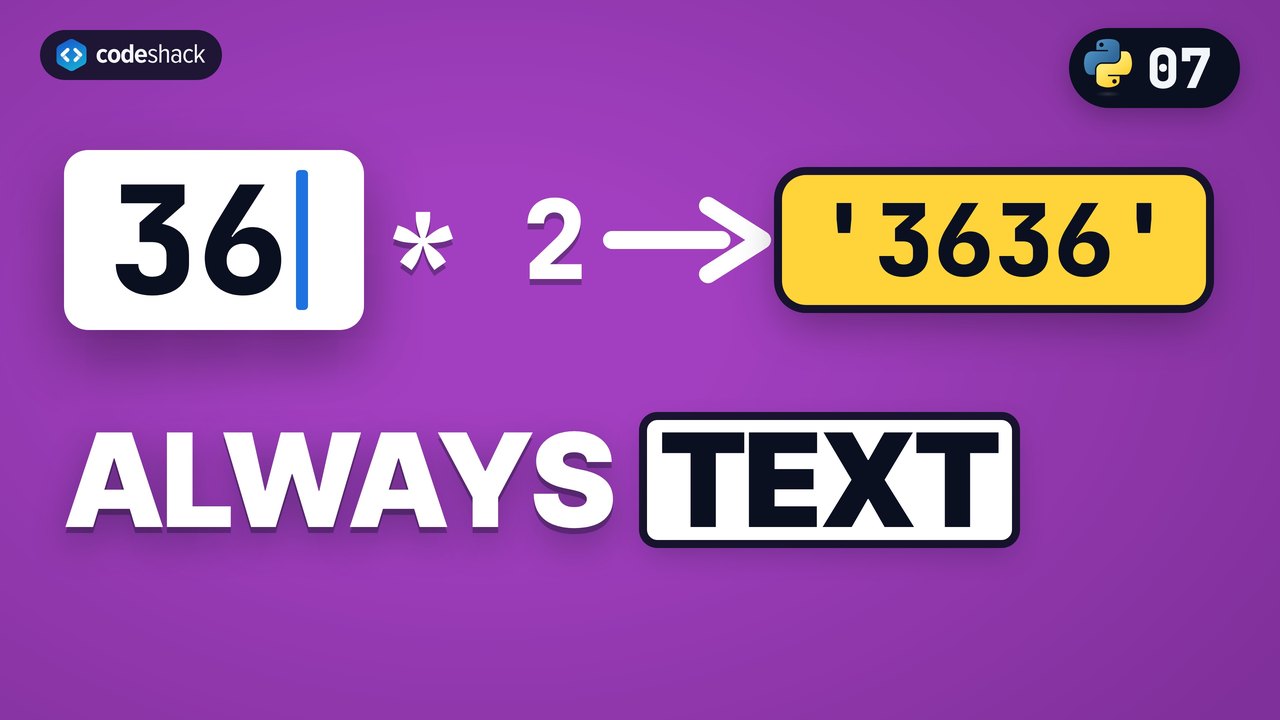
Yes. Whatever the user types comes back as a str, even when it looks like a number, so math on it fails or goes wrong until you convert it. "36" * 2, for example, gives "3636".
age = input("How old are you? ")
print(type(age))
print(age + 1)How old are you? <class 'str'>
Traceback (most recent call last):
File "main.py", line 3, in <module>
print(age + 1)
~~~~^~~
TypeError: can only concatenate str (not "int") to strWrap the call in int() or float() and you get an actual number right away. If the text isn't a whole number, like 3.5 or ten, int() raises a ValueError, and the errors and exceptions lesson shows how to catch it.
age = int(input("How old are you? "))
print(f"Next year you will be {age + 1}.")How old are you? Next year you will be 37.
How do I print without a newline in Python?
Pass end="" to print(). The end argument is the text printed after the values, and it defaults to a line break. The sep argument is the text printed between values, and it defaults to one space.
print("Loading", end="")
print("...", end="")
print(" done")
print("a", "b", "c", sep="-")
print("2026", "09", "16", sep="/")Loading... done a-b-c 2026/09/16
How do I print 1 to 10 in Python?
Unpack a range into print() with a star. range(1, 11) produces the numbers 1 through 10, the star passes them as separate arguments, and sep decides what goes between them.
print(*range(1, 11))
print(*range(1, 11), sep=", ")1 2 3 4 5 6 7 8 9 10 1, 2, 3, 4, 5, 6, 7, 8, 9, 10
A for loop can also print the same numbers one at a time. Loops come later in the course.
How do I print text and variables together?
Three ways give the same line. Passing several arguments lets print() add the spaces, an f-string gives you full control, and + works only when everything is already a string.
name = "Ada"
score = 42
print("Name:", name, "Score:", score)
print(f"Name: {name} Score: {score}")
print("Name: " + name + " Score: " + str(score))Name: Ada Score: 42 Name: Ada Score: 42 Name: Ada Score: 42
The f-string is the one to reach for. It reads like the output and doesn't need str() to mix text with numbers.
Common mistakes with input and print in Python
Three of these four mistakes with input() and print() come back to the same fact, that input() returns text.
- TypeError: can only concatenate str (not "int") to str. The value from
input()is text. Convert it withint()orfloat()before doing math. - Comparing input to a number.
answer == 5is alwaysFalsewhenanswercame frominput(). Compare with"5", or convert first. - ValueError: invalid literal for int() with base 10. The text isn't a whole number, like
3.5orten. Check the text first, or catch the error, which the errors and exceptions lesson covers. - A prompt glued to the answer.
input("Age?")leaves the cursor right after the question mark. End the prompt with a space, or with\nto put the answer on the next line.
answer = input("Type 5: ")
print(answer == 5)
print(answer == "5")Type 5: False True
Exercise
Replace the four print lines with two so the program prints 1-2-3 Done on a single line. The first call prints the three numbers with hyphens between them and a space at the end instead of a line break, and the second prints Done.
print(1)
print(2)
print(3)
print("Done")
1-2-3 Done
Show the solution
print(1, 2, 3, sep="-", end=" ")
print("Done")
Quiz
This quiz has 4 questions. Pick an answer to see why it is right or wrong.
-
1The user types 42 at an input() prompt. What type is the value the program receives?
input() always returns a string. int(input()) is how you get a number.
-
2What does this program print?
print("a", "b", sep="") print("c")sep="" removes the space between a and b. end keeps its default, so c starts a new line.
-
3What does this program print?
print("x", end="") print("y")end="" leaves the cursor after x, so y lands on the same line.
-
4Which line reads a whole number from the user?
input() runs first and returns text, and then int() converts that text. Putting int() around the prompt hands the text "Age? " to int(), which raises a ValueError, and input() does not accept a second argument.























