Advanced Event Calendar System
An interactive event calendar for your website
Instant Download
Lifetime Access & Updates
User Guide
30-Day Money-Back Guarantee
Screenshots
Overview
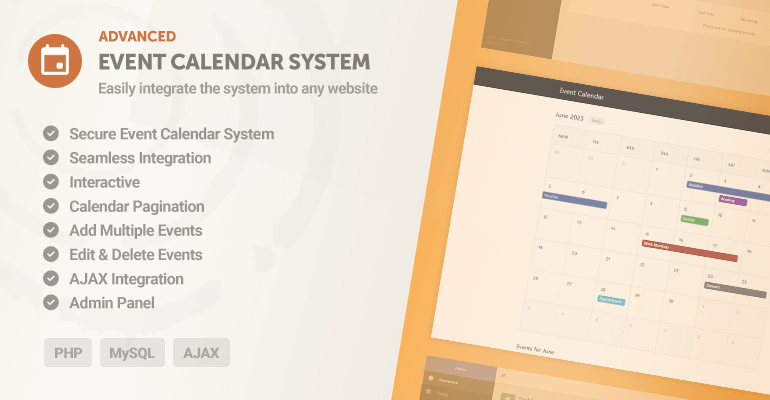
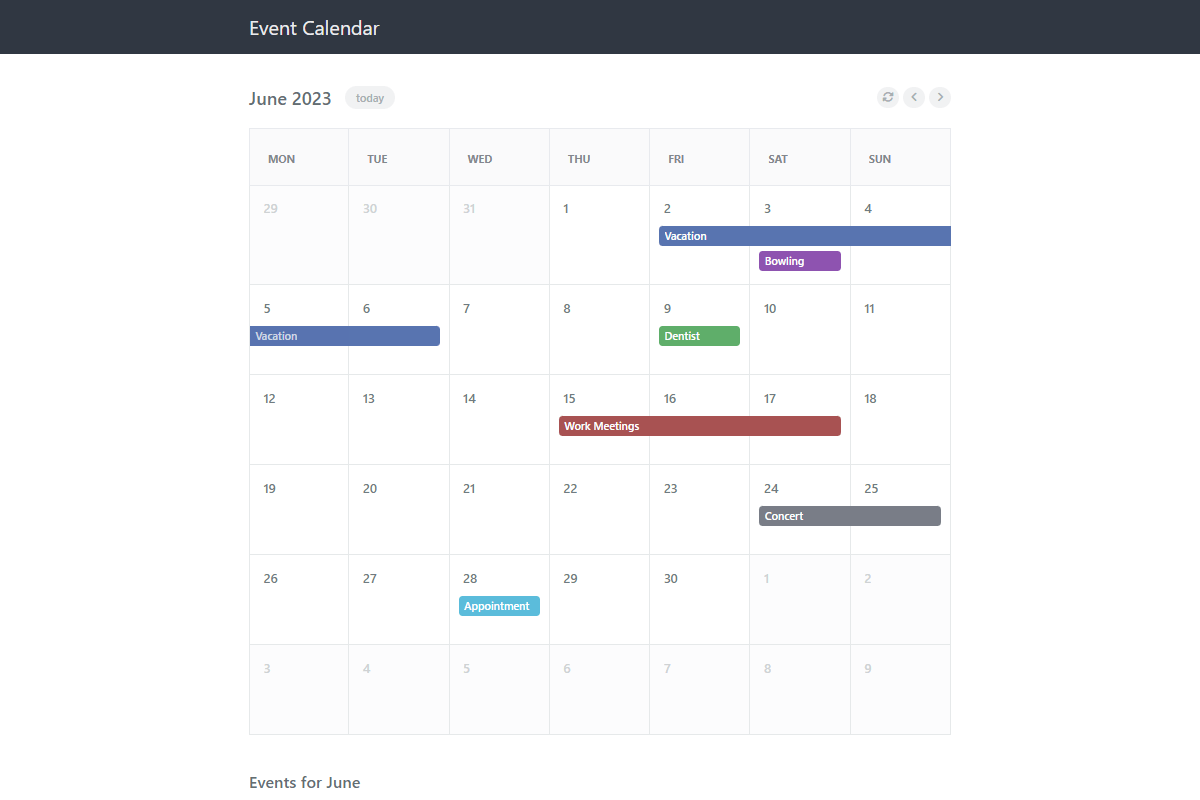
The Advanced Event Calendar System is a PHP event calendar script backed by MySQL: visitors browse events by day, month, or year, and authenticated users can submit, edit, and delete events with photos attached. One payment, full source code.
Version 3 handles the scheduling details that usually hurt: recurring events (daily, weekly, monthly, or yearly), blocked-out unavailable dates, configurable calendar sizes, and custom event colors. The calendar loads over AJAX so it drops onto any page, and events can be imported and exported as CSV, JSON, XML, or text from the admin panel.
Publish a community events calendar, a club schedule, or a booking overview; the admin panel covers events, accounts, and settings, and the user guide walks through setup.
Features
Secure Calendar Script Advanced coding techniques (PDO) are pre-applied to prevent SQL injection and other known vulnerabilities.
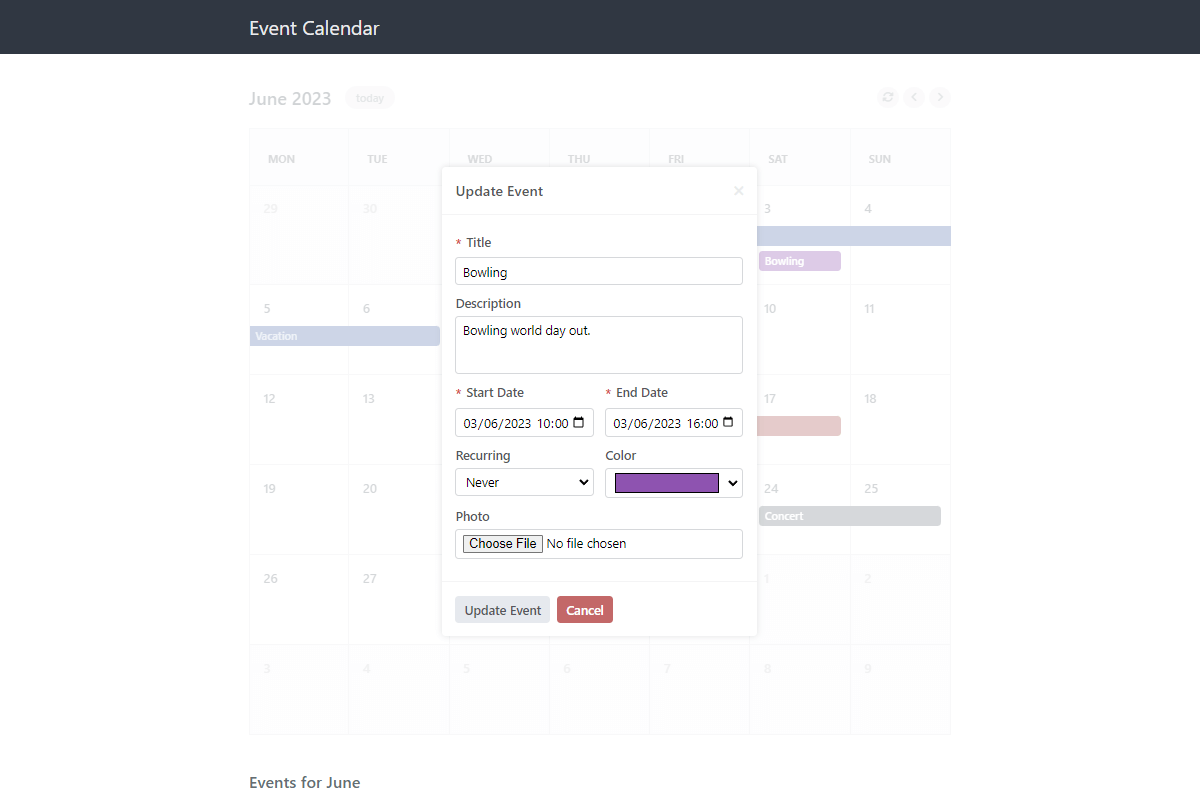
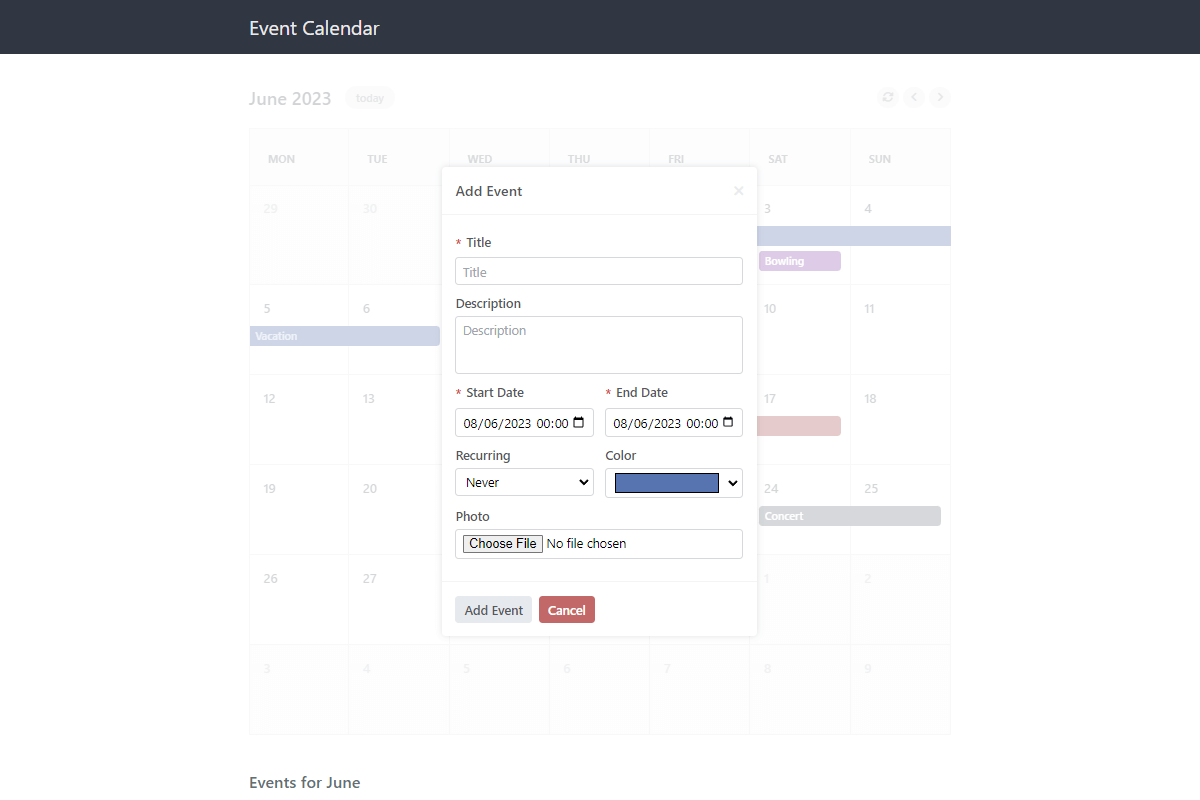
Event Management UI Pre-built interfaces allow authenticated users to submit, edit, and delete events from the front end.
Database Integration Events are saved permanently to your own MySQL database using secure PDO connections.
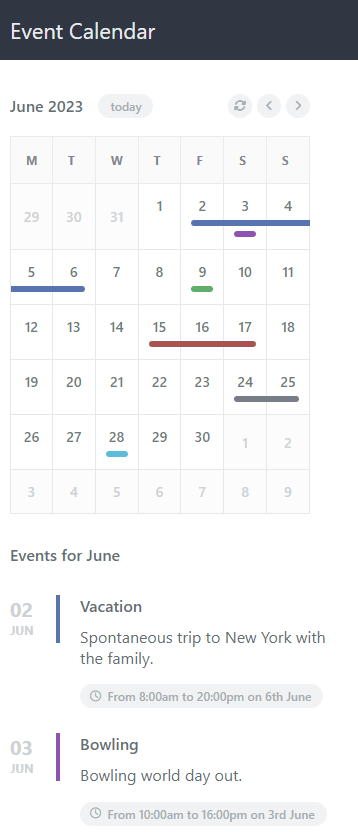
Configurable Calendar Size Choose between a large, small, or auto (responsive) size directly in the configuration files.
Event Photos Built-in upload logic allows users to attach and display photos when creating new events.
Recurring Events Logic Includes pre-coded options to set events to repeat daily, weekly, monthly, or yearly.
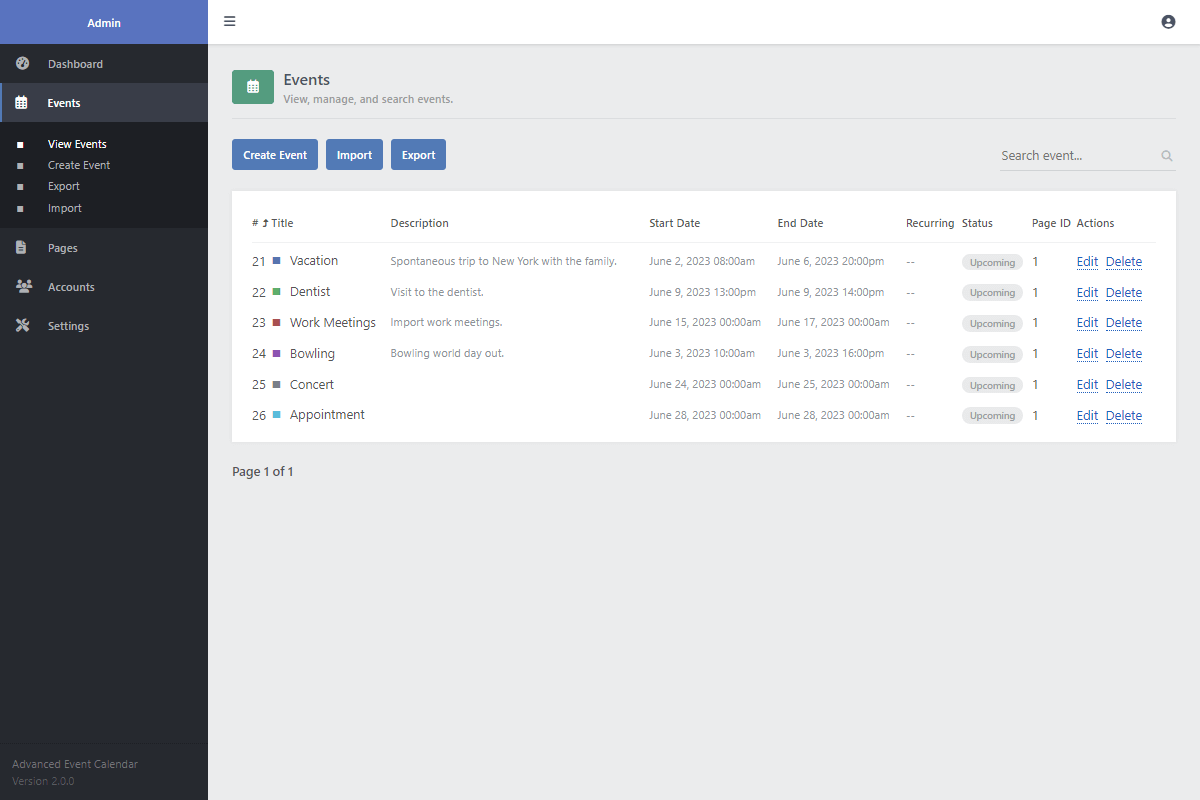
Import & Export Events Functional modules in the admin panel allow you to import & export event data to CSV, JSON, XML, or TEXT.
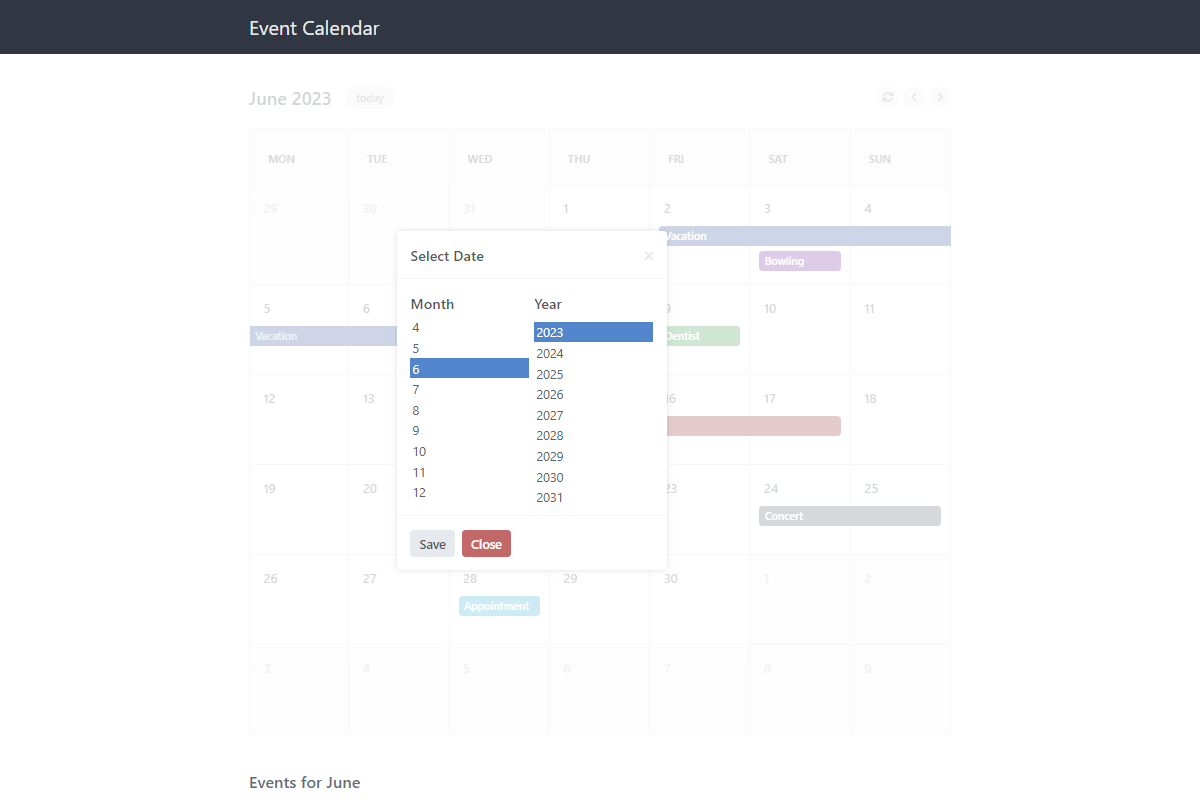
Dynamic Pagination Move between days, months, and years using the built-in UI controls.
Unavailability Module Specify which dates are unavailable in the database to automatically block new event scheduling.
AJAX Integration Place the calendar on any web page; the calendar data loads in the background via AJAX.
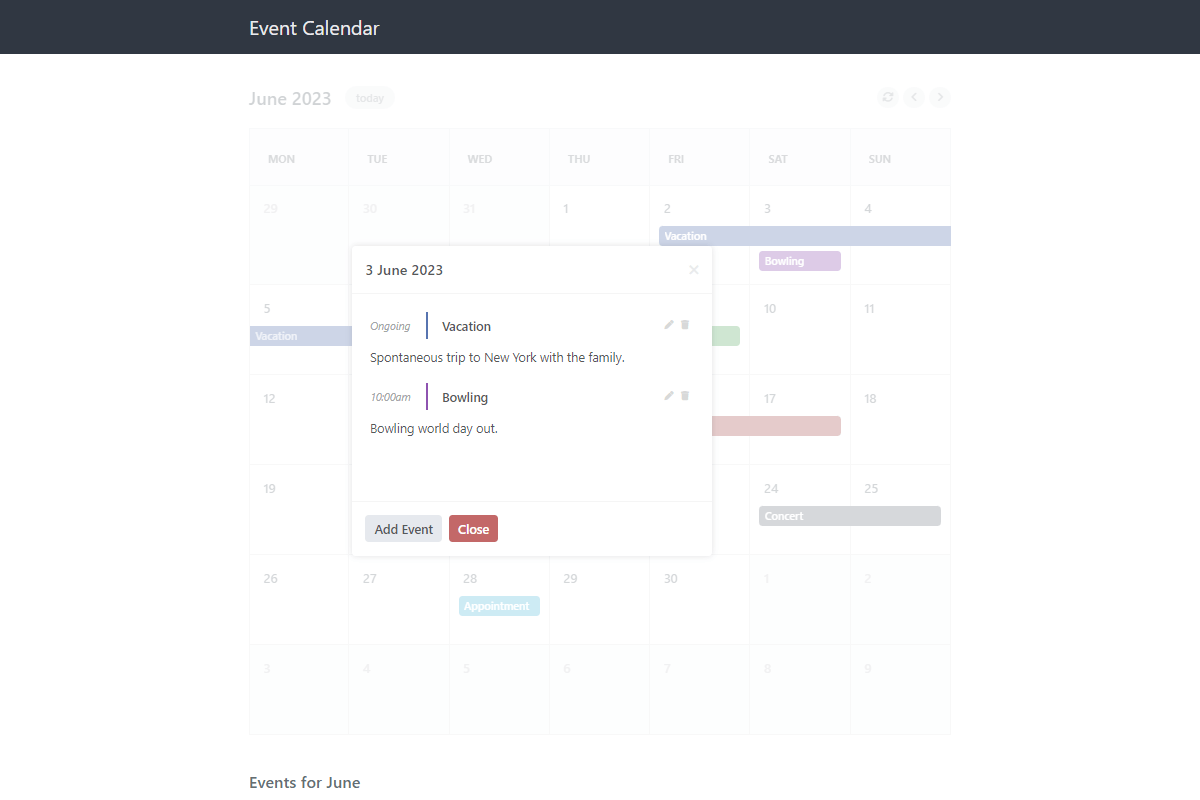
Interactive JS Modals Includes pre-styled JavaScript modals for viewing event details and submitting new entries.
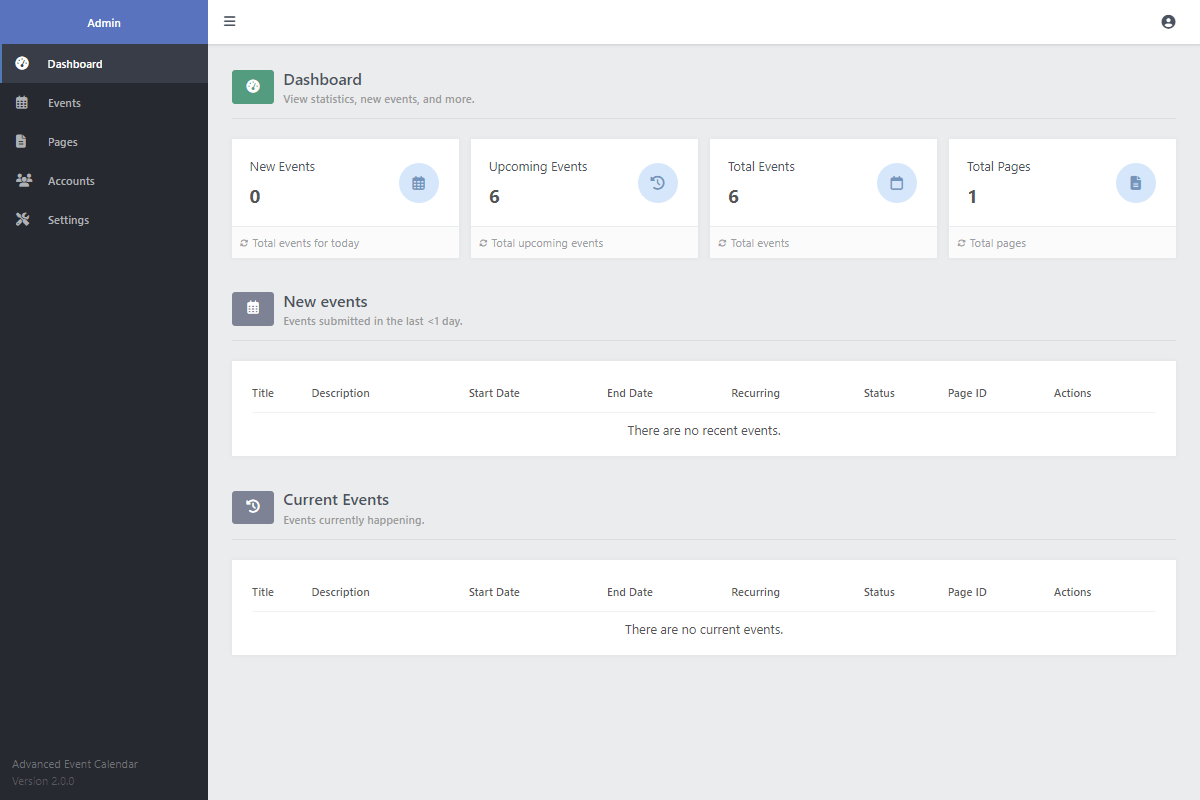
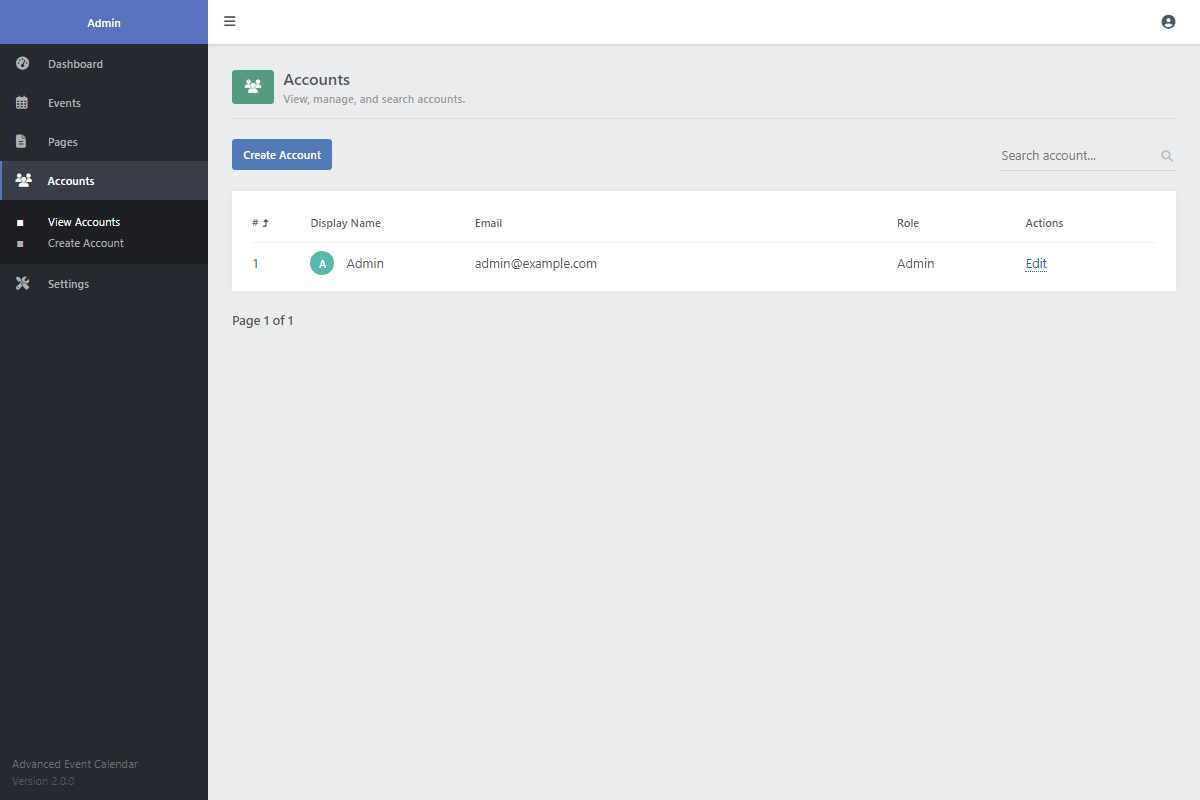
Admin Panel UI View the dashboard, manage events, view user accounts, edit global settings, and more from a central hub.
SCSS Files Included Preprocessor CSS language files are included to make modifying the stylesheet highly convenient.
Clean, Commented Source Code Thoroughly commented code helps you understand every aspect of the logic for easier modifications.
Comprehensive User Guide Includes a detailed 'User Guide.html' file so you can configure the files on your server in minutes.
Lifetime Access & Updates Once you buy it, you own it. You'll have permanent access to all future code improvements and version updates.
Technical Requirements
- Apache/Nginx Web Server — We recommend XAMPP for testing on your local environment.
- PHP >= 5.5.0 — PHP >= 8.0 is recommended for optimal performance.
- MySQL >= 5.6 or MariaDB
- A code editor, such as Visual Studio Code or Notepad++.
FAQs
Why am I receiving a MySQL error?
Ensure the database variables in the 'config.php' file reflect your MySQL credentials, and make sure you've uploaded the correct SQL file with phpMyAdmin.
How do I download the ZIP file again if I've lost it?
You can download the digital package from the receipt email that was sent to you when you purchased the software. If you no longer have this email, you can request a new one here. Remember not to share your download links as these are being monitored.
The calendar is not being displayed. What do I do?
Make sure you verify your database credentials and make sure you've specified the 'uid' variable when creating a new instance of the 'Calendar' class.
How do I change the calendar's language?
You can change the language by modifying the variables at the top of the 'calendar.class.php' file.
How do I add more colors to the event color picker?
You can add more colors by modifying the 'event_colors' array in the 'config.php' file or directly via the admin panel.
Can I use the package on multiple websites?
Yes, but each website needs its own license.
How do I install the package?
Extract the ZIP file on your web server, import the included SQL file, and update the configuration with your details. The user guide walks through it step by step.
Can I customize the source code?
Absolutely. You get the complete source code with no restrictions, plus an SCSS file that makes design changes straightforward. Adapt it however you like.
Change Log
Version 3.0.0 07/05/2024
- [Updated] the admin panel to include new UI design, advanced filtering options, and improved event management.
- [Updated] the UI design and improved the overall user experience.
- [Added] the ability to specify which dates are unavailable for events. You can set the dates in the admin panel or execute the class method.
- [Added] more translation options to the calendar class. You can modify the variables at the top of the class to change the text.
- [Added] the ability to specify a URL for each event. If a URL is specified, the event title will be a clickable link.
- [Added] SVG icons and removed the Font Awesome library to improve client-side performance.
- [Added] the event colors to the config file and refactored the UI color picker.
- [Added] event timestamps to the calendar, which can be toggled on or off in the settings.
- [Fixed] a bug with events that land on the last day of the month.
- [Fixed] a bug with the "disable_event_management" option.
Version 2.0.5 30/01/2024
- [Fixed] a bug that caused certain months to skip when navigating between months using the buttons in the top-right corner.
Version 2.0.4 04/01/2024
- [Fixed] a bug with the "disable_event_management" option when there are no events on a particular day.
Version 2.0.3 24/10/2023
- [Added] the option to disable event management on the calendar. You can toggle the option in the config.php file or via the settings page in the admin panel.
Version 2.0.2 03/07/2023
- [Refactored] the events list modal in the "advanced-nodb" version.
- [Fixed] a bug with the "advanced-nodb" version that affected the title in the events list modal.
Version 2.0.1 20/06/2023
- [Fixed] a bug with the events in the admin panel that affected the results when viewing events by the Page ID.
Version 2.0.0 12/05/2023
- [Updated] the event interface and improved the design.
- [Added] accounts table to the database, which is solely used for logging into the admin panel. The details are in the user guide.
- [Added] the ability to export and import events via the admin panel.
- [Added] event page details to the admin panel.
- [Added] a no-JavaScript version, which doesn't require JS or a database, but lacks functionality compared to the normal version.
- [Added] recurring events functionality. When creating a new event, you can now add the recurring option (daily, weekly, monthly, yearly).
- [Added] photo uploads, which will appear in the expandable events.
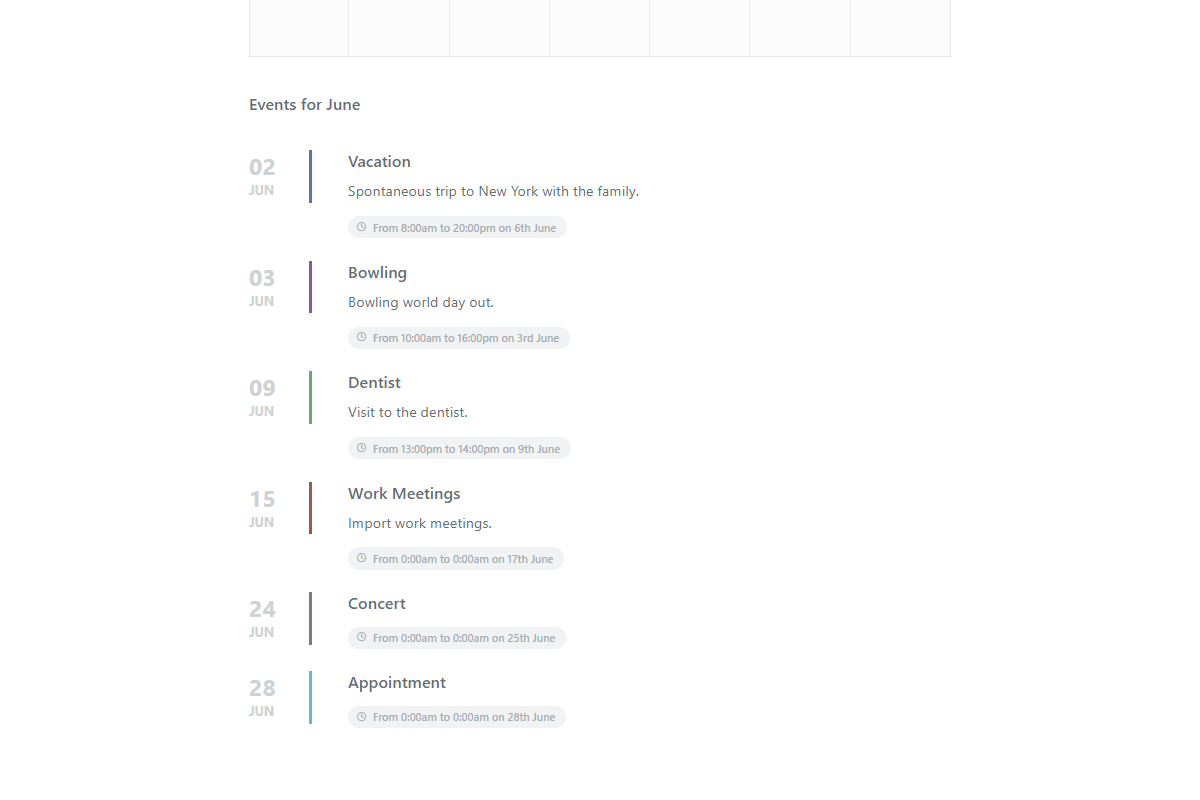
- [Added] expandable events that can be populated below the event calendar.
- [Fixed] bugs related to events spanning across multiple months and optimized the code.
Version 1.0.0 29/09/2021
- [Release] the event calendar system initial release.