The CSS :hover selector
The CSS :hover pseudo-class applies styles while the pointer is over an element: a:hover { color: … } changes a link on mouse-over. Pair it with a transition for a smooth effect. Remember hover does not exist on touch screens, so never hide essential content or actions behind it alone.
Overview
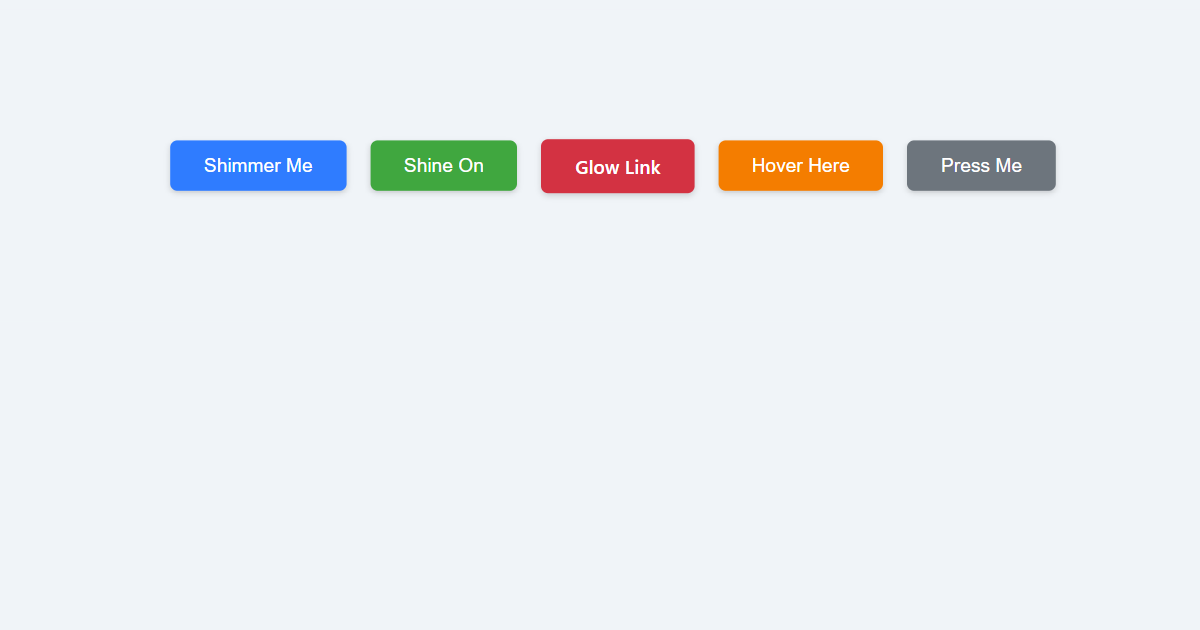
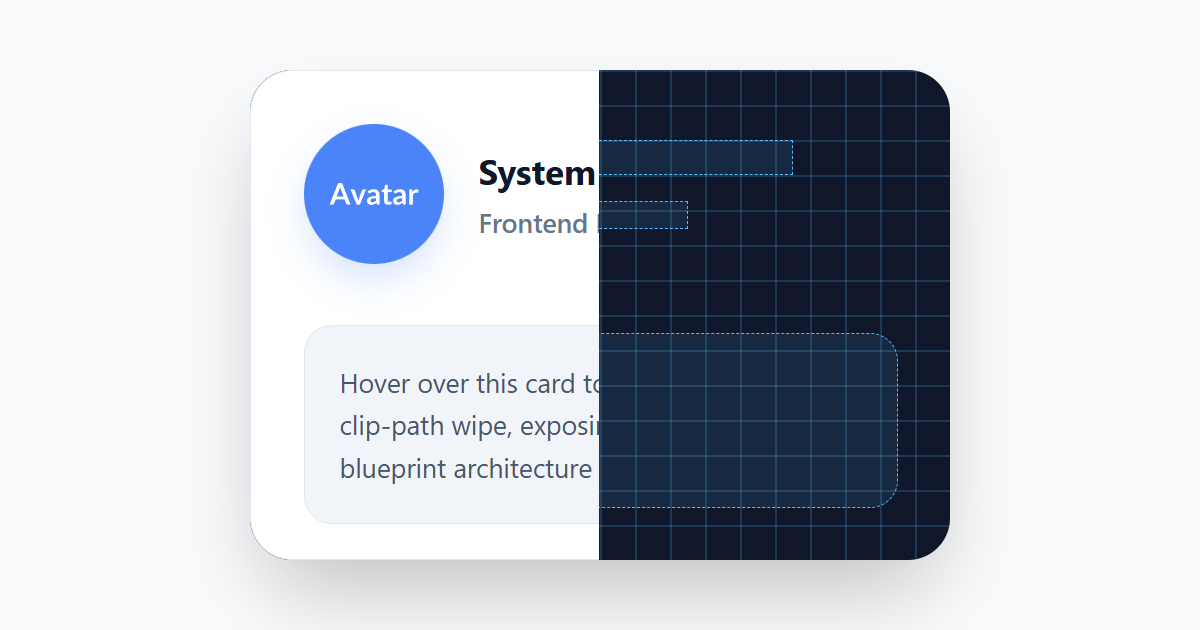
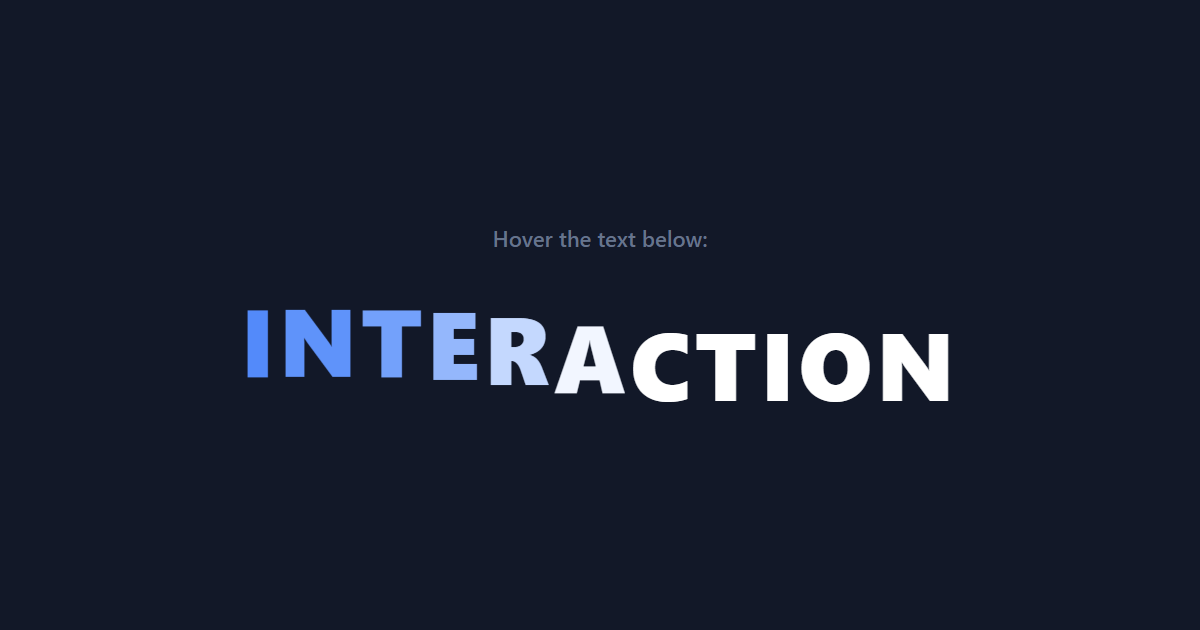
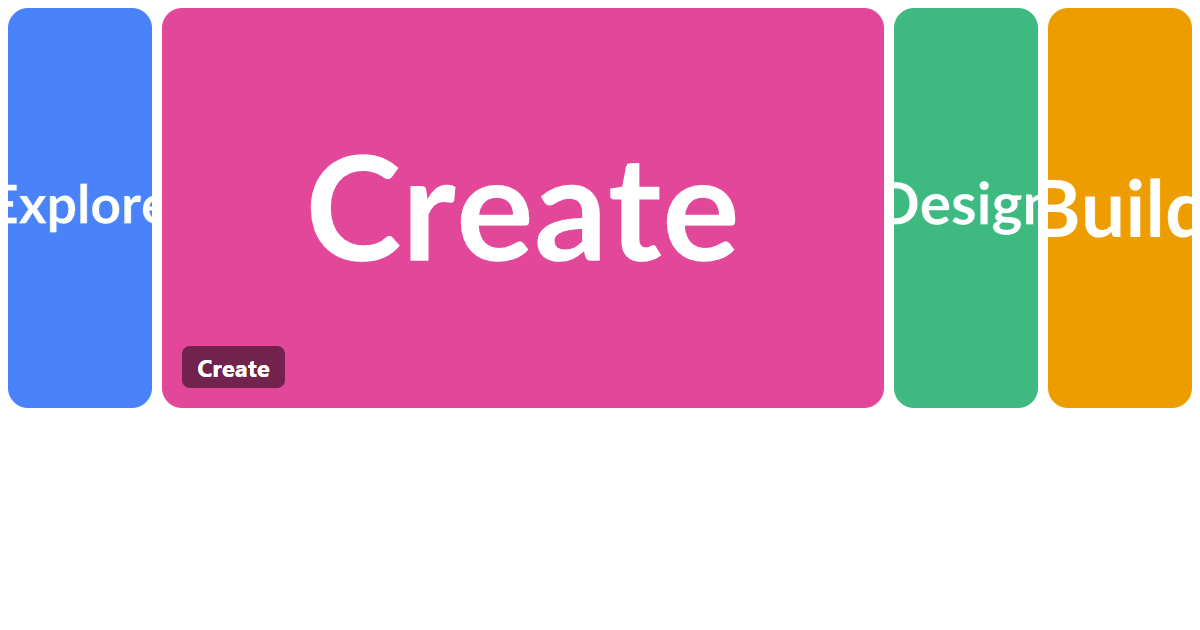
:hover matches an element while the user is pointing at it: the moment of mouse-over. It is behind almost every interactive flourish on the web: links that change color, buttons that lift, cards that reveal a shadow. Put the change on the :hover rule and a transition on the base rule, and the effect eases in and out smoothly.
The important caveat is that hover is a pointer state. Touch screens have no hover, so anything you tuck behind :hover alone (a menu that only appears on hover, an action that is otherwise hidden) simply does not exist for the millions of people on phones and tablets. Treat hover as an enhancement, never the only path to something.
It works on any element, not just links and buttons, and combines naturally with other states like :focus. A good habit is to style :hover and :focus together, so keyboard users get the same visual feedback that mouse users do.
Syntax
a {
  color: #1c7ce9;
  transition: color 0.2s ease;
}
a:hover {
  color: #0f5fc2;
}
Example
<style>
  .btn { background: #1c7ce9; color: #fff; border: 0; padding: 12px 22px; border-radius: 8px; font: 600 15px system-ui, sans-serif; cursor: pointer; transition: background 0.2s ease, transform 0.2s ease; }
  .btn:hover { background: #0f5fc2; transform: translateY(-2px); }
</style>
<button class="btn">Hover me in the preview</button>
More Examples



Best practices
- Put the transition on the base rule, not on
:hover, so the effect eases both ways. - Never hide essential content or actions behind hover alone. Touch devices have no hover state.
- Style
:hoverand :focus together so keyboard users get the same feedback as mouse users. - Keep hover changes lightweight (color, transform, shadow) so they stay smooth.
Accessibility
Because hover is mouse-only, relying on it excludes touch users entirely and keyboard users too. Any information or control revealed on :hover must also be reachable another way: on :focus, on click/tap, or simply always visible. Pairing every :hover rule with a matching :focus rule is the simplest way to keep keyboard navigation on equal footing.
If hovering reveals additional content, the WCAG guidance also asks that it be dismissable and stay visible long enough to read, so avoid content that vanishes the instant the pointer drifts.
Frequently asked questions
How do I create a hover effect in CSS?
:hover rule, e.g. .btn:hover { background: #0f5fc2; }, and put a transition on the base rule so it eases.Why does my hover effect not work on mobile?
:hover alone is unavailable on touch. Provide a tap or always-visible alternative.How do I make hover and focus look the same?
.btn:hover, .btn:focus-visible { … }, so keyboard users get the same feedback as mouse users.






















