The CSS box-shadow property
The CSS box-shadow property adds a shadow around an element. The value is offset-x offset-y blur spread color, e.g. box-shadow: 0 4px 12px rgb(0 0 0 / 0.15). Add the inset keyword for an inner shadow, and separate multiple shadows with commas to layer them.
Overview
box-shadow paints a shadow around (or inside) an element's box. It is what gives cards their lift off the page, buttons their depth and dropdowns their separation from the content behind them.
The value has up to five parts in order: the horizontal offset, the vertical offset, the blur radius, the spread, and the color. The first two move the shadow; the blur softens its edge; the optional spread grows or shrinks it; and the color (almost always a semi-transparent black like rgb(0 0 0 / 0.15)) keeps it looking natural. A positive vertical offset with a gentle blur and no spread is the recipe for the soft "floating card" look you see everywhere.
Two extras make it powerful. The inset keyword flips the shadow inward, useful for pressed buttons and inset wells. And you can stack several shadows in one declaration by separating them with commas, which is how designers build the layered, realistic depth that a single shadow cannot.
Syntax
selector {
  box-shadow: offset-x offset-y blur spread color;
}

/* soft floating card */
.card {
  box-shadow: 0 4px 12px rgb(0 0 0 / 0.15);
}
Values
The box-shadow property accepts the values below. Every property also accepts the CSS-wide keywords inherit, initial, revert and unset.
| Value | Description |
|---|---|
offset-x |
How far the shadow moves right (negative moves it left). |
offset-y |
How far the shadow moves down (negative moves it up). |
blur |
How soft the edge is. Larger values spread and fade the shadow. |
spread |
Grows (positive) or shrinks (negative) the shadow before the blur. |
color |
The shadow color, usually a semi-transparent black like rgb(0 0 0 / 0.15). |
inset |
Draws the shadow inside the box instead of outside. |
Examples
<style>
  .card {
    box-shadow: 0 4px 14px rgb(0 0 0 / 0.15);
    background: #fff;
    padding: 24px;
    border-radius: 12px;
    width: 220px;
    margin: 16px auto;
    font: 15px/1.5 system-ui, sans-serif;
  }
</style>
<div class="card">A soft shadow lifts this card off the page.</div>
Example #2
<style>
  .stack { display: flex; gap: 18px; justify-content: center; padding: 18px; font: 600 13px system-ui, sans-serif; }
  .stack div { width: 80px; height: 80px; border-radius: 12px; background: #1c7ce9; color: #fff; display: flex; align-items: center; justify-content: center; }
  .soft { box-shadow: 0 2px 6px rgb(0 0 0 / 0.12), 0 12px 28px rgb(0 0 0 / 0.12); }
  .press { box-shadow: inset 0 3px 6px rgb(0 0 0 / 0.35); }
</style>
<div class="stack">
  <div class="soft">layered</div>
  <div class="press">inset</div>
</div>
More Examples
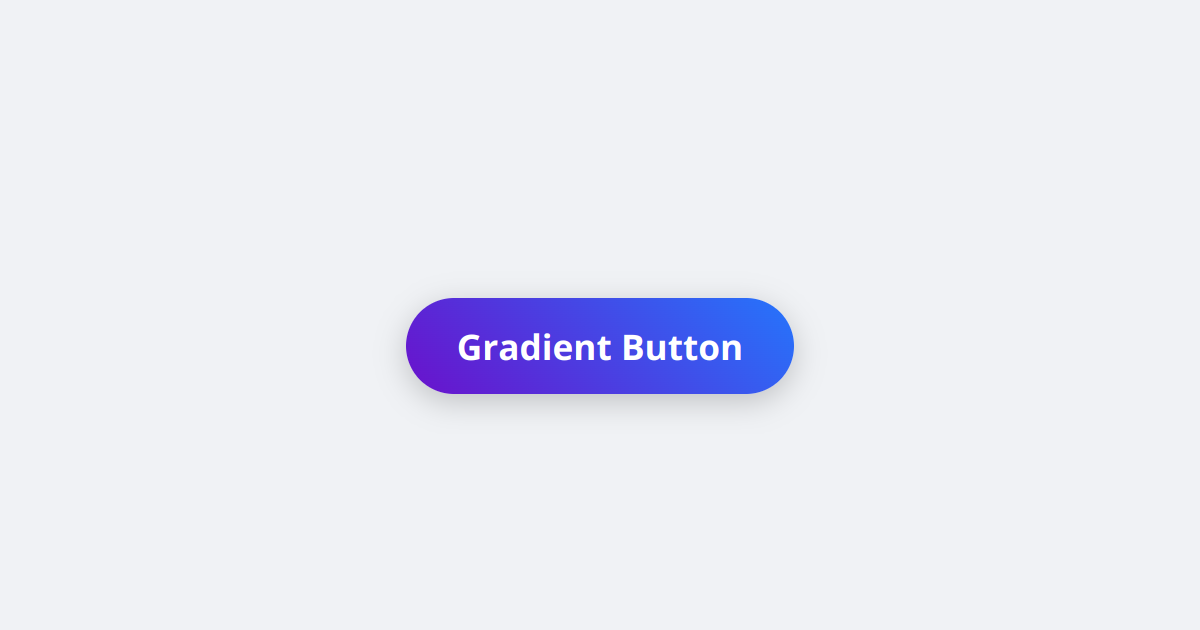
Best practices
- Use a semi-transparent color like
rgb(0 0 0 / 0.15)rather than a solid gray; shadows in real life are translucent, and it sits better on any background. - Layer two or three subtle shadows (a tight one plus a soft, wide one) for depth that looks far more natural than a single heavy shadow.
- Keep shadows soft and offsets small for UI; large, dark shadows read as heavy and dated.
- Prefer
box-shadowover an extra wrapper element for focus rings and dividers, but useoutlinefor the actual keyboard focus indicator so it is not clipped.
Frequently asked questions
How do I add a shadow to a div in CSS?
box-shadow, e.g. box-shadow: 0 4px 12px rgb(0 0 0 / 0.15). The values are horizontal offset, vertical offset, blur and color.What do the box-shadow values mean?
How do I create an inner shadow?
inset keyword, e.g. box-shadow: inset 0 2px 4px rgb(0 0 0 / 0.2). The shadow is drawn inside the element instead of outside.Can an element have more than one shadow?
box-shadow: 0 1px 2px rgb(0 0 0 / 0.1), 0 8px 24px rgb(0 0 0 / 0.12). The first one listed sits on top.






















