The CSS animation property
The CSS animation property runs a @keyframes animation on an element. The shorthand sets the keyframes name, duration, easing, delay, repeat count and direction, e.g. animation: spin 1s linear infinite;. Unlike a transition, an animation runs on its own and can loop and define many in-between steps.
Overview
animation brings keyframe animation to CSS. Where a transition just eases between two states when something changes, an animation plays a sequence you define in a @keyframes rule. It can start on its own, run through many steps, and loop forever if you ask it to.
It works in two parts. First you write the keyframes: the named recipe of what changes and when (from/to, or percentages for finer control). Then you attach it with the animation shorthand, which packs several settings into one line: the keyframes name, how long a cycle takes, the easing, any delay, how many times it repeats (infinite for a loop), and the direction. animation: spin 1s linear infinite is the classic loading spinner.
For smooth, efficient motion, animate transform and opacity rather than layout properties: the browser can offload those to the GPU. And because animations move the screen, they come with a real responsibility to respect users who prefer less motion, covered below.
Syntax
@keyframes spin {
  to { transform: rotate(360deg); }
}

.loader {
  animation: spin 1s linear infinite;
}
Values
The animation property accepts the values below. Every property also accepts the CSS-wide keywords inherit, initial, revert and unset.
| Value | Description |
|---|---|
name |
The @keyframes animation to run, e.g. spin. |
duration |
How long one cycle takes, e.g. 1s. Required for anything to play. |
timing-function |
The easing curve: ease, linear, ease-in-out or a cubic-bezier(). |
iteration-count |
How many times to run, e.g. 3 or infinite. |
direction, fill-mode |
Whether it alternates, and which styles persist before and after. |
Example
<style>
  @keyframes spin { to { transform: rotate(360deg); } }
  @keyframes pulse { 0%, 100% { transform: scale(1); } 50% { transform: scale(1.25); } }
  .row { display: flex; gap: 30px; justify-content: center; align-items: center; padding: 24px; }
  .loader { width: 40px; height: 40px; border: 5px solid #dbeafe; border-top-color: #1c7ce9; border-radius: 50%; animation: spin 1s linear infinite; }
  .dot { width: 30px; height: 30px; border-radius: 50%; background: #6d28d9; animation: pulse 1.4s ease-in-out infinite; }
</style>
<div class="row">
  <div class="loader"></div>
  <div class="dot"></div>
</div>
More Examples
CSS Audio Wave Visualizer
AI Thinking Text Animation CSS
Pure CSS Shimmer Button Hover Effect
3D Rotating Image Carousel JS
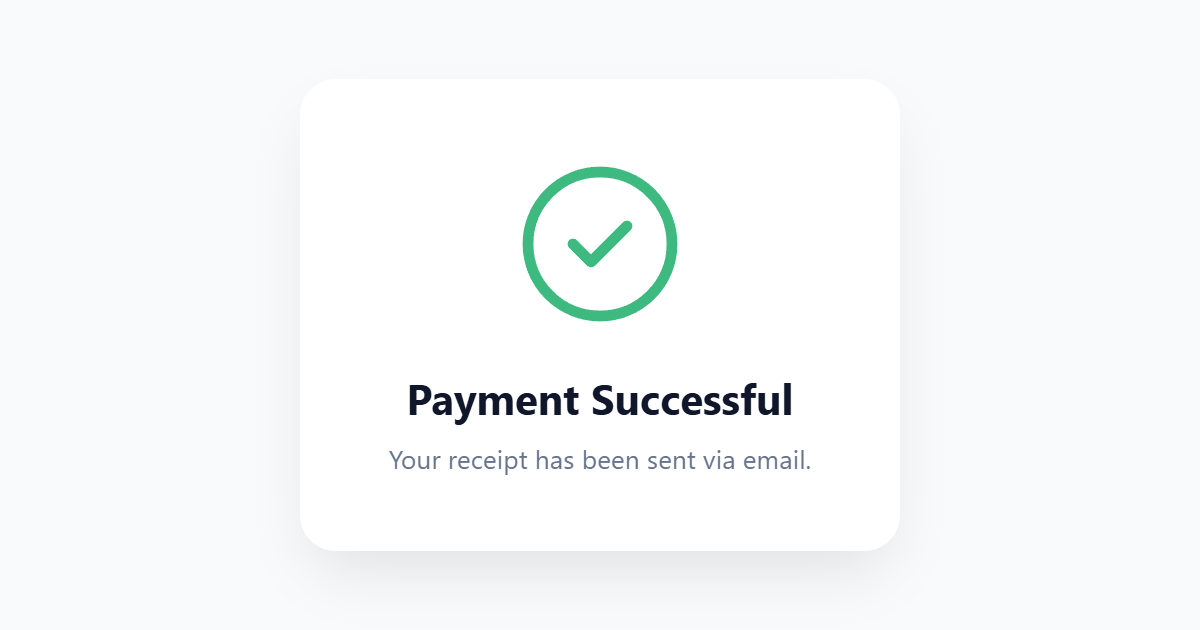
Animated Success Checkmark SVG CSS
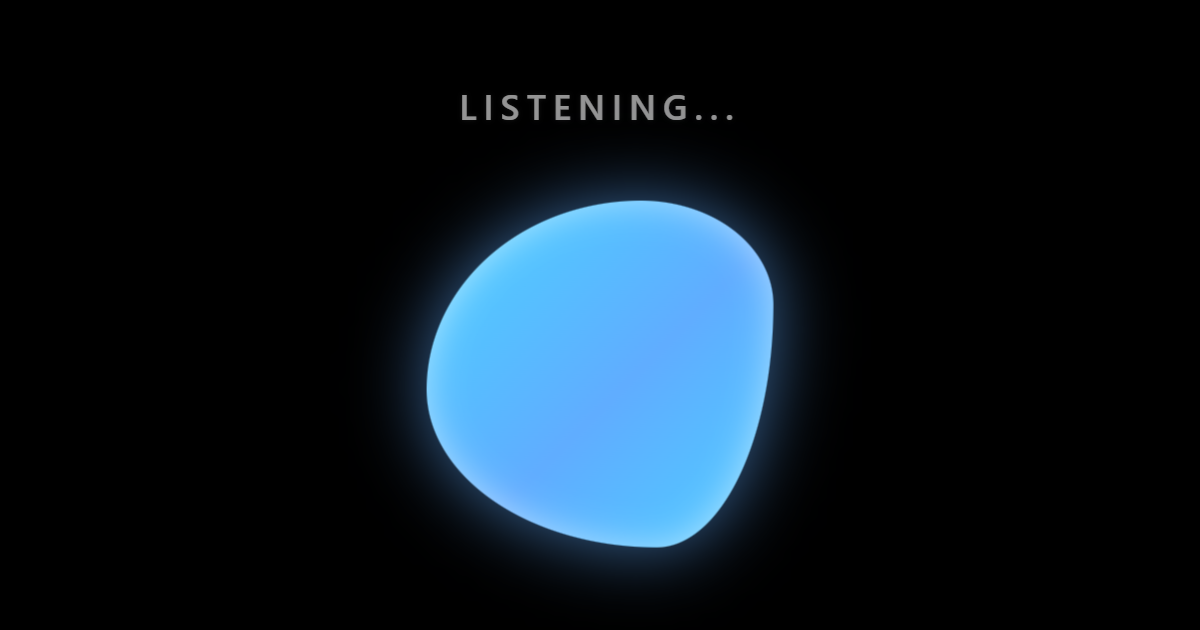
Morphing Voice Assistant Orb CSS
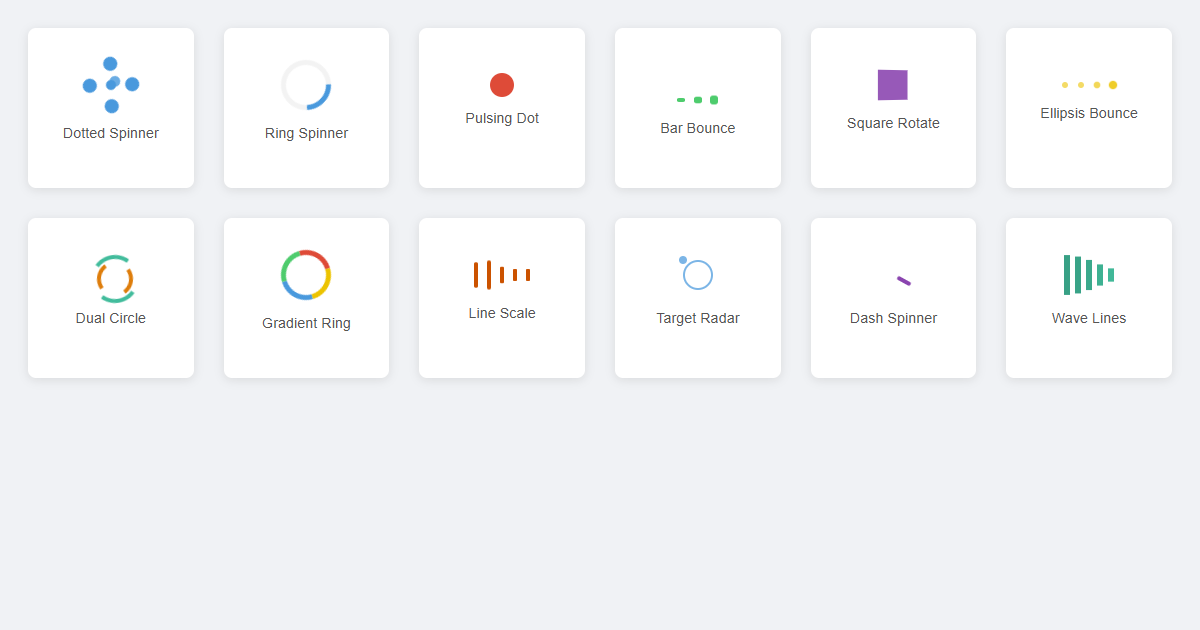
Pure CSS Modern Loaders and Spinners Collection
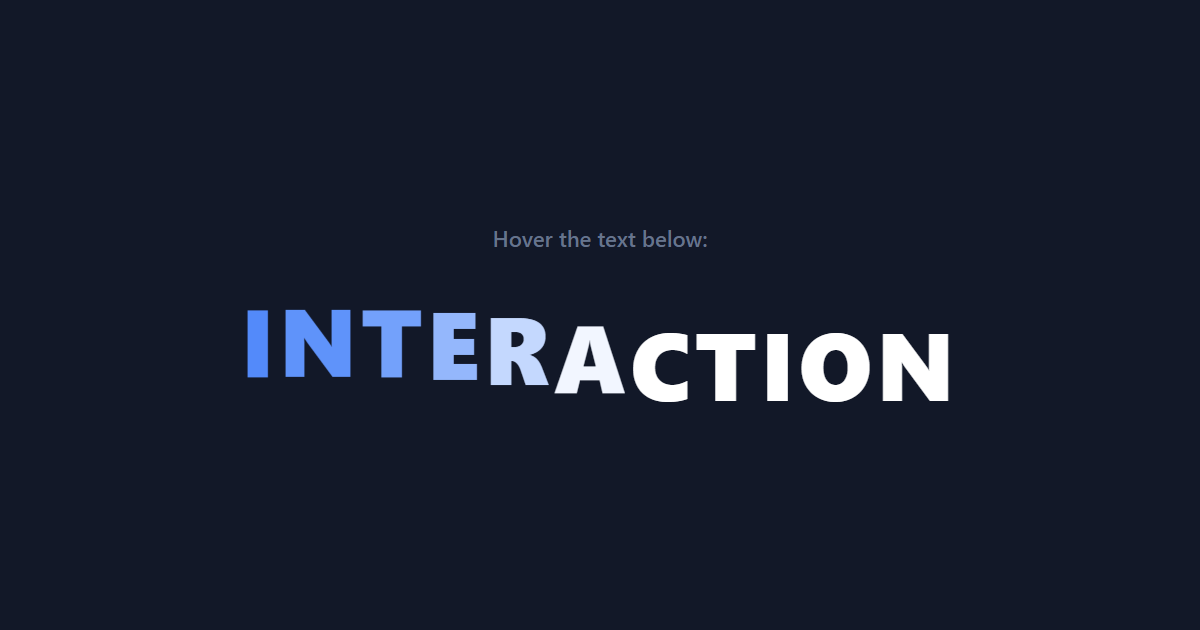
Staggered Wave Text Hover Reveal CSS
Best practices
- Animate transform and opacity for smooth, GPU-friendly motion; avoid animating width, height or position.
- Always wrap non-essential animation in a
prefers-reduced-motioncheck so it can be turned off. - Use
animation-fill-mode: forwardswhen the element should hold its final keyframe instead of snapping back. - Keep loops subtle: an
infiniteanimation that never rests is distracting and can hurt performance and focus.
Accessibility
Animation is the property most likely to cause harm if used carelessly. Movement can trigger nausea, dizziness or migraines in people with vestibular disorders, and constant motion is distracting for everyone. The prefers-reduced-motion media query exists precisely for this: gate non-essential animation behind @media (prefers-reduced-motion: no-preference), or add a reduce block that disables it, so users who have asked their system for less motion get a calm interface.
Two more rules from WCAG: nothing that flashes more than three times a second (a seizure risk), and any animation that lasts more than five seconds or loops should be pausable by the user. Decorative motion should never block someone from reading or using the page.
Frequently asked questions
How do I create an animation in CSS?
@keyframes rule, then attach it with the animation shorthand, e.g. animation: spin 1s linear infinite;.What is the difference between animation and transition?
animation runs on its own, can loop, and can define many keyframe steps in between.How do I make an animation loop forever?
infinite, e.g. animation: pulse 2s ease-in-out infinite;. It keeps repeating until the element is removed or the animation is changed.How do I respect users who prefer reduced motion?
@media (prefers-reduced-motion: no-preference), or add a reduce block that disables them, so people who asked for less motion are not forced to see it.






















