The CSS :focus selector
The CSS :focus pseudo-class styles the element that currently has focus: a link, button or input the user has tabbed to or clicked. Its modern partner :focus-visible shows a focus ring for keyboard users without flashing it on mouse clicks. Never remove focus styling without providing a clear replacement.
Overview
:focus matches whichever element currently has focus: the control a keyboard user has tabbed to, or a field they have clicked into. It is the counterpart to :hover for people who navigate without a mouse, and a visible focus style is the only way those users can tell where they are on the page.
In practice you usually want :focus-visible rather than plain :focus. The browser shows :focus-visible when focus arrives by keyboard, and in text fields even when clicked, but generally not on an ordinary mouse click on a button or link, which removes the one annoyance (a ring appearing when you click a button) that historically tempted people to delete focus styles altogether. With :focus-visible you get a clean look and full keyboard support at once.
The cardinal rule: do not remove the focus indicator. :focus { outline: none; } with nothing in its place is one of the most common and damaging accessibility mistakes. If the default ring clashes with your design, restyle it with a custom outline or box-shadow, never just switch it off.
Syntax
/* show a clear ring for keyboard users */
:focus-visible {
  outline: 2px solid #1c7ce9;
  outline-offset: 2px;
}
Example
<style>
  .field { font: 15px system-ui, sans-serif; padding: 10px 12px; border: 1px solid #cbd5e1; border-radius: 8px; outline: none; }
  .field:focus-visible { border-color: #1c7ce9; outline: 3px solid rgb(28 124 233 / 0.3); }
</style>
<input class="field" placeholder="Click or tab into me">
More Examples
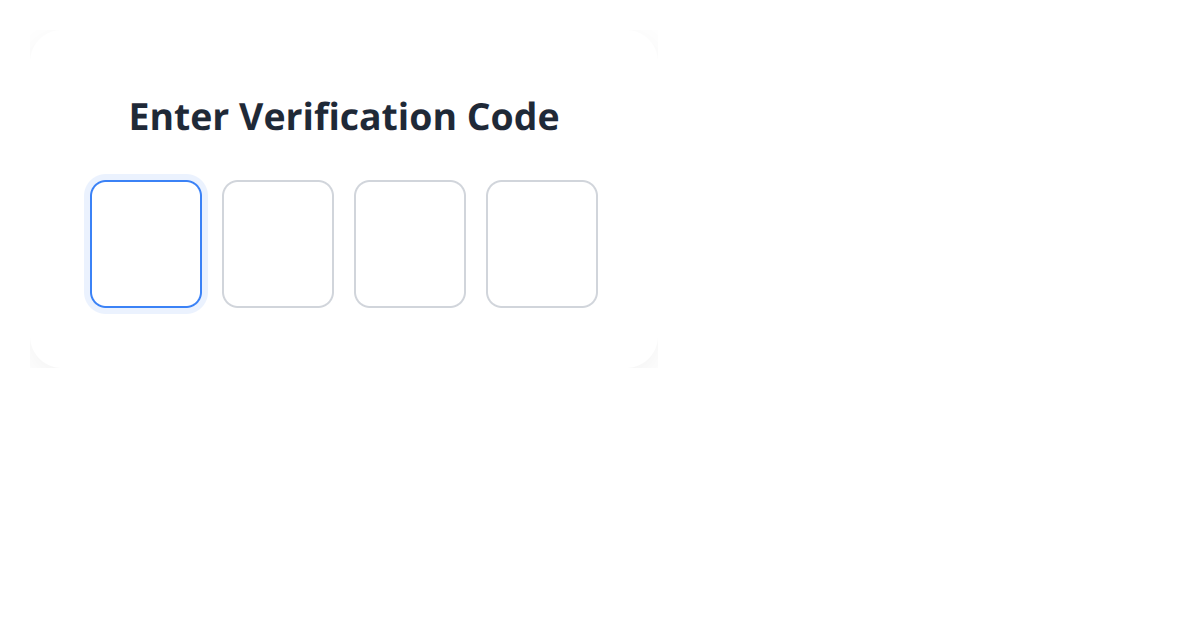

Best practices
- Prefer
:focus-visibleso the focus ring shows for keyboard users without appearing on every mouse click. - Never use
outline: nonewithout an equally clear replacement focus style. - Style :hover and focus together so both mouse and keyboard users get feedback.
- Use a custom outline or box-shadow with strong contrast if the default ring clashes with your design.
Accessibility
A visible focus indicator is a WCAG requirement, not a nicety: keyboard, switch and low-vision users depend on it to know which control is active. Removing it strands those users. If you must change its appearance, restyle the ring (a high-contrast outline works well) rather than removing it.
Use :focus-visible to keep the indicator where it matters (keyboard navigation) without showing it on mouse clicks, so you never have a reason to turn focus styling off.
Frequently asked questions
What is the :focus pseudo-class?
What is the difference between :focus and :focus-visible?
:focus matches whenever an element is focused; :focus-visible matches when the browser judges the indicator useful: keyboard navigation, and text fields even when clicked, so the ring does not flash when you click a button.






















