Advanced Secure Login & Registration System
Accounts, passkeys and 2FA for Python Flask apps
Instant Download
Lifetime Access & Updates
User Guide
30-Day Money-Back Guarantee
Screenshots
Overview
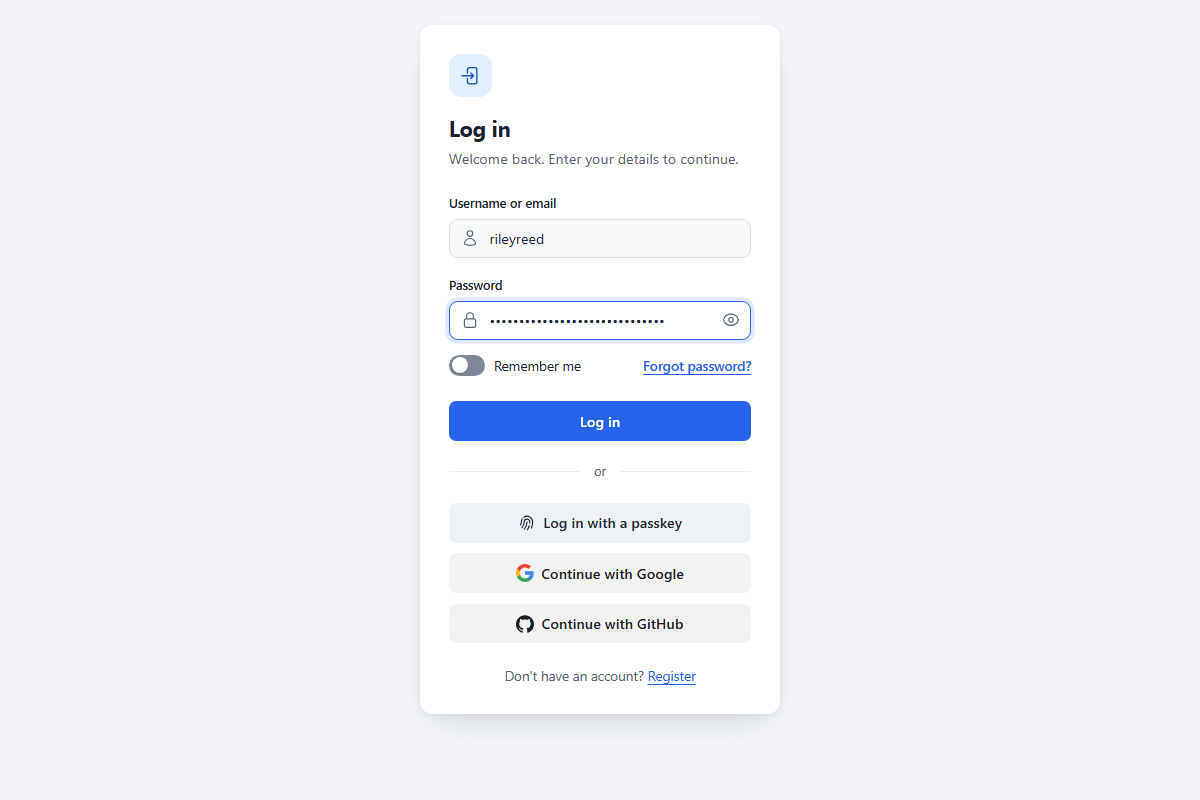
This Python login and registration system adds user accounts to a Flask app that uses MySQL. People can sign up, confirm their email address, log in and reset a forgotten password. They can also log in with a passkey, an authenticator app, or a Google or GitHub account.
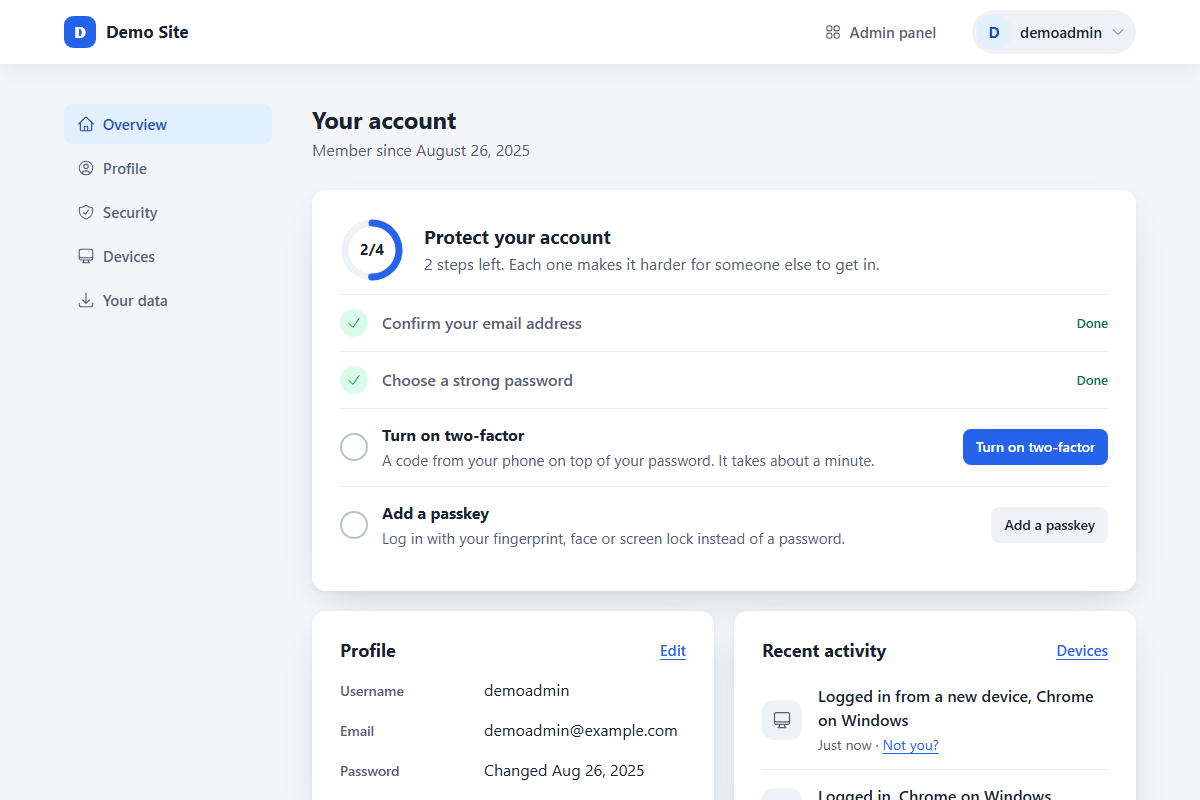
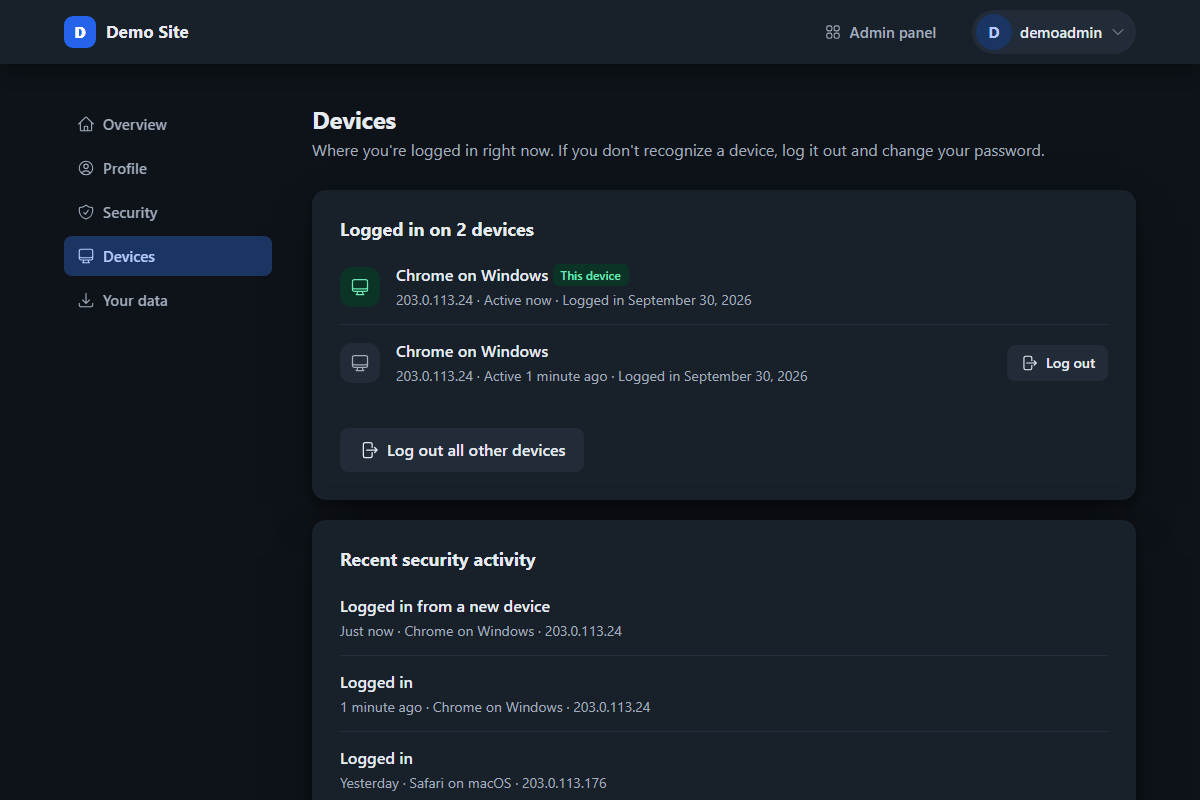
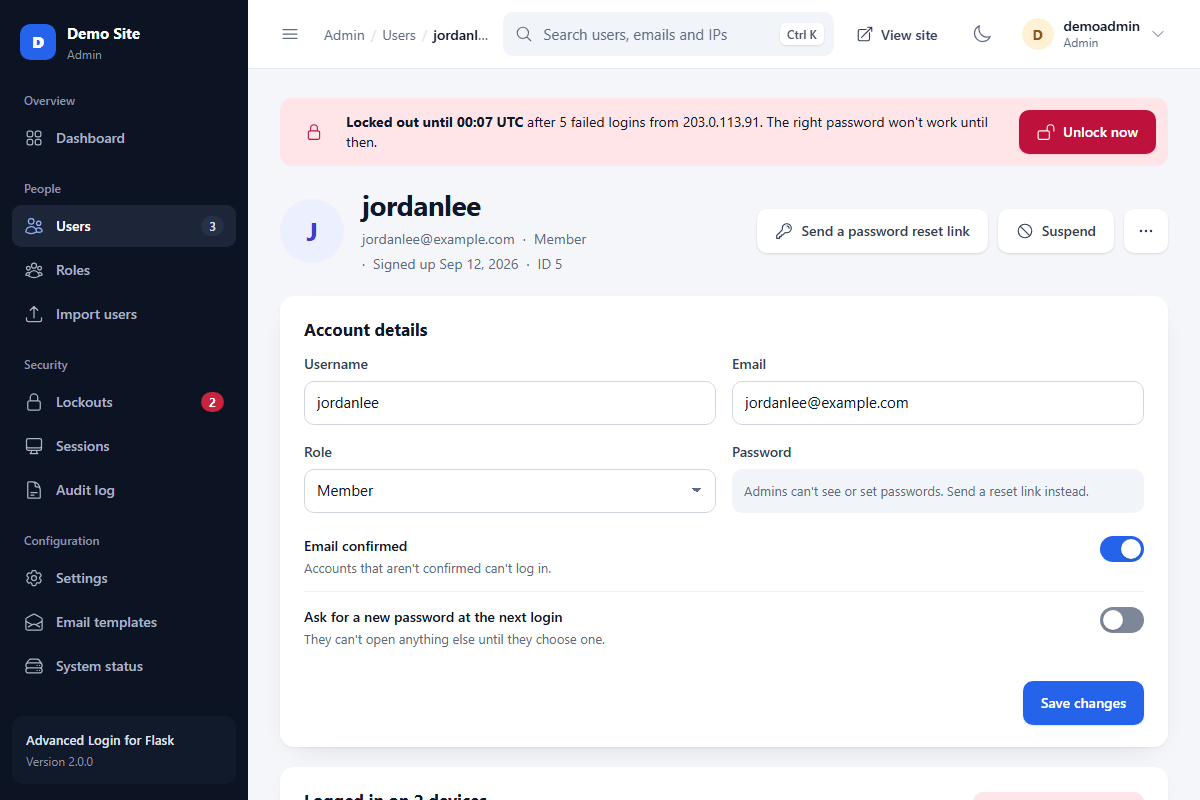
The security follows the OWASP cheat sheets and the NIST SP 800-63B-4 password guidelines. Passwords are hashed with Argon2id, and too many failed logins lock the account or IP address for 15 minutes. Users can also see every device they're logged in on and log any of them out.
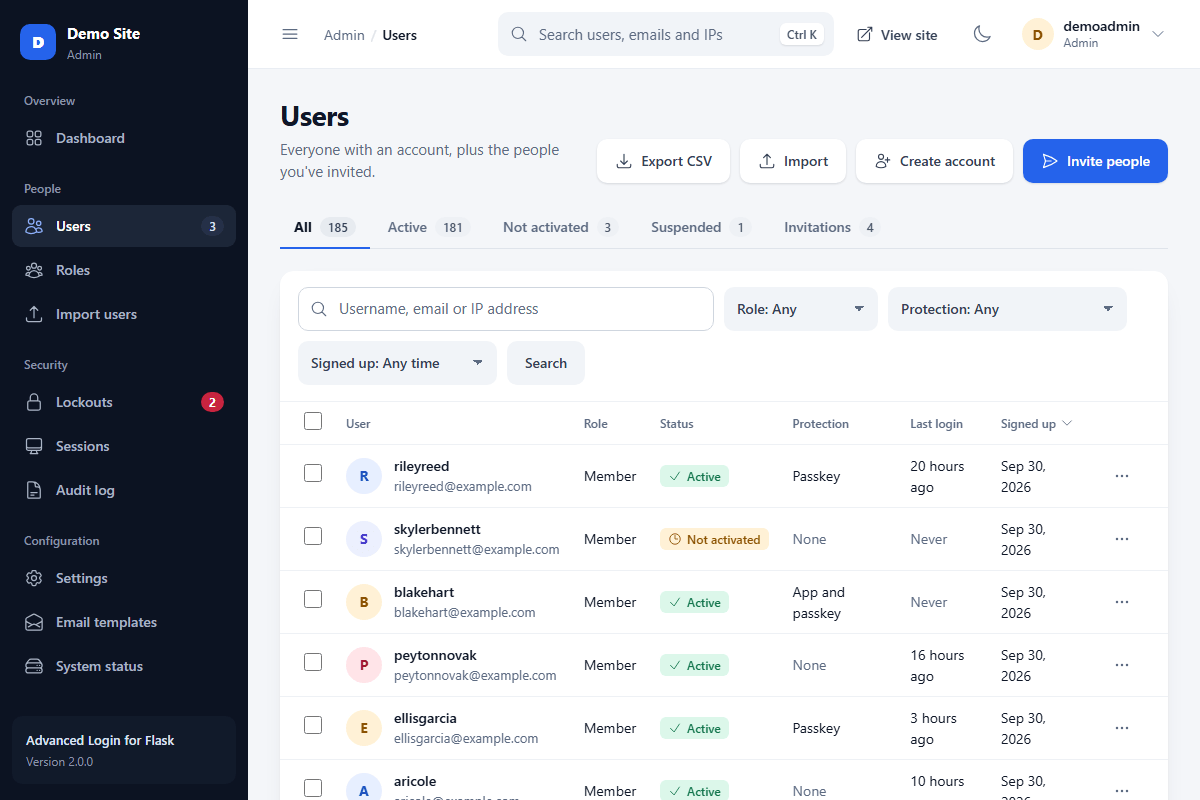
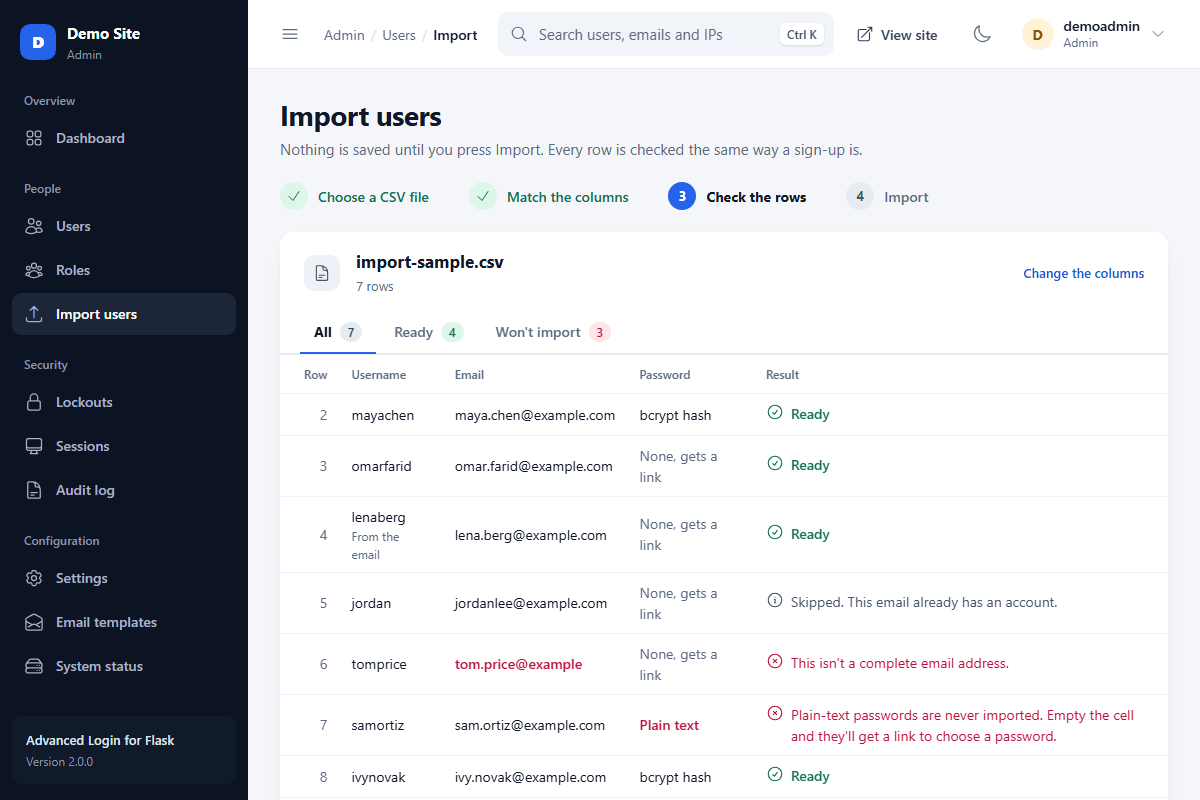
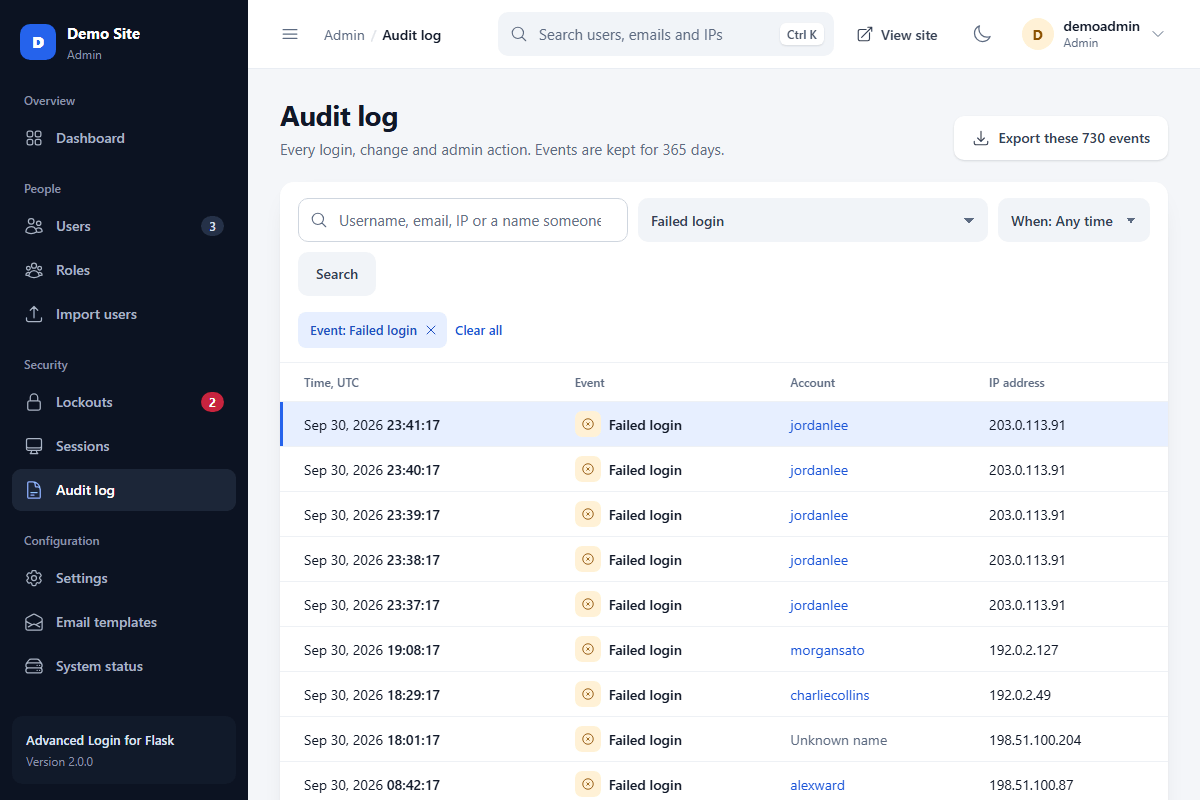
The admin panel is a separate app, and staff need two-factor authentication to open it. From there, you can invite people, import users from a CSV file, suspend accounts and read an audit log of every change. You get the full source code for a one-time payment.
Features
Passkeys Log in with a fingerprint, face or screen lock instead of a password.
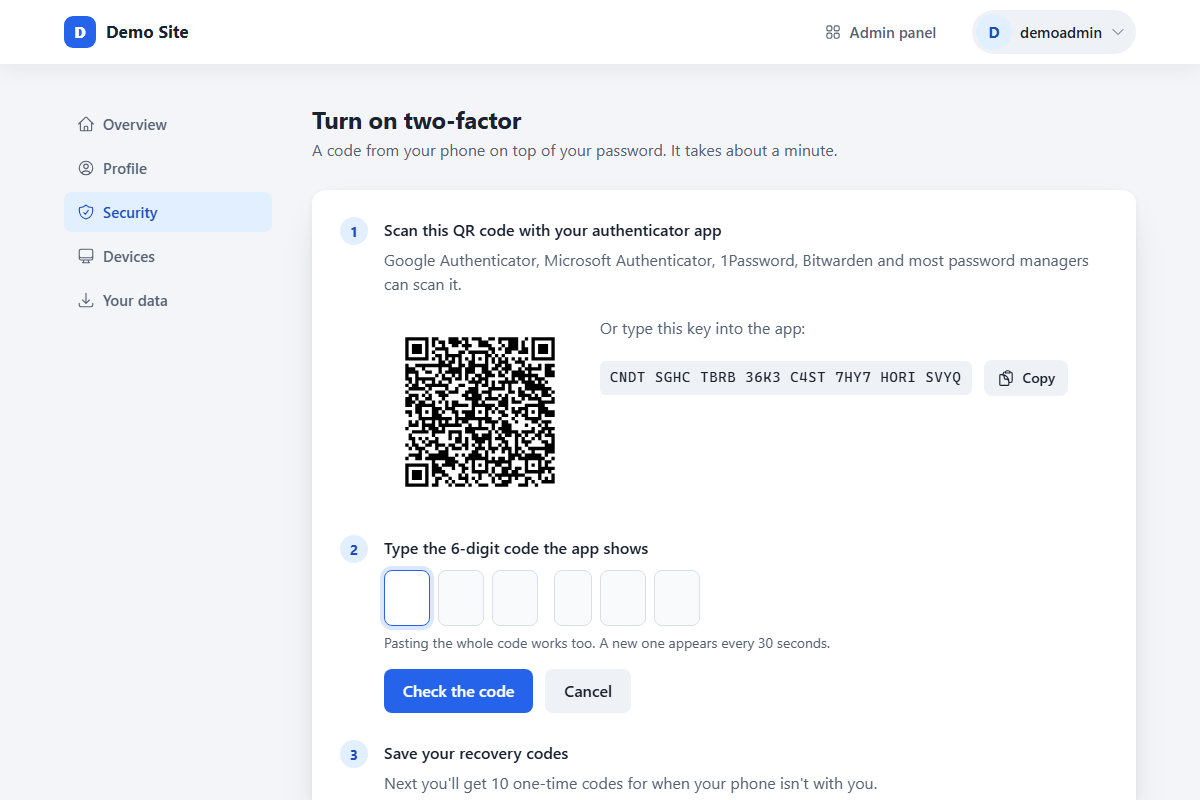
Two-Factor Authentication Codes from Google Authenticator or a similar app, plus 10 recovery codes.
Google & GitHub Login Sign up or log in with a Google or GitHub account.
Activation & Password Reset Email activation, and reset links that work once and expire after an hour.
Argon2id Password Hashing Argon2id hashes, a 15-character minimum and a common-password check.
Account & IP Lockouts Too many failed logins lock the account or IP address and email the owner.
CSRF Protection & Rate Limits Every form has a CSRF token, and login and reset requests are rate limited.
Devices & New Login Alerts Users see their devices and get an email when a new one logs in.
Admin Dashboard Charts of logins and sign-ups, plus lockouts and accounts to review.
User Management Search users by name, email or IP, and suspend or delete them in bulk.
Invitations & CSV Import Invite people by email, or import users from another app with their passwords.
Roles & Staff Two-Factor Roles with their own permissions, and two-factor login for all staff.
Audit Log A record of every login, security change and admin action, with device and IP.
Editable Email Templates Change the wording of every email, with a live preview as you type.
Captcha Support Cloudflare Turnstile or reCAPTCHA v3 on sign-up, password resets and logins.
Data Export & Account Deletion Users can download their data as JSON and delete their own account.
Responsive Design & Dark Mode Pages work on phones and desktops, in light or dark mode.
Docker, Tests & Upgrades A Docker setup, over 250 automated tests and a version 1 upgrade command.
Source Code, Guide & Updates Commented Flask and Jinja code, a step-by-step guide and free updates.
Technical Requirements
- Python 3.11 or newer
- MySQL 8.4 or newer, or MariaDB 10.11 or newer
- MySQL Workbench, a free app for running schema.sql
- An email account that can send with SMTP, for activation and password reset emails
- HTTPS on your live site, which passkeys and secure cookies need
- A code editor, such as Visual Studio Code or Notepad++.
FAQs
How do I install this Flask login system?
First, create the database by running schema.sql in MySQL Workbench. On Windows, the included start file then installs everything and creates your .env file, and the user guide covers every step on macOS, Linux and Docker.
Does this login system use Flask-Login?
No, the package handles sessions itself and stores them in the database. It still includes a login_required decorator and a Remember me option, and users can see and log out each of their devices.
Does the two-factor login work with Google Authenticator?
Yes, it works with Google Authenticator and similar apps, such as Microsoft Authenticator, 1Password or Bitwarden. Each user also gets 10 one-time recovery codes in case they lose their phone.
Can I import users from another app?
Yes, the admin panel imports users from a CSV file and checks every row before saving anything. Argon2, bcrypt and Werkzeug password hashes keep working, and users without a hash get an email asking them to choose a password.
Can I upgrade my version 1 database?
Yes, the flask upgrade-v1 command upgrades a version 1 or tutorial database and keeps every account. Back up the database first, and old passwords keep working until each user's next login switches them to Argon2id.
Can I use the package on multiple websites?
Yes, the license covers as many personal or commercial websites as you like, including client sites. You can't sell or give away the code itself, and the license agreement has the full terms.
Can I customize the source code?
Yes, you get the complete, commented source code, with nothing encrypted. Colors and fonts are CSS variables and the pages are Jinja templates, so you can restyle everything and reuse the same login checks on your own pages.
Change Log
Version 2.0.0 30/09/2026
- [Updated] the whole system, rewritten for Flask 3.1 and Python 3.11 or newer and split into small, commented modules.
- [Added] passkeys. Users can log in with a fingerprint, face or screen lock, and saved passkeys appear in the username field's autofill.
- [Updated] two-factor authentication to use authenticator apps, with 10 recovery codes, instead of codes sent by email.
- [Added] Google and GitHub login, which users can also connect from their Security page.
- [Added] a new admin panel, a separate app with a dashboard, invitations, a CSV user import, bulk actions, lockouts, sessions, roles and permissions, and an audit log. Staff must use two-factor to open it.
- [Added] logged-in devices, new login alerts, data export and account deletion for users.
- [Added] Cloudflare Turnstile. reCAPTCHA v3 is still supported.
- [Updated] password hashing to Argon2id, with NIST SP 800-63B-4 password rules. Version 1 passwords are rehashed when users log in.
- [Updated] brute-force protection to count failed logins per account instead of per IP address.
- [Updated] sessions, which are now stored in the database. Secret keys and email settings moved to a .env file.
- [Updated] the design, with dark mode, switches and a responsive layout.
- [Added] the flask upgrade-v1 command for version 1 and tutorial databases, a Docker setup, over 250 automated tests, a Windows start file and a new user guide.
- [Fixed] several security issues found in version 1. Everyone using version 1 should upgrade.
- [Updated] the included tutorial code to match the rewritten Flask tutorial.
- [Removed] the basic package folder, which stored passwords as plain text, and the SCSS files.
Version 1.2.1 11/12/2023
- [Fixed] a bug with the reCAPTCHA v3 functionality.
- [Fixed] a bug with the "login_attempts" function when the login attempt expires.
Version 1.2.0 18/01/2022
- [Migrated] the settings to the MySQL database. The new SQL file contains the "settings" table, which can be configured via the admin panel.
- [Updated] the AJAX code. It no longer depends on jQuery.
- [Added] registered and last seen dates.
- [Added] reCAPTCHA. If enabled, the user required to verify that they're human using the well known Google reCAPTCHA system.
- [Added] Two-factor authentication. If enabled, the user is required to enter a code which is sent to their email address.
- [Added] brute-force protection. If enabled, the user will be temporary blocked if they exceed the maximum login attempts.
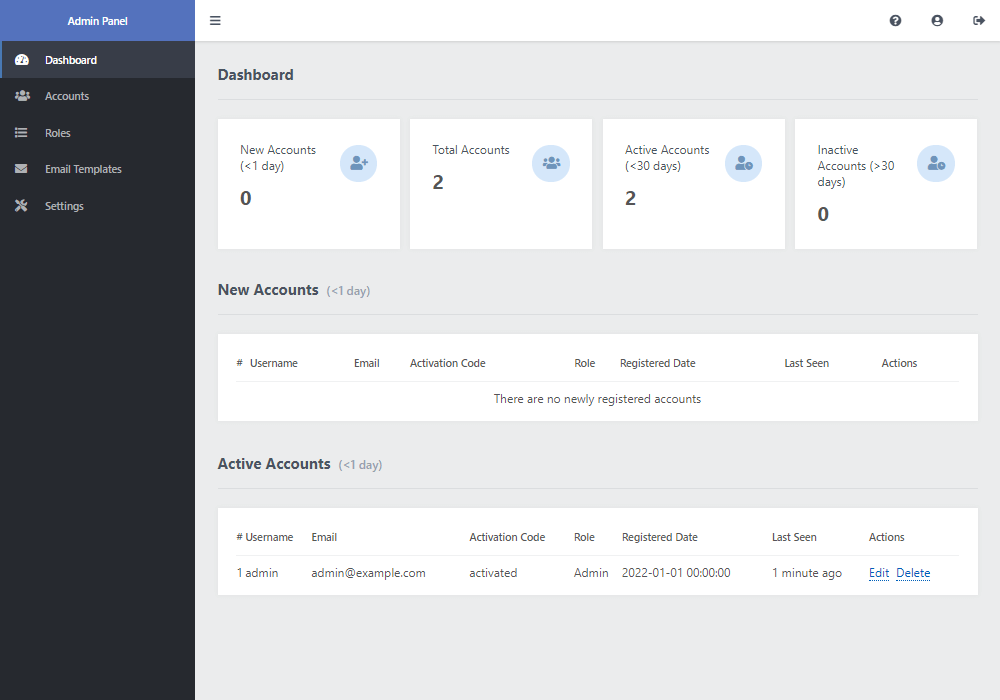
- [Updated] the admin panel. You can now search, filter, and sort accounts. The new dashboard page will enable you to view statistics.
- [Fixed] many bugs, including an issue with the edit profile page.
- [Improved] code.
Version 1.0.2 24/11/2020
- [Added] CSRF protection.
- [Added] the admin panel. You can now view, create, edit, and delete accounts directly via the admin panel.
- [Fixed] issues with the mail and added the HTML format.
- [Fixed] many bugs.
- [Improved] code.
Version 1.0.1 06/01/2020
- [Updated] the account activation functionality, activation is now required to log-in (if enabled).
- [Added] the Forgot Password add-on, users have the ability to reset their by password (by email) if they've forgotten it.
- [Updated] the activation page, there is now a user interface as before it was plain text.
- [Improved] code.























