Advanced Ticketing System
Run a support help desk with PHP and MySQL
Instant Download
Lifetime Access & Updates
User Guide
30-Day Money-Back Guarantee
Screenshots
Overview
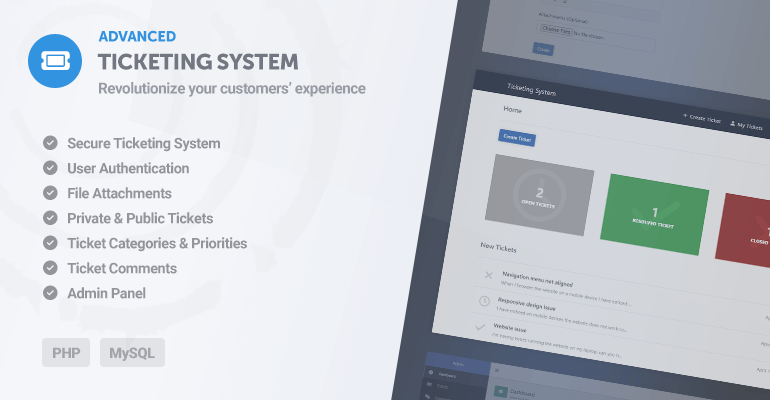
The Advanced Ticketing System is a PHP support ticket script: a self-hosted help desk where your users open tickets, attach files, and follow the conversation through threaded comments and email updates. Backed by MySQL; one payment, full source code, and your support data stays on your own server.
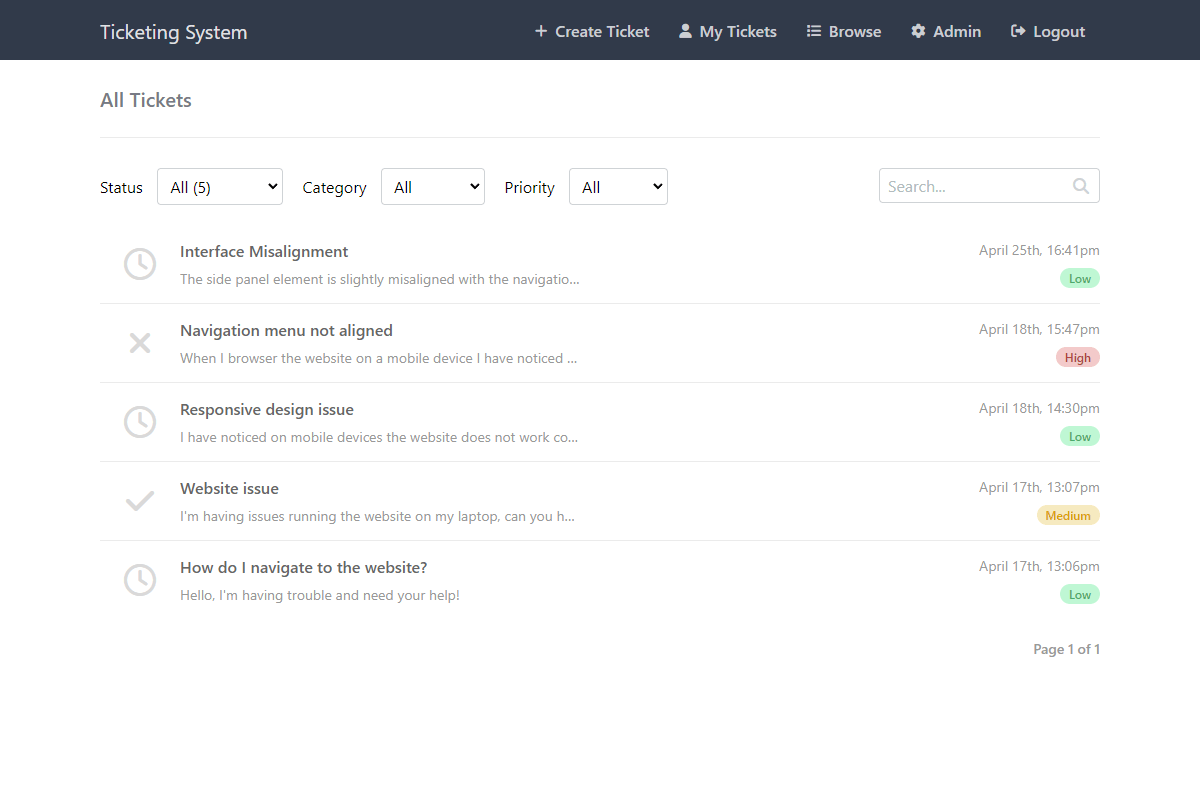
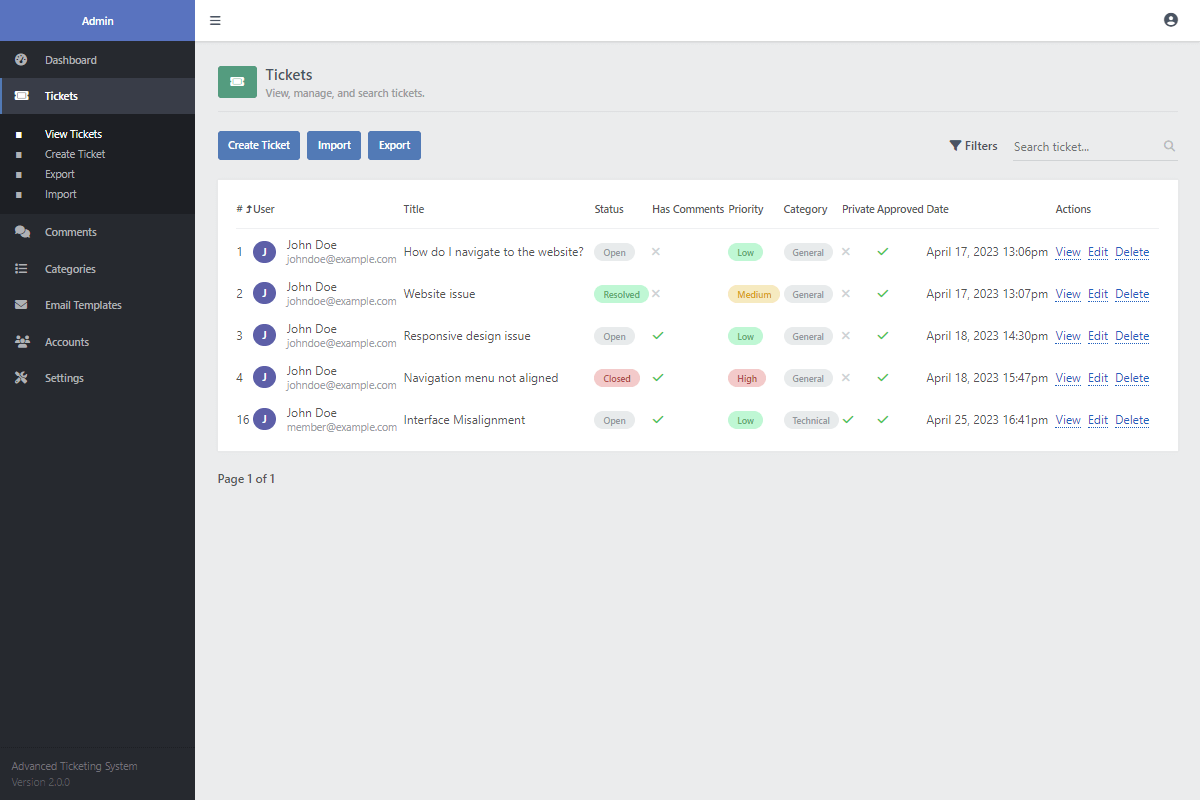
Tickets can be public or private, carry a priority from low to urgent, and are organized with categories, statuses, filters, and search. Require registration when you want accountability, or allow guest tickets when you'd rather keep the help desk frictionless; new tickets can also wait for approval before they appear.
SMTP email notifications go out when tickets are created, updated, or answered, and the admin panel keeps the queues, categories, accounts, and settings in one place. The user guide walks through the server setup.
Features
Secure & Safe Advanced coding techniques like prepared statements (PDO) are pre-applied to prevent SQL injection and keep your data safe.
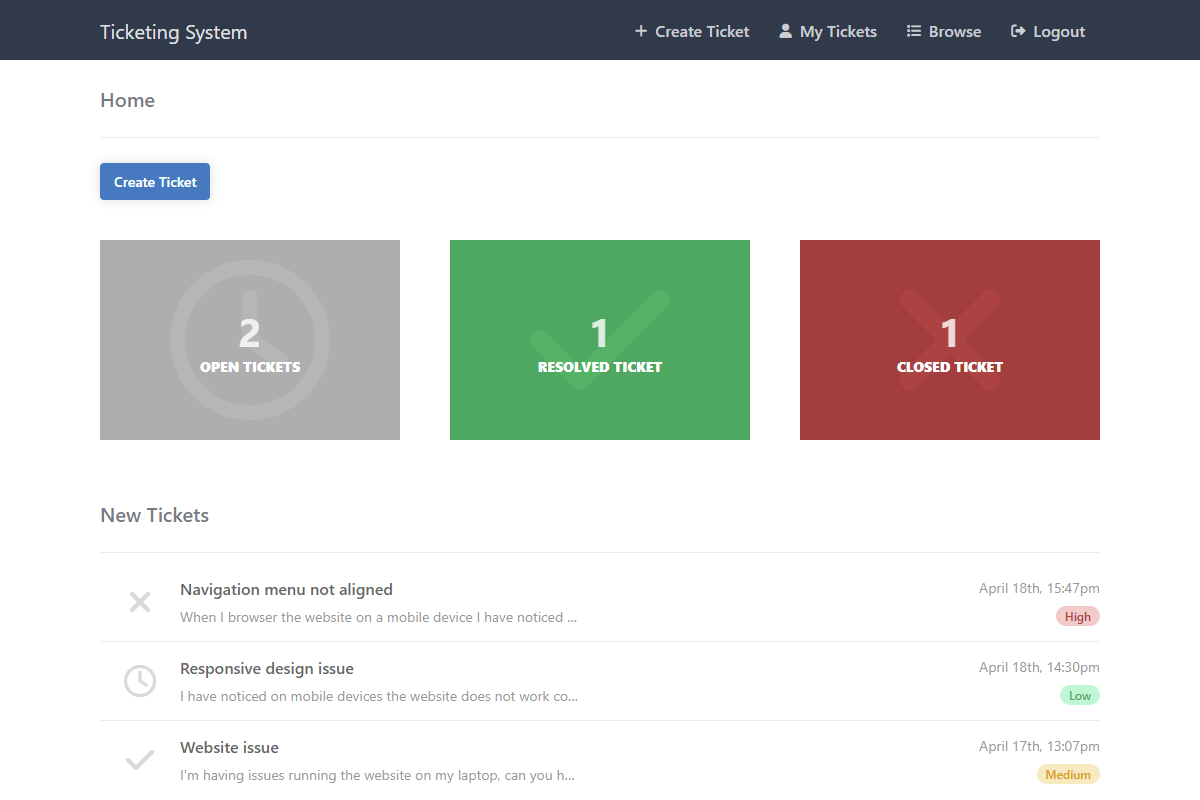
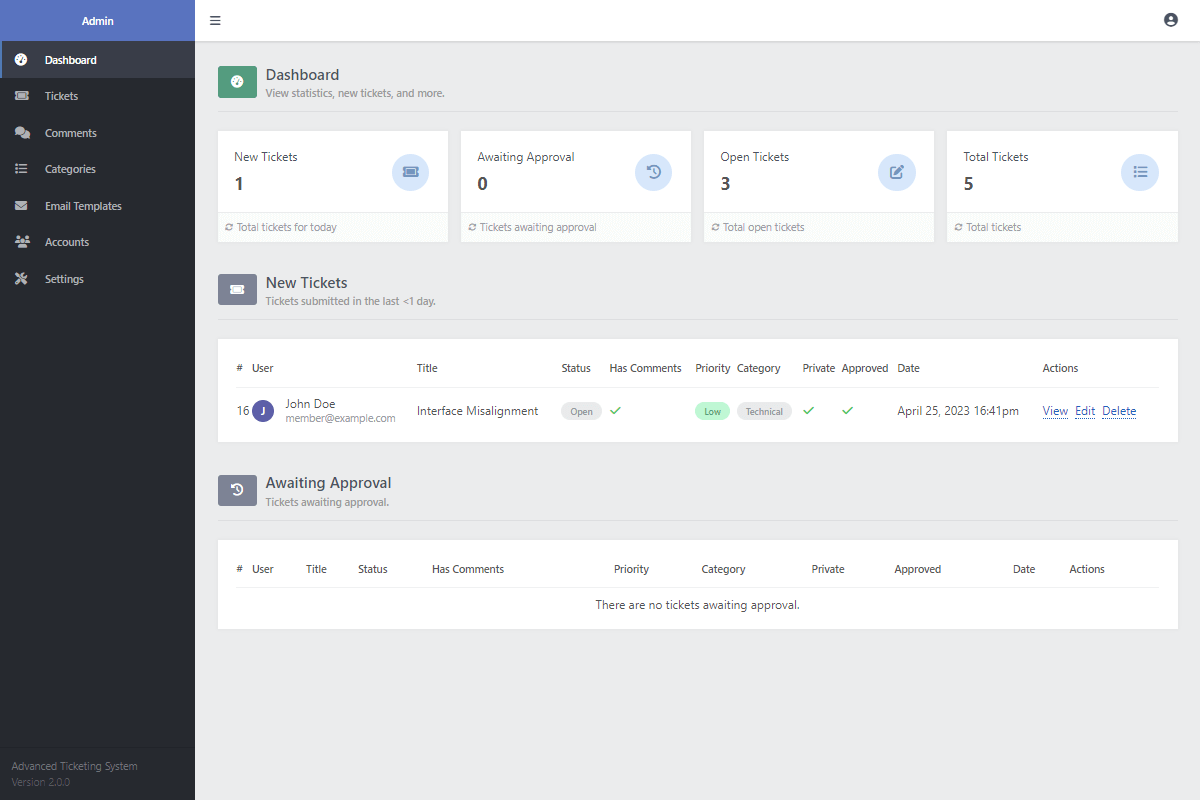
Home Dashboard Pre-built UI to see your recent activity at a glance. View ticket counts by status and track new requests instantly.
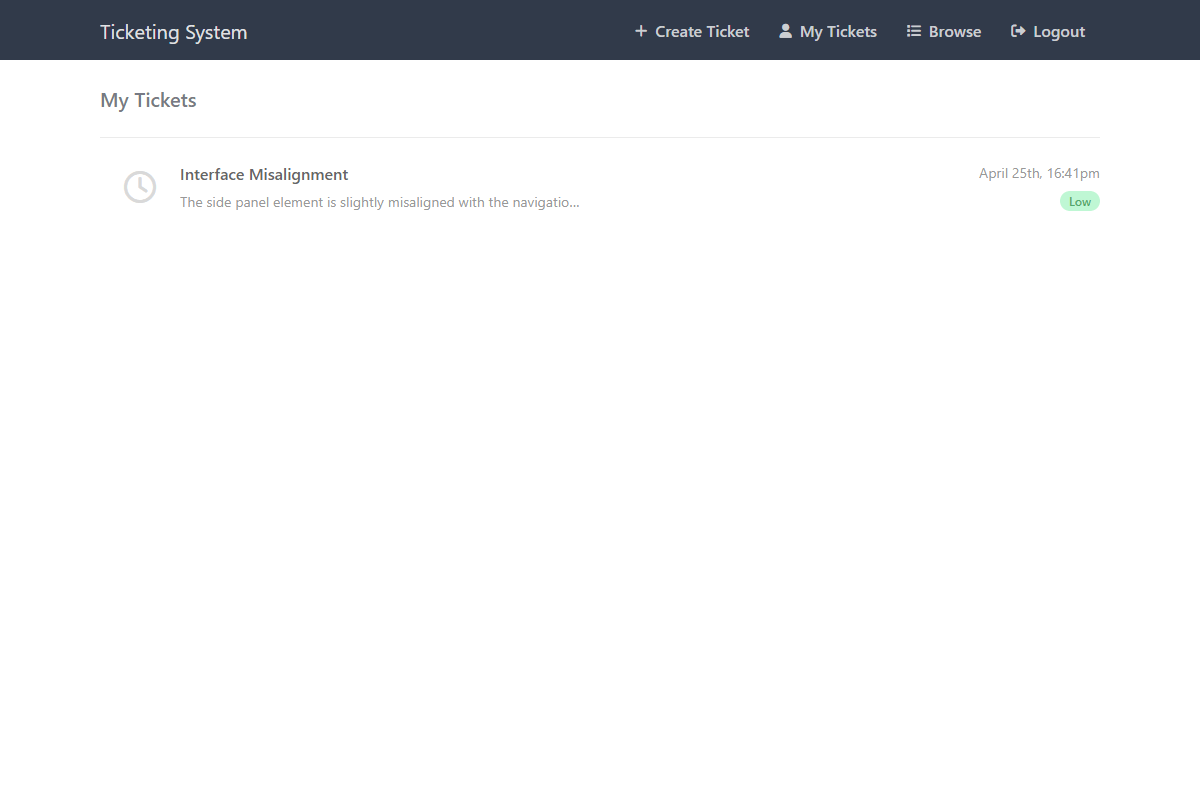
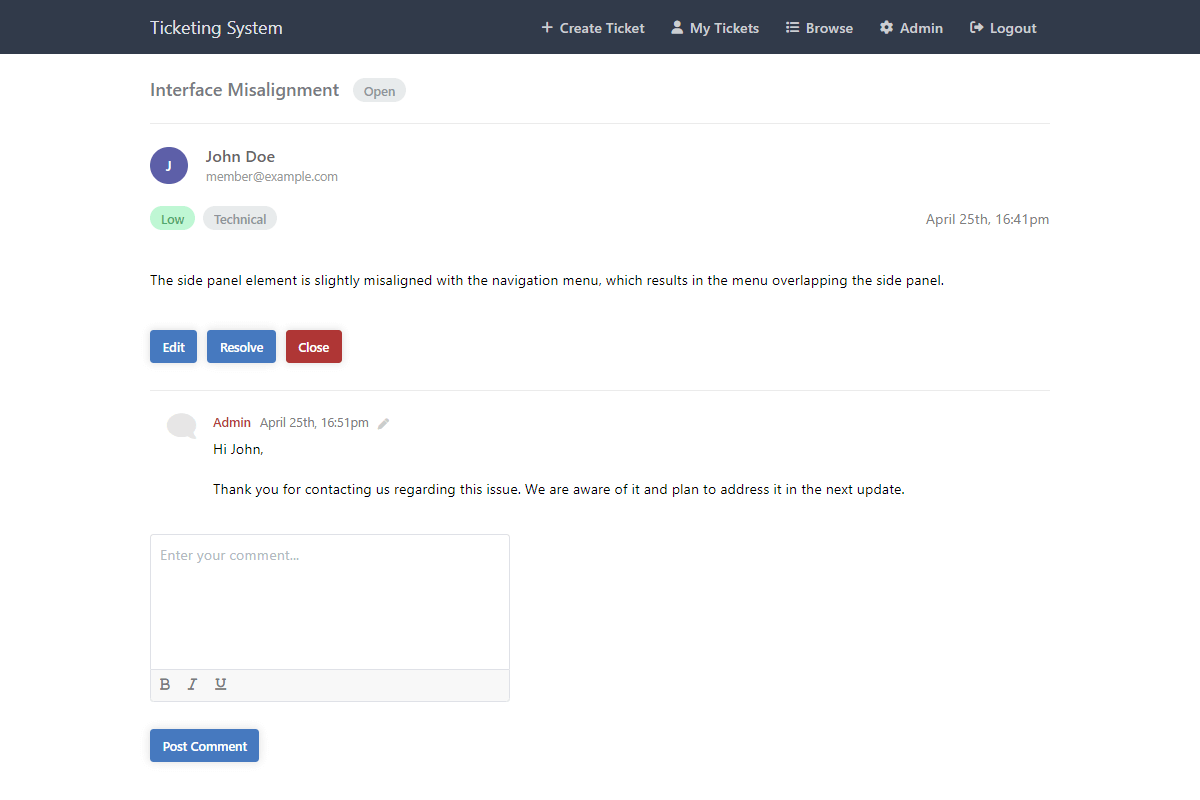
Private & Public Tickets Users can make tickets private so only admins see them, or public for community visibility.
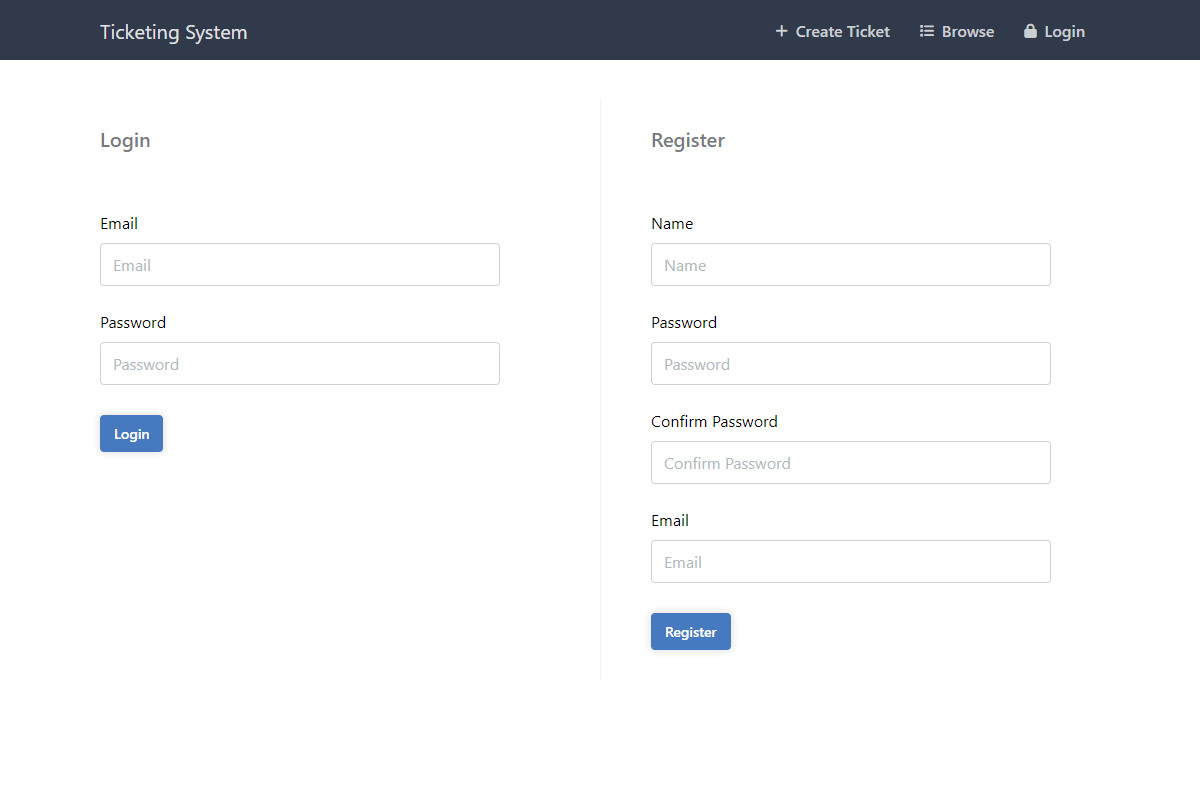
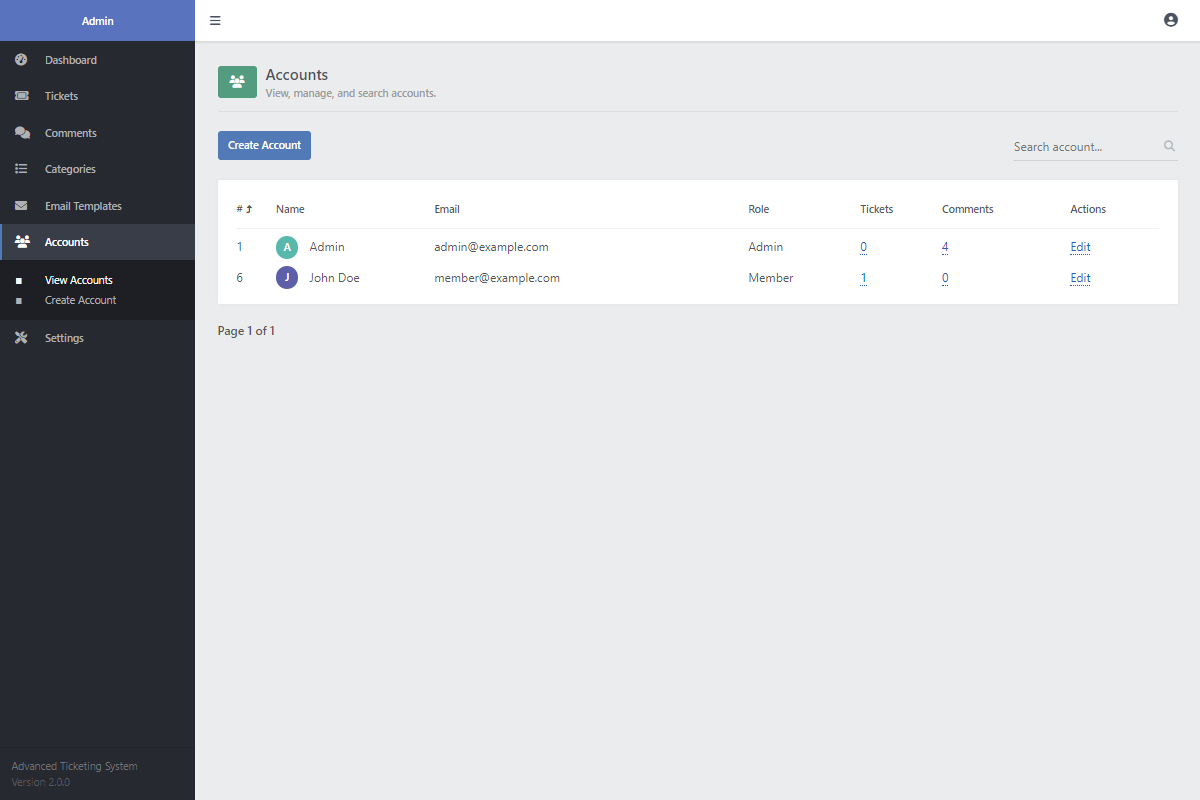
User Account System You can require users to register and login to post, or allow guest posting. This is easily toggled in the settings.
Smart Filtering Built-in logic to filter tickets by status (Open, Resolved, Closed), category, or priority.
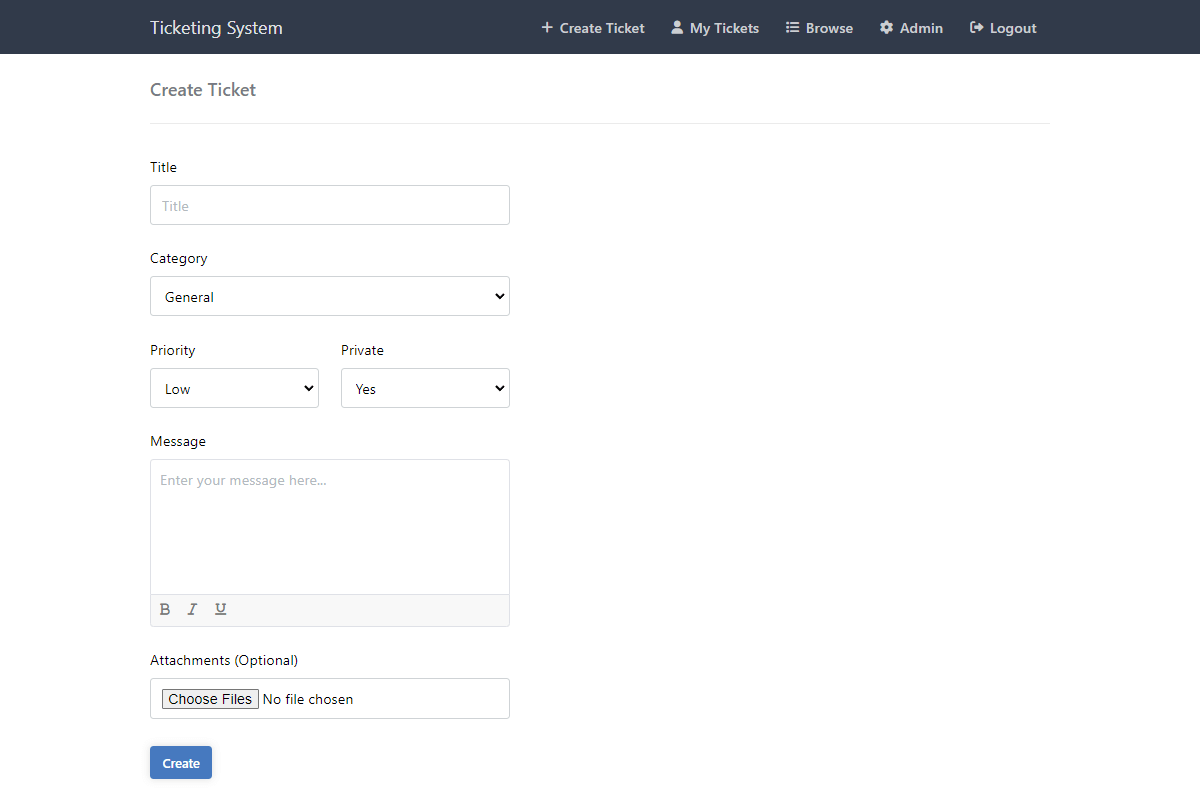
Priorities & Categories Organize support requests by urgency (Low to Urgent) and group them into specific categories.
File Attachments Users can upload images and documents to their tickets. Administrative controls allow you to limit file types and sizes.
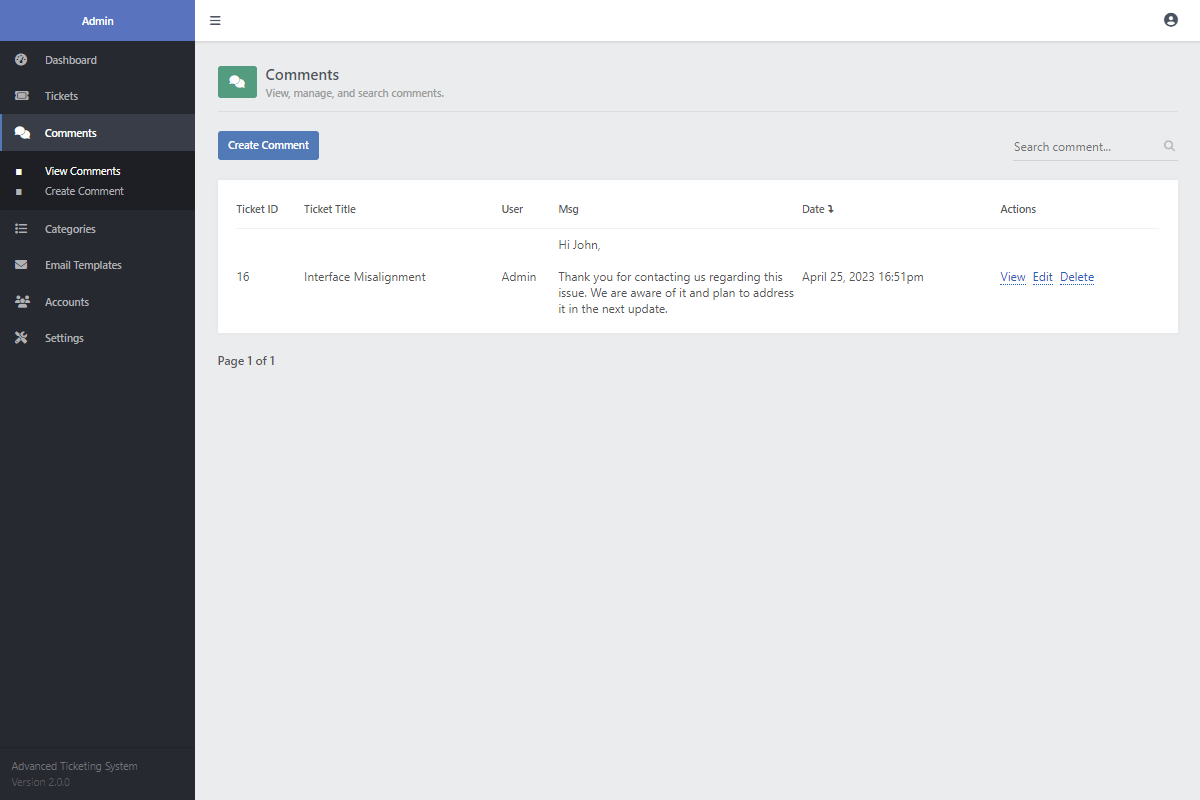
Threaded Comment Module Built-in threaded comments allow administrators to reply to users inside the ticket interface.
Email Notifications The codebase includes modules to send emails via SMTP when a ticket is created, updated, or replied to.
Responsive Design The front-end layout automatically adapts to look great and work perfectly on phones, tablets, and desktops.
Powerful Search Dynamic search functionality parses through ticket titles and content to find answers quickly.
Admin Panel UI A complete backend control panel to manage tickets, categories, user accounts, and global system settings.
Approval System You can set new tickets to require admin approval before they become visible on the public interface.
Clean Source Code The PHP code is clean and heavily commented, making it easy for developers to modify or extend independently.
Lifetime Updates & Documentation Your one-time purchase includes a comprehensive technical User Guide and free lifetime access to future file updates.
Technical Requirements
- A web server (Apache, Nginx, etc.). For local testing, we suggest XAMPP.
- PHP version 5.5.0 or higher (PHP 8.0+ recommended).
- MySQL version 5.6 or newer (or MariaDB).
- SMTP details (optional, but required for sending emails).
- A code editor, such as Visual Studio Code or Notepad++.
FAQs
How do I change the max upload file size?
You can easily change the file size limit by editing the 'config.php' file. Look for the 'max_allowed_attachment_size' variable and increase the number. You may also need to check your 'php.ini' settings.
Why are my emails not sending?
This usually happens if SMTP is not set up. Open 'config.php' and fill in your SMTP details (host, user, password). Also, check that your server firewall is not blocking the email port (usually 465 or 587).
Why am I receiving a MySQL error?
This means the script cannot connect to your database. Please check 'config.php' and make sure your 'db_host', 'db_user', and 'db_pass' are correct. Also, ensure you have imported the provided SQL file into your database using phpMyAdmin.
How do I download the ZIP file again if I've lost it?
No worries! You can re-download the software package using the link in the receipt email we sent you. If you can't find it, you can request a new link here. Please do not share your download link, as it is monitored.
Is this compatible with the latest PHP versions?
Yes, the ticketing script works with PHP 5.5 and higher. We recommend using PHP 8.0 or newer for the best speed and security. We test our code regularly to ensure it stays compatible.
Can I customize the design?
Absolutely. The digital package comes with SCSS files, so you can change colors, fonts, and layouts easily. The code is clean and organized, allowing you to integrate it into your existing website branding.
Do I need to pay for updates?
No, updates are free. When we release new features or security patches, you can download the updated ZIP file at no extra cost.
Can I remove the footer credits?
Yes, you are free to remove the 'Powered by' link in the footer. You have full access to the frontend HTML/PHP code.
Can I integrate this into my existing website?
Yes. Since this is a standalone PHP script, you can upload it to a subfolder (like /support) on your server and link to it. Advanced users can also embed the views into their existing CMS templates.
Can I use the package on multiple websites?
Yes, but each website needs its own license.
Change Log
Version 3.0.0 26/01/2026
- [Added] tickets analytics to the admin panel.
- [Added] more sorting and filtering options to the admin pages.
- [Added] the option to delete the ticket on the ticket page.
- [Added] comment attachments to the ticket page.
- [Added] the ability for users to be able to edit their own tickets.
- [Added] settings page where the user can update their account details.
- [Added] a new ticket status called "Urgent".
- [Added] ticket notfications to the navigation menu. Users can easily track the status of their tickets and comments.
- [Added] quick actions and recent activity features to the homepage.
- [Updated] the tickets page to easily remove filters.
- [Updated] the file attachments on the create ticket page. You can now easily attach and remove files with image previews.
- [Updated] the UI design and improved user experience.
- [Fixed] many bugs and improved security.
Version 2.0.0 25/04/2023
- [Added] various formatting options to the ticket message and comment elements.
- [Added] the ability for users to close or resolve their own tickets. Once closed or resolved, they can't be reopened by the user.
- [Updated] the ticket attachments feature. You can now specify which file types are allowed to be uploaded.
- [Updated] the admin pages and included a bunch of new changes.
- [Added] the ability to import and export tickets to various formats (CSV, JSON, XML, TXT).
- [Updated] the MySQL table columns to prevent the use of reserved keywords.
- [Added] ticket approval functionality. You can now specify whether new tickets will require approval.
- [Added] the PHPMailer library, which can be used to send ticket emails and notifications.
- [Updated] the user and admin interfaces.
Version 1.1.2 11/10/2021
- [Fixed] a bug with the comments section in the admin panel.
Version 1.1.1 07/06/2021
- [Fixed] a bug that prevented admin accounts not being able to view private tickets via the admin panel.
Version 1.1.0 21/04/2021
- [Updated] the ticketing system stylesheet. If you're updating your system from a previous version, you will need to clear the cache in your browser.
- [Updated] the email template.
- [Added] the dashboard, comments, and accounts pages to the admin panel.
- [Updated] the admin panel theme.
- [Added] user authentication, which can be enabled and disabled via the admin panel.
- [Added] the option to upload photo attachments when creating a new ticket.
Version 1.0.0 24/06/2020
- [Release] The initial release for the Ticketing System.