Advanced Live Support Chat System
Talk to your visitors in real time on your own site
Instant Download
Lifetime Access & Updates
User Guide
30-Day Money-Back Guarantee
Screenshots
Overview
The Advanced Live Support Chat System is a PHP live chat script for talking to your visitors in real time, right on your own website, powered by MySQL and AJAX. One payment, full source code, and no per-seat subscription.
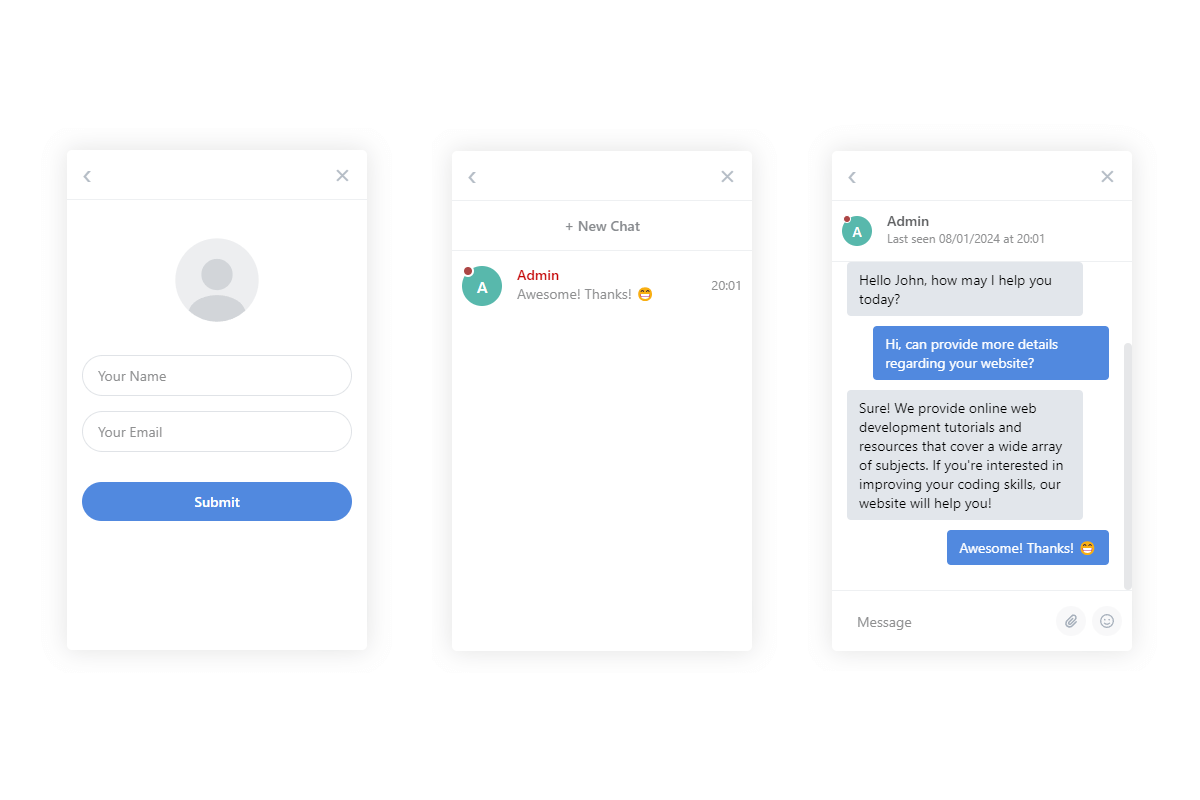
Conversations support file attachments, emoji, and message presets for the questions you answer ten times a day. Agents are organized into departments, conversations can be transferred between them, and admins keep full control while operators see just what they need. PHPMailer sends email notifications when someone's offline, the word filter keeps things civil, and you can see each user's status and last-seen date at a glance.
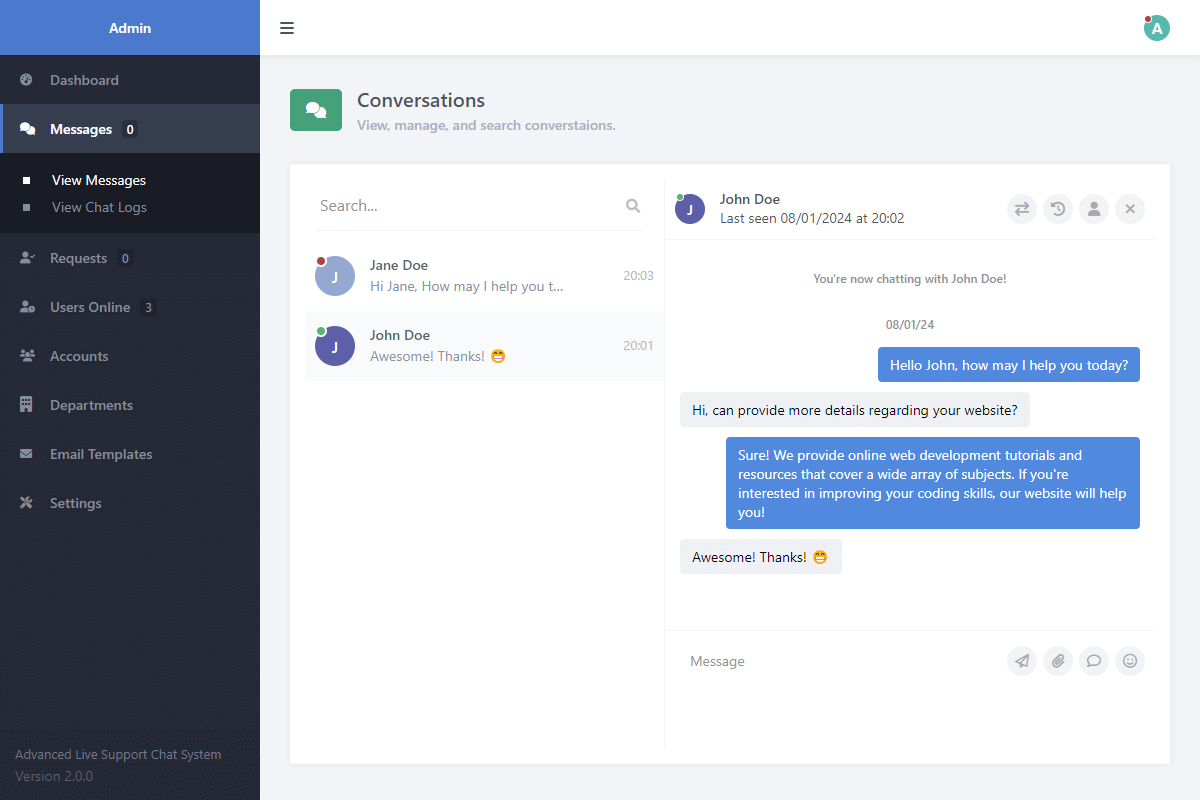
It fits online shops, service businesses, and support teams. The admin panel brings chat requests, messages, filters, and settings together, and the user guide covers installation.
Features
Secure Live Chat Script Advanced coding techniques are pre-applied to prevent SQL injection and XSS attacks.
Responsive Interface Utilizes modern client and server-side code for a slick, responsive experience across devices.
File Attachments Built-in logic allows users to attach files to messages and download them securely.
Emoji Support Includes a pre-configured emoji list to provide a pleasant experience for your users.
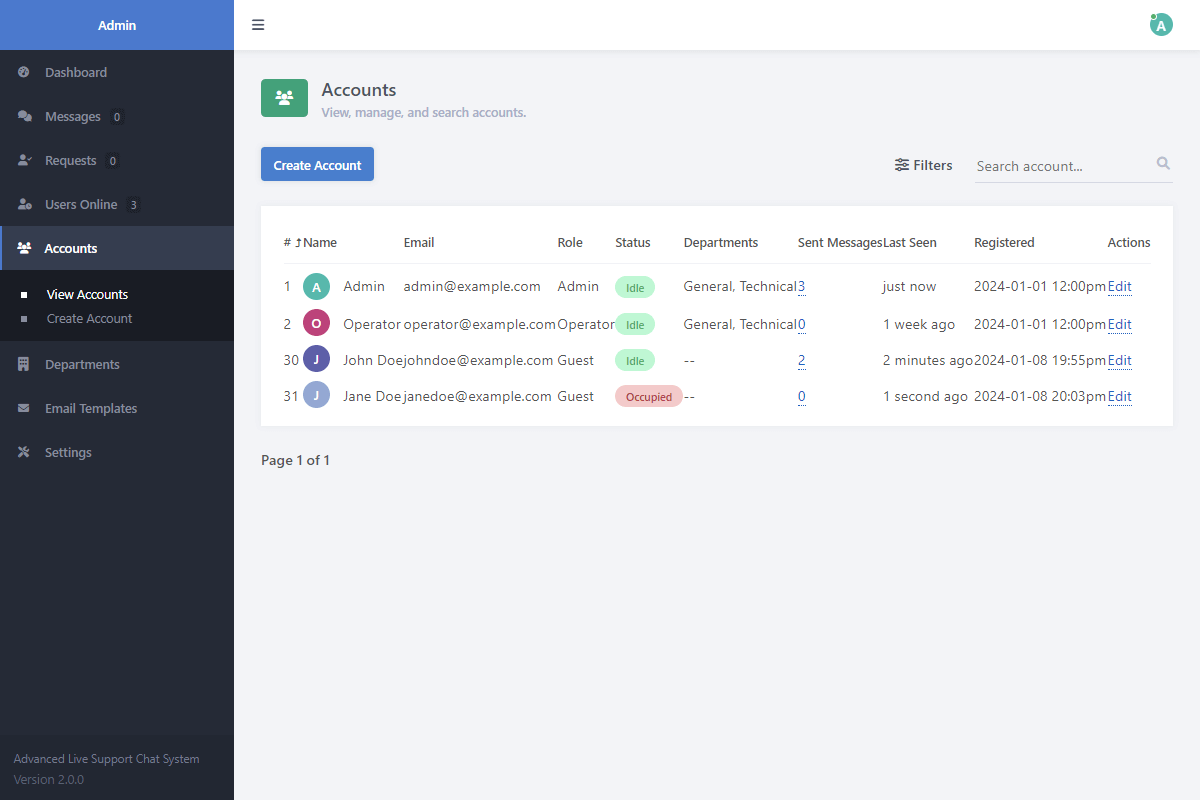
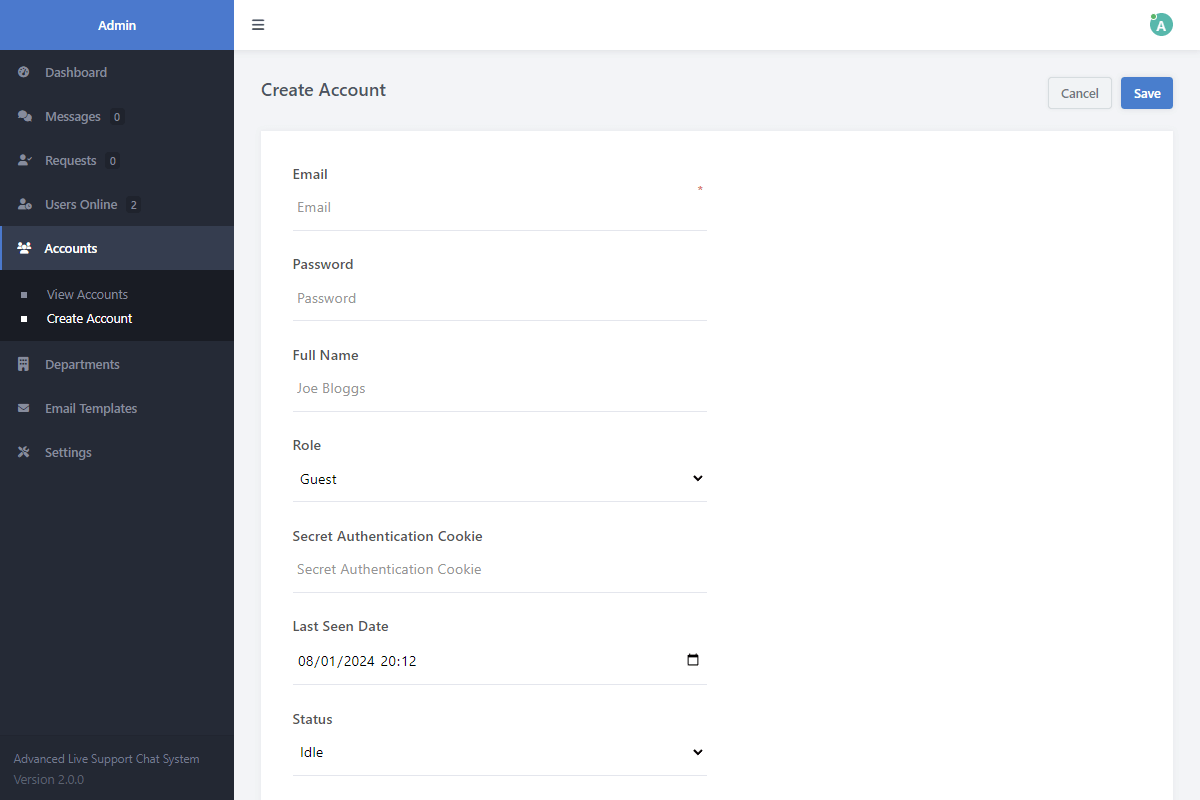
Role Management Database relationships ensure Admin accounts have full control, while operator accounts are limited.
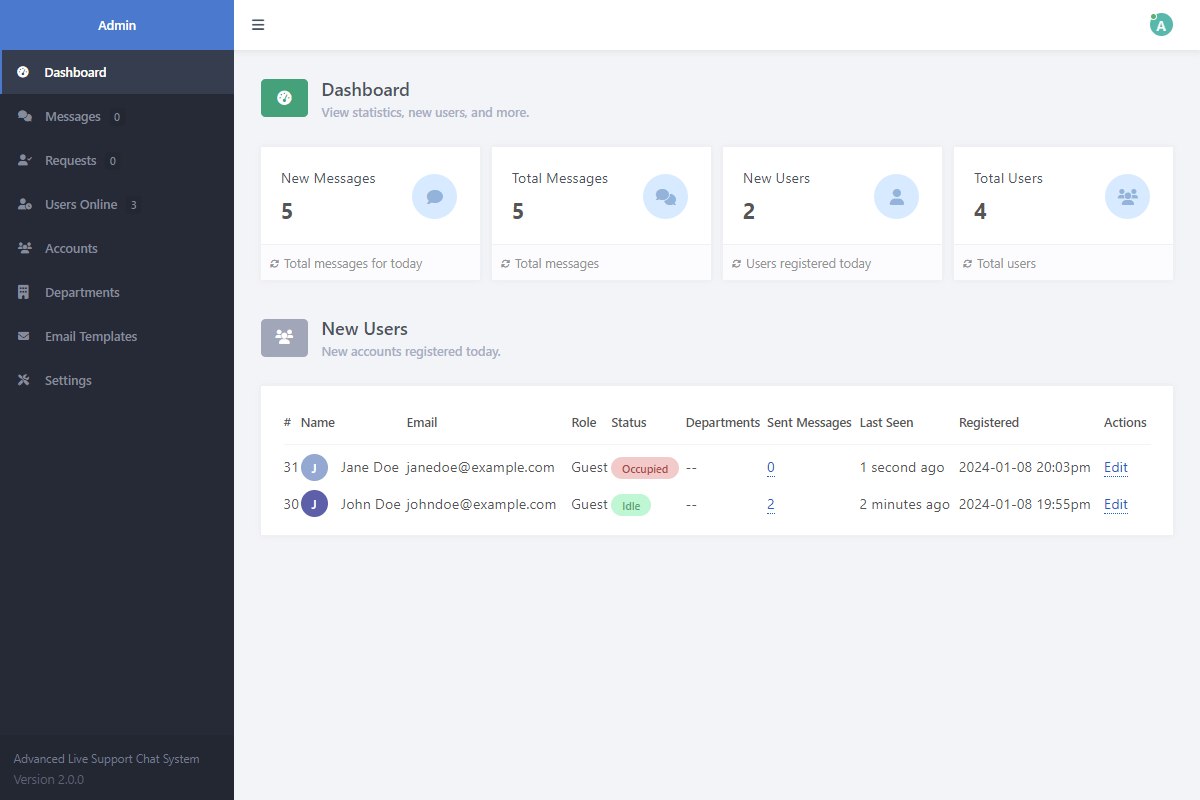
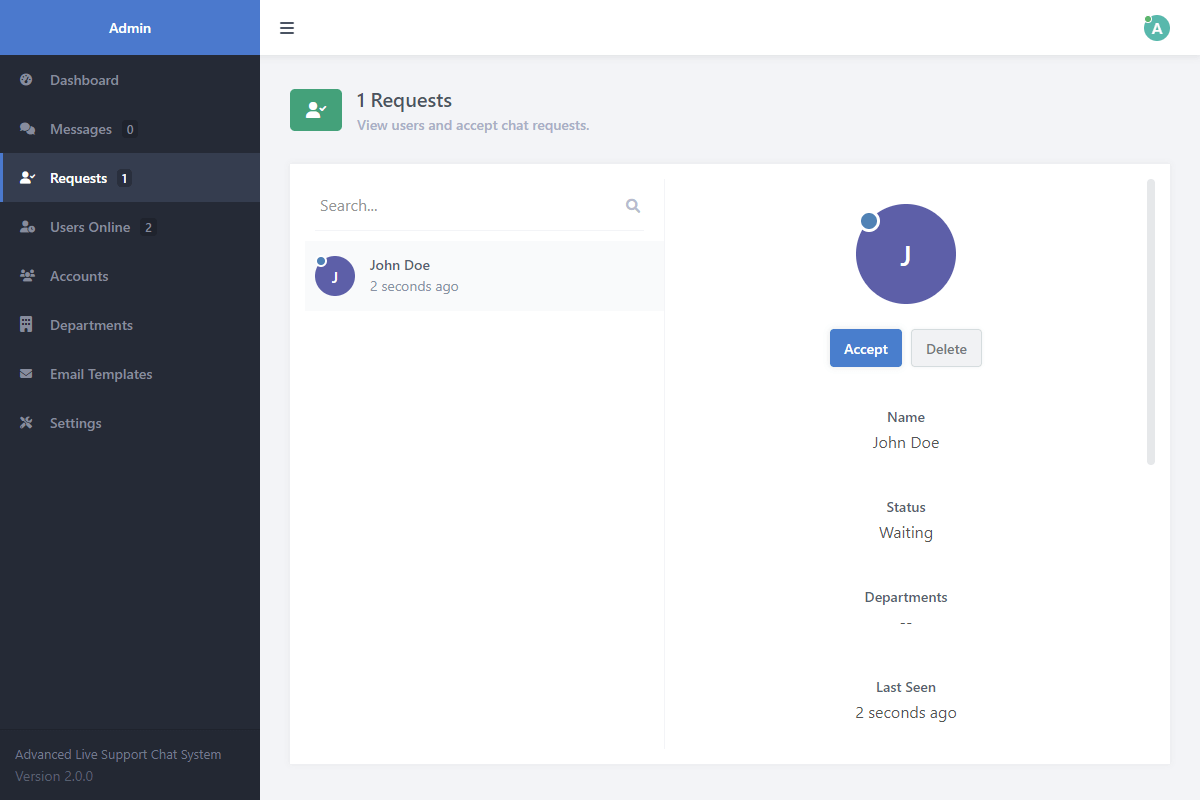
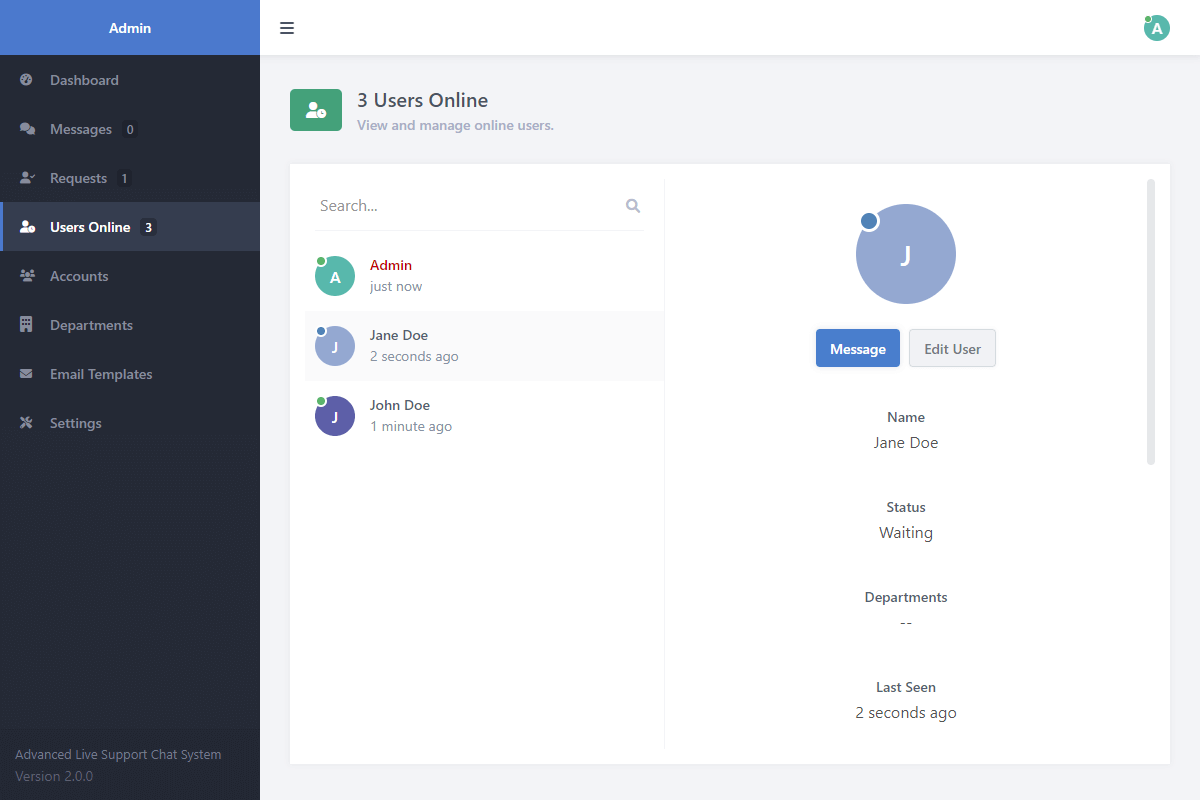
User Status Tracking Pre-built dashboard modules track users and display their current status and last seen date.
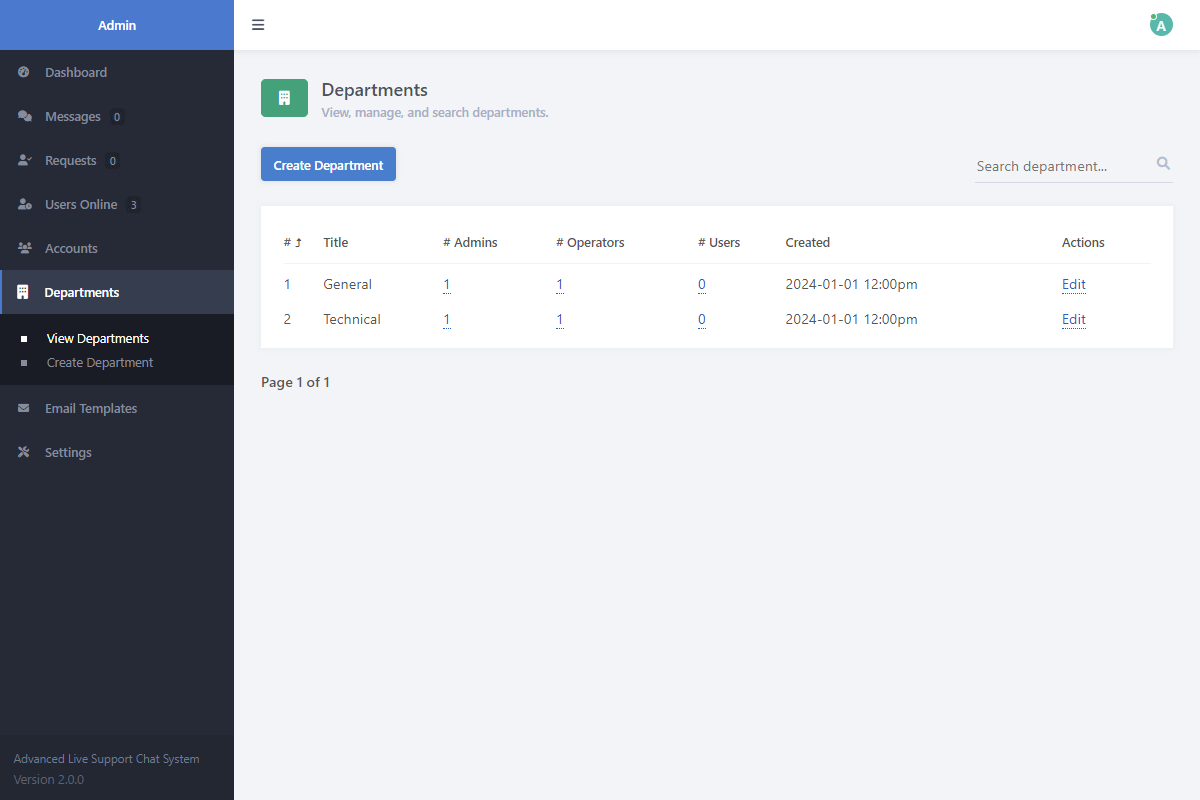
Departments Designate users and agents into different departments for organized routing.
Transfer Conversations UI controls allow agents to transfer active conversations to specific users or departments.
AJAX Integration Receive messages in real-time in the background. No need to reload the page to check for new messages.
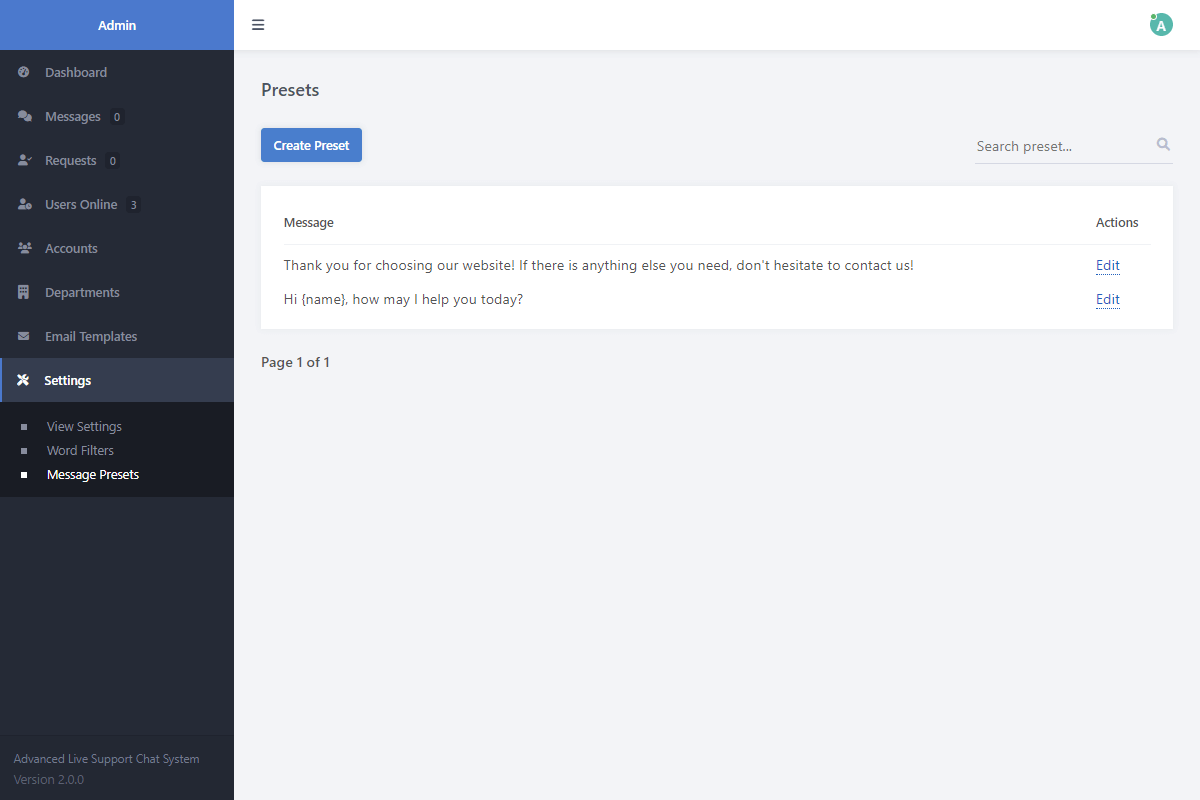
Message Presets Create a list of automated message presets in the admin panel to use on the fly.
Word Filter Feature Configure a blocklist to automatically prevent users from sending specific words.
Email Notifications PHPMailer logic sends customers and agents email notifications when offline.
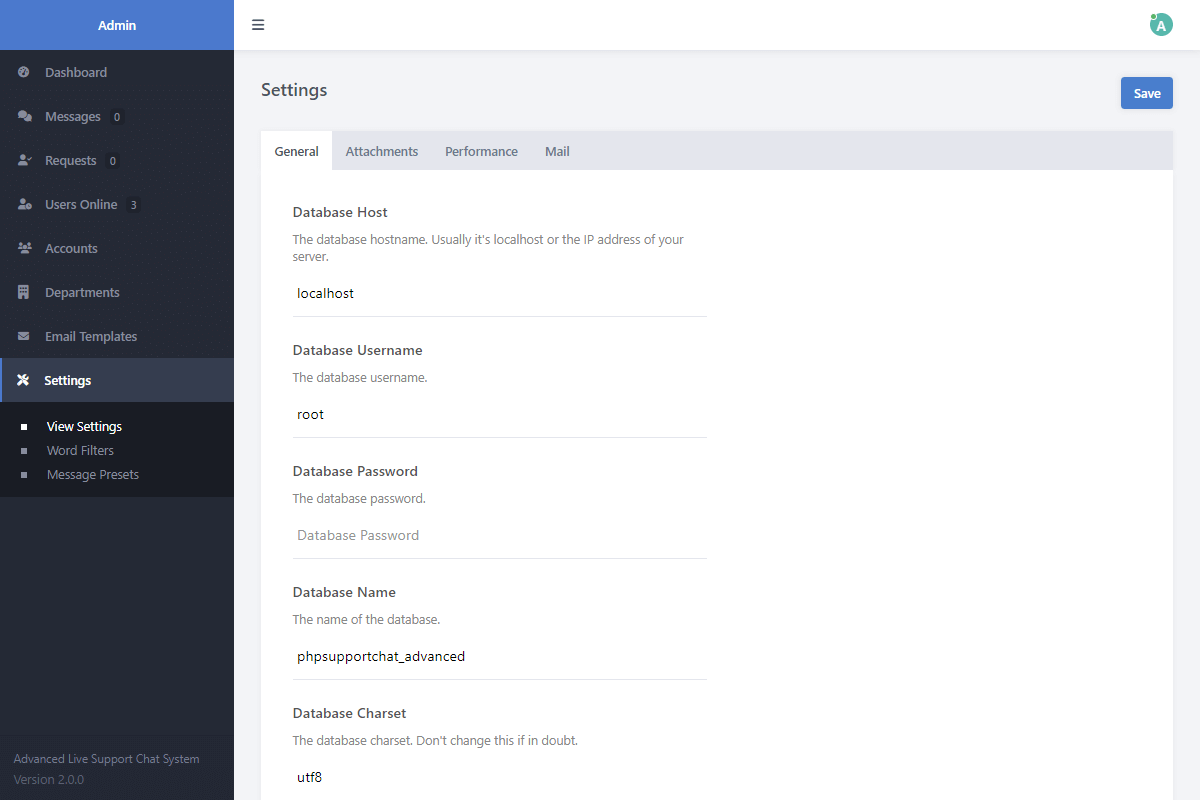
Admin Panel UI View the dashboard, manage messages, accept requests, edit global settings, and create filters.
SCSS Files Included Preprocessor CSS language files are included to make modifying the stylesheet highly convenient.
Clean, Commented Source Code Thoroughly commented code helps you understand every aspect of the logic for easier modifications.
Unrestricted Source Code Full access to the raw source code. No encryption, licensing callbacks, or domain restrictions.
Lifetime Access & Updates Once you buy it, you own it. You'll have permanent access to all future code improvements and version updates.
Technical Requirements
- Apache/Nginx Web Server — We recommend XAMPP for testing on your local environment.
- PHP 5.6 or newer (PHP 8.2 or newer recommended).
- MySQL 5.7 or newer, or MariaDB 10.2 or newer.
- A code editor, such as Visual Studio Code or Notepad++.
FAQs
Why isn't the chat widget working?
Ensure you've updated the database credentials in the config file and make sure the PHP files are in the same directory as your chat widget file.
I have encountered a MySQL error, what to do?
The database variables in the configuration file must reflect your database credentials. Also, ensure you've imported the advanced SQL file and entered the correct database name.
How do I download the ZIP file again if I've lost it?
You can download the digital package from the receipt email that was sent to you when you purchased the software. If you no longer have it, you can request a new one here. Remember not to share your download links as these are being monitored.
Can I use the package on multiple websites?
Yes. The license lets you use the code in as many projects as you like, personal or commercial, including sites you build for clients. You can't sell or give away the code itself, and the license agreement has the full terms.
How do I install the package?
Extract the ZIP file on your web server, import the included SQL file, and update the configuration with your details. The user guide walks through it step by step.
Can I customize the source code?
Absolutely. You get the complete source code with no restrictions, plus an SCSS file that makes design changes straightforward. Adapt it however you like.
Change Log
Version 2.0.0 09/01/2024
- [Added] email notifications that can be toggled via the settings page in the admin panel (or config.php).
- [Added] departments, which will enable you to designate users and agents to the specified department(s).
- [Added] the ability to transfer conversations to a specific agent or department.
- [Added] more validation checks to the authentication file.
- [Added] the automated chat responses when finding a new agent to the configuration file. Also, added extended responses that will appear after waiting too long.
- [Added] the option to set the background color of the chat widget icon when creating a new instance of the JS class. Also, can easily change the icon.
- [Removed] the FontAwesome library from the chat widget and replaced the icons with SVGs.
- [Updated] the presets page and included functionality for agents to create their own presets. Placeholders will change respectively ({name} and {email}).
- [Updated] the admin panel interface and implemented a bunch of new features, such as filters.
- [Updated] the chat widget icon.
- [Fixed] a ton of bugs!
- [Refactored] the entire codebase.
Version 1.0.0 13/06/2022
- [Release] the live support chat system initial release.























